
Runner3

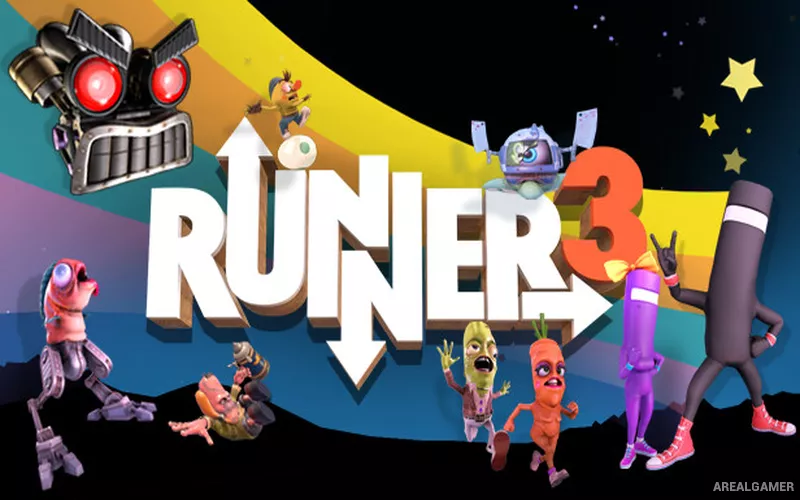
Runner3 – Free Download – PC Game
Game Info:
Size: 1.27 GB
Genre: Action, Platform
Release Date: 22 May, 2018
Developer: Choice Provisions
Publisher: Choice Provisions
About This Game:
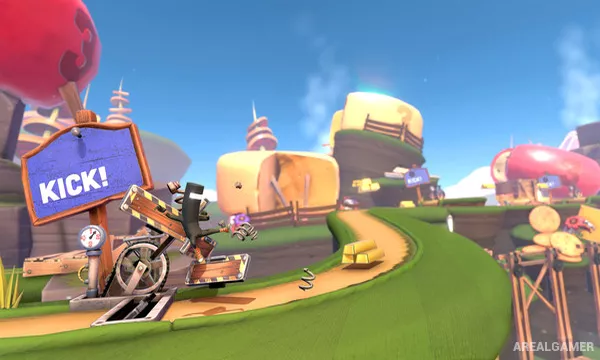
Runner3 is a rhythm platformer where CommanderVideo automatically moves forward through colorful obstacle courses synchronized with music. Players focus on jumping, sliding, kicking, bouncing, and changing lanes at the correct moments while collecting items and trying to reach the end of each stage.
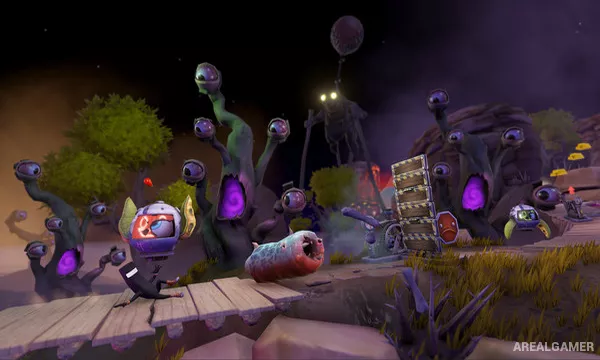
The game expands the BIT.TRIP RUNNER formula with 3D paths, branching routes, vehicles, side challenges, and a large amount of optional content. Every obstacle is placed around musical timing, turning successful movement into part of the soundtrack.
How the Gameplay Works
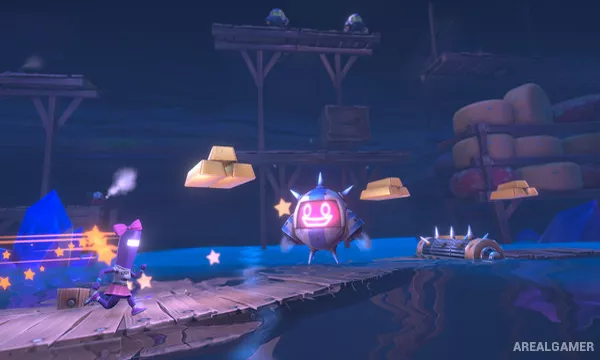
Because the character runs automatically, players react to incoming barriers using a small set of precise actions. Missing a jump or hitting an obstacle sends the player back to a checkpoint, while collecting gold bars and gems adds optional difficulty for completion-focused runs.
Stages introduce new mechanics and increasingly complicated sequences, while alternate paths can require better timing or specific collectibles. Retro-style bonus stages, character unlocks, costumes, and side quests provide additional goals beyond simply finishing the main route.
Main Gameplay Features
Automatic-running rhythm platforming
Obstacle layouts synchronized with music
Jumping, sliding, kicking, and lane-changing actions
Branching paths and collectible routes
Checkpoints for rapid retries
Gold bars, gems, and optional completion goals
Retro bonus stages and side quests
Unlockable characters and costumes
Screenshots:
Minimum System Requirements:
OS: Windows Vista SP1/7/8/10
CPU: Intel Core i5
RAM: 4 GB
Video Card: GeForce GT740
Space Required: 3 GB
DirectX: 10
How to Install:
Extract the game using Winrar or 7zip.
Open “Runner3” folder, double click on “Setup” and proceed install.
After installation complete, open “CODEX” folder.
Copy all files and paste it where you “Installed the Game”.
Double click on “Game” icon to play the game. Enjoy!
Click the Below Button to Proceed to Download Page
File Password: arealgamer