
Hearts of Iron 1


Hearts of Iron 1 – Free Download – PC Game
Game Info:
Size: 269 MB
Genre: Strategy
Release Date: 29 Nov, 2002
Developer: Paradox Development Studio
Publisher: Paradox Interactive
About This Game:
Hearts of Iron is a World War II grand strategy game that places an entire country’s military, industry, research, economy, and foreign policy under the player’s control. Instead of commanding only individual battles, players direct the wider national war effort and determine how resources are divided between preparing, expanding, and sustaining armed forces.
The historical setting provides recognizable alliances and political tensions, but players are still able to influence how the conflict develops. Both powerful and smaller nations can be controlled, creating campaigns with dramatically different starting resources and strategic possibilities.
How the Gameplay Works
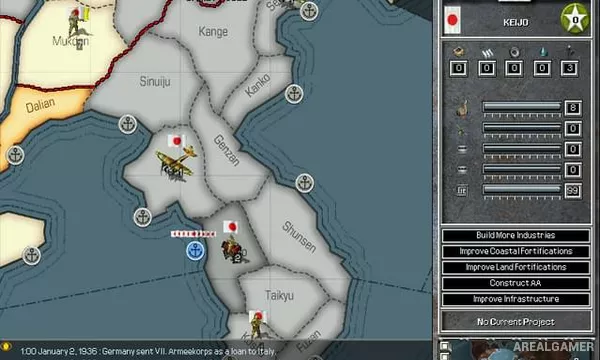
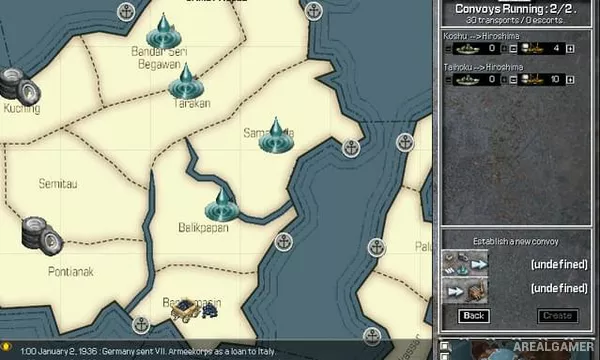
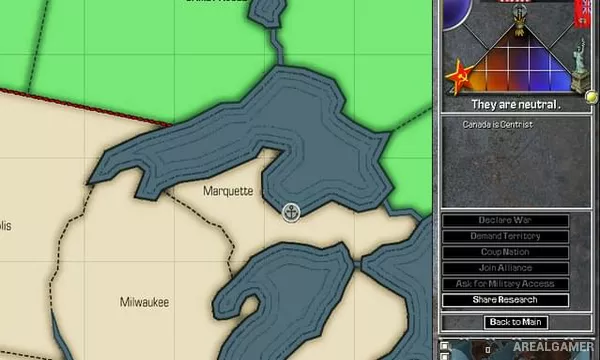
Land divisions move between provinces while aircraft and naval forces conduct missions to support wider objectives. Industrial capacity produces units and supplies, research unlocks better equipment and doctrines, and diplomacy helps determine which countries cooperate or enter conflict.
Commanders provide advantages to military formations, while terrain, organization, manpower, infrastructure, and technology affect combat performance. Because the game operates in real time with pause controls, players can slow the action to issue orders before allowing days and battles to progress.
Main Gameplay Features
World War II grand strategy
Playable nations worldwide
Province-based warfare
Land, air, and naval forces
Industrial production
Technology research
Military commanders
Diplomacy and alliances
Real-time gameplay with pause
Historical and alternate outcomes
Screenshots:
Minimum System Requirements:
OS: Windows XP/Vista/7/8/10
CPU: 1.8 GHz
RAM: 1 GB
Video Card: 3D graphics card compatible with DirectX 9
Space Required: 1 GB
DirectX: 9.0c
How to Install:
Extract the game using Winrar or 7zip.
Open “Hearts of Iron 1” folder, double click on “Setup” and proceed install.
After installation complete, go to the “Installed Game” location.
Double click on “Game” icon to play the game. Enjoy!
Click the Below Button to Proceed to Download Page
File Password: arealgamer