
Hundred Days – Winemaking Simulator

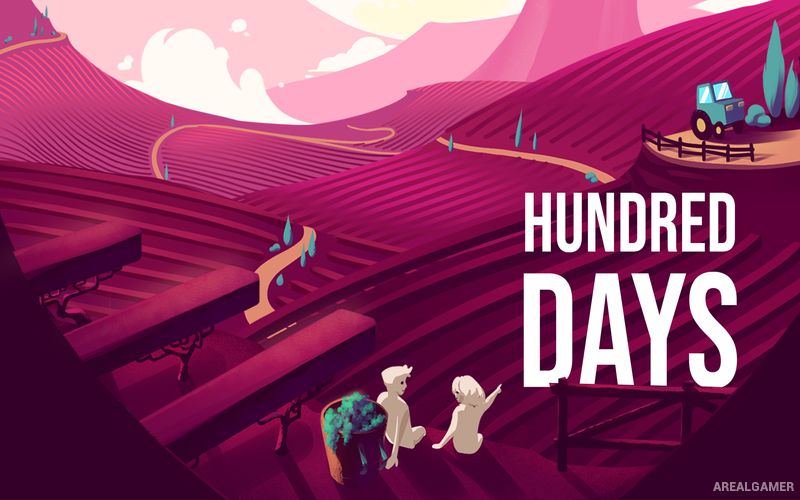
Hundred Days – Winemaking Simulator – With All DLC’s – Free Download – PC Game
Game Info:
Size: 1.17 GB
Genre: Simulation
Release Date: 13 May, 2021
Developer: Broken Arms Games
Publisher: Broken Arms Games
About This Game:
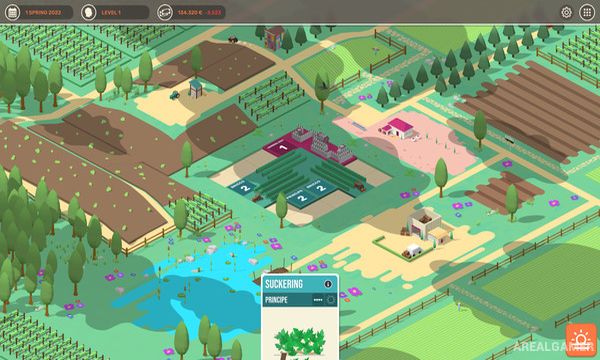
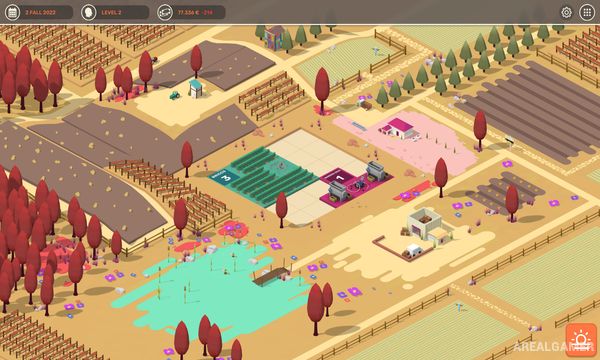
Hundred Days – Winemaking Simulator places players in charge of a growing winery and follows the full process of turning grapes into bottled wine. Vineyard management, grape quality, fermentation, aging, business decisions, and market demand all influence the quality and profitability of each production cycle.
Different grape varieties respond to climate and vineyard conditions in their own ways, encouraging players to balance agricultural decisions with the technical side of winemaking. Expansion gradually introduces better equipment and larger production possibilities.
How the Gameplay Works
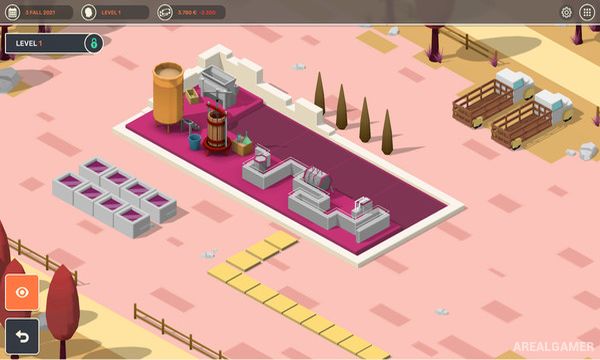
Actions are placed onto a planning grid, with each task consuming time and space during the current turn. Players prune vines, monitor ripeness, harvest grapes, crush them, ferment juice, age wine, bottle the final product, and then sell it.
Choices made during production affect characteristics such as acidity, sweetness, body, tannins, and overall quality. Revenue can be reinvested into vineyard expansion, research, equipment, and production facilities that provide greater control over future wines.
Main Gameplay Features
Vineyard management
Turn-based activity planning
Multiple grape varieties
Harvest timing decisions
Crushing and fermentation
Wine aging and bottling
Detailed wine characteristics
Equipment and winery upgrades
Sales and market management
Research and vineyard expansion
Included DLC’s:
Grape Lab – Napa Valley
Screenshots:
Minimum System Requirements:
OS: Windows 7/8/10, 64-bits
CPU: Intel Core i3, 2.5GHz or AMD Athlon equivalent
RAM: 4 GB
Video Card: NVIDIA® GeForce® 700 series or AMD Radeon™ equivalent
Space Required: 2 GB
DirectX: 11
How to Install:
Extract the game using Winrar or 7zip.
Open “Hundred Days – Winemaking Simulator” folder, double click on “Setup” and proceed install.
Now run “DLC Setups” to install DLC’s.
After installation complete, go to the “Installed Game” location.
Double click on “Game” icon to play the game. Enjoy!
Click the Below Button to Proceed to Download Page
File Password: arealgamer