
I am an Air Traffic Controller 4


I am an Air Traffic Controller 4 – Free Download – PC Game
Game Info:
Size: 1 GB
Genre: Simulation
Release Date: 15 Oct, 2020
Developer: TechnoBrain
Publisher: TechnoBrain
About This Game:
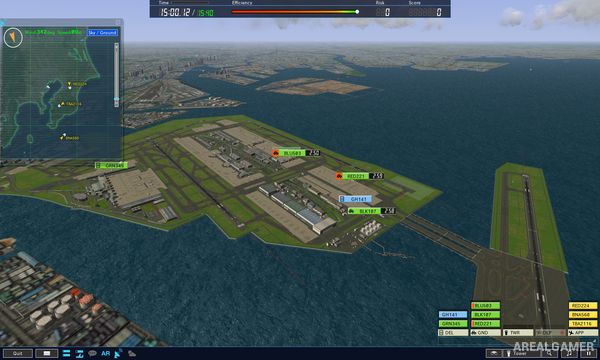
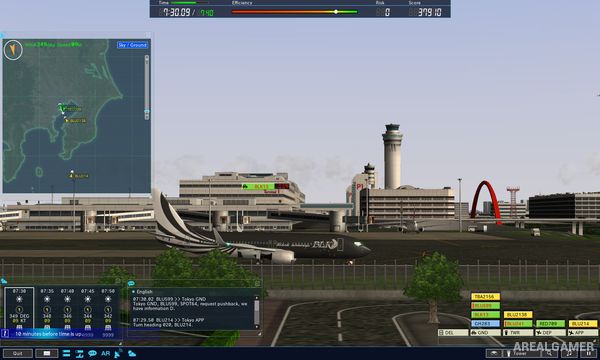
I am an Air Traffic Controller 4 is an aviation management simulation focused on directing aircraft safely through busy airport operations. Instead of piloting planes, players work from the controller’s perspective and coordinate departures, arrivals, taxiing aircraft, runway usage, and ground traffic.
Scenarios are built around real-world-style airport layouts and increasingly complicated traffic schedules. As more aircraft enter the area at once, maintaining safe separation and keeping the airport moving efficiently becomes considerably more difficult.
How the Gameplay Works
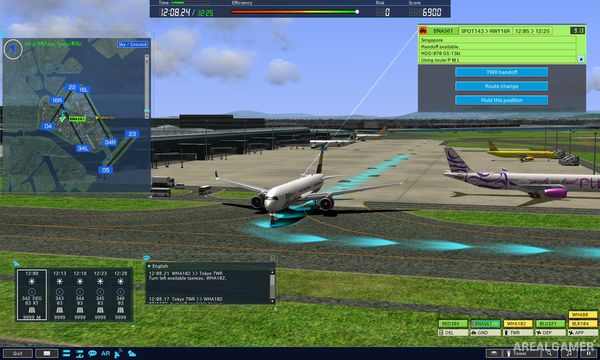
Players issue instructions to aircraft regarding takeoff, landing, taxi routes, runway crossings, and other movements. Commands must be timed carefully so that one aircraft does not block another or create a dangerous conflict.
Weather, runway availability, traffic volume, and different aircraft movements can complicate the schedule. Successful scenarios depend on planning several steps ahead while reacting quickly when normal traffic flow begins to break down.
Main Gameplay Features
Air traffic control simulation
Arrival and departure management
Aircraft taxi instructions
Runway scheduling
Realistic airport layouts
Increasing traffic complexity
Safety and collision avoidance
Scenario-based progression
Screenshots:
Minimum System Requirements:
OS: Windows 10, 64-bits
CPU: Intel 4th Gen Core i3 2.4GHz
RAM: 8 GB
Video Card: Intel HD Graphics 4400 series
Space Required: 3 GB
DirectX: 9.0c
How to Install:
Extract the game using Winrar or 7zip.
Open “I am an Air Traffic Controller 4” >> “Game” folder.
Double click on “AXA” icon to play the game. Enjoy!
Click the Below Button to Proceed to Download Page
File Password: arealgamer
it says application not found
disable antivirus and install again or add the game folder to antivirus exclusion list.
It says aplication not found but I Think I disabled all antiviruses
and before that I had to add openal32.dll to the folder any solution?