
No King No Kingdom

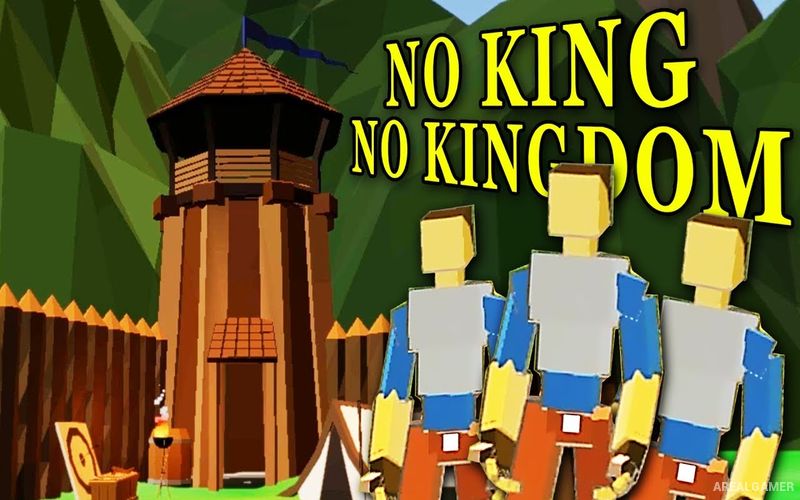
No King No Kingdom – Free Download – PC Game
Game Info:
Size: 756.3 MB
Genre: Strategy
Release Date: 16 Feb, 2020
Developer: Fullmetal Developer
Publisher: Fullmetal Developer
About This Game:
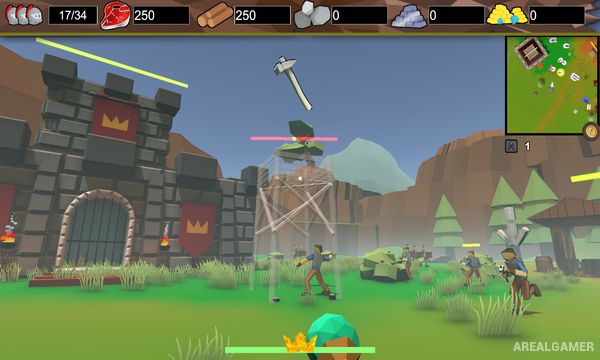
No King No Kingdom combines first-person action with real-time strategy and kingdom building. Instead of commanding an army entirely from an overhead view, players personally move through the world as its ruler while recruiting workers, constructing settlements, raising troops, and fighting beside their forces.
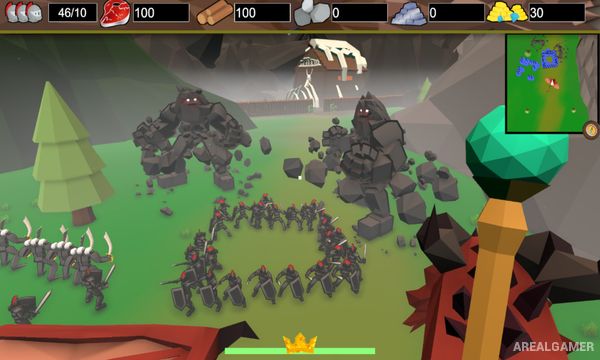
The fantasy setting includes giant creatures and unusual mounts that can become part of the player’s army. Expanding a kingdom therefore involves both traditional resource management and direct exploration of dangerous lands.
How the Gameplay Works
Players gather and organize resources, order workers to construct farms, barracks, walls, towers, and other structures, and recruit military units to defend the settlement. Commands are issued while moving through the environment in first person.
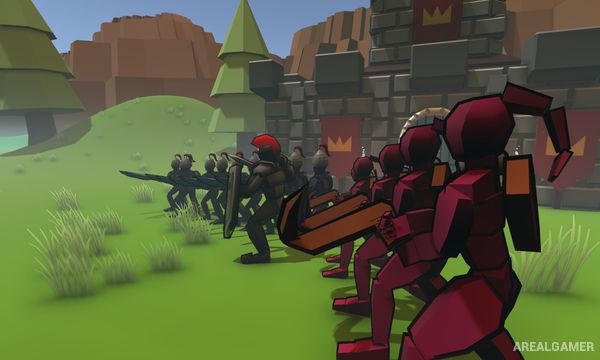
During battles, the ruler can personally attack enemies instead of remaining behind the army. Creatures such as dragons and other large beasts can be tamed or used as mounts, while generated sandbox maps, bosses, settlement expansion, and local cooperative play provide additional ways to approach a campaign.
Main Gameplay Features
First-person real-time strategy
Kingdom and fortress construction
Worker and resource management
Army recruitment
Direct first-person combat
Creature taming
Rideable fantasy creatures including dragons
Large enemy hordes and bosses
Procedurally generated sandbox maps
Local split-screen cooperative play
Screenshots:
Minimum System Requirements:
OS: Windows 7/8/10
CPU: Dual core from Intel or AMD at 2.3 GHz
RAM: 2 GB
Video Card: nVidia GeForce 8600/9600GT, ATI/AMD Radeon HD2600/3600
Space Required: 2 GB
DirectX: 10
How to Install:
Extract the game using Winrar or 7zip.
Open “No King No Kingdom” folder, double click on “Setup” and proceed install.
After installation complete, go to the “Installed Game” location.
Double click on “Game” icon to play the game. Enjoy!
Click the Below Button to Proceed to Download Page
File Password: arealgamer