
In Verbis Virtus

In Verbis Virtus – Free Download – PC Game
Game Info:
Size: 3.40 GB
Genre: Adventure, Puzzle
Release Date: Apr 3, 2015
Developer: Indomitus Games
Publisher: Indomitus Games
About This Game:
In Verbis Virtus is a first-person fantasy adventure where spells are cast by speaking their words aloud through a microphone. The player explores ancient ruins filled with magical mechanisms, traps, and hostile creatures while learning a mysterious language of power.
The voice-recognition system is central to both puzzle solving and combat, turning spoken incantations into direct actions.
How the Gameplay Works
Players pronounce spell words to create light, move objects, attack enemies, activate devices, and manipulate the environment. New spells expand what can be reached or solved as the journey continues.
Exploration rewards attention to inscriptions and environmental clues because understanding how magic works is often more important than fighting.
Main Gameplay Features
Voice-controlled spellcasting
First-person fantasy exploration
Environmental puzzles
Spoken combat spells
Ancient ruins and magical devices
Microphone-based interaction
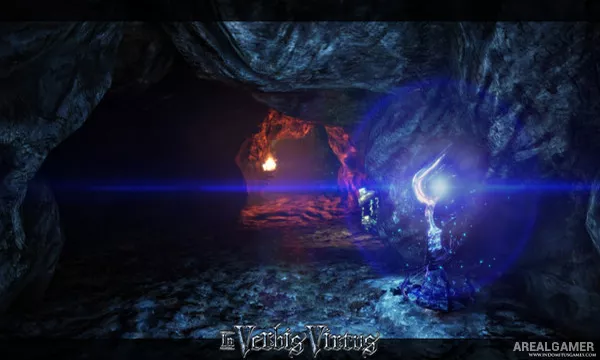
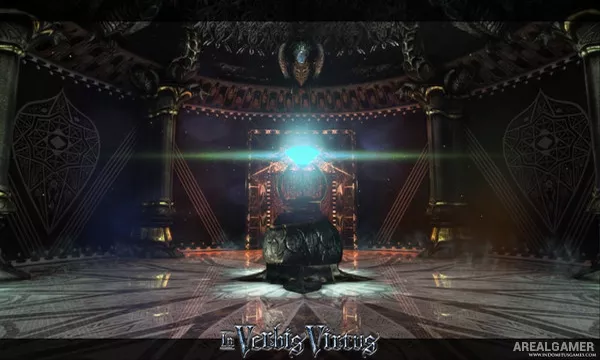
Screenshots:

Minimum System Requirements:
OS: Windows XP/Vista/7/8/10
CPU: 2.0 GHz dual core
RAM: 2 GB
Video Card: Radeon HD2000 series or higher, Geforce 8000 series or higher, minimum 256MB dedicated
Space Required: 5 GB
DirectX: 9.0c
How to Install:
Extract the game using Winrar or 7zip.
Open “In Verbis Virtus” folder, double click on “Setup” and proceed install.
After installation complete, go to the “Installed Game” location.
Double click on “Game” icon to play the game. Enjoy!
Click the Below Button to Proceed to Download Page
File Password: arealgamer