
Indiana Jones and the Infernal Machine


Indiana Jones and the Infernal Machine – Free Download – PC Game
Game Info:
Size: 571 MB
Genre: Action
Release Date: 31 Oct, 1999
Developer: LucasArts
Publisher: Lucasfilm, Disney
About This Game:
Indiana Jones and the Infernal Machine is a third-person action adventure set in 1947. Indiana Jones becomes involved in a race against Soviet agents searching for pieces of an ancient Babylonian machine believed to possess extraordinary power.
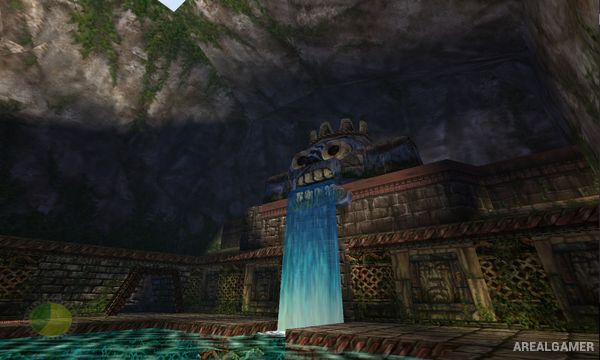
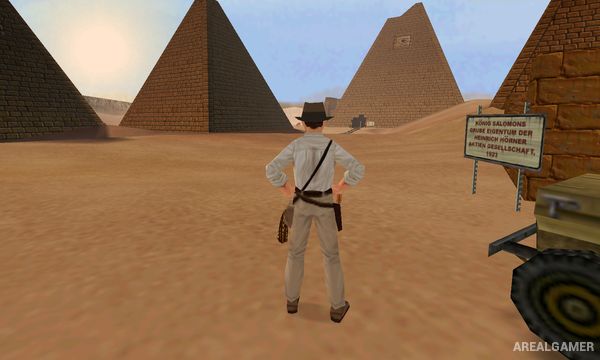
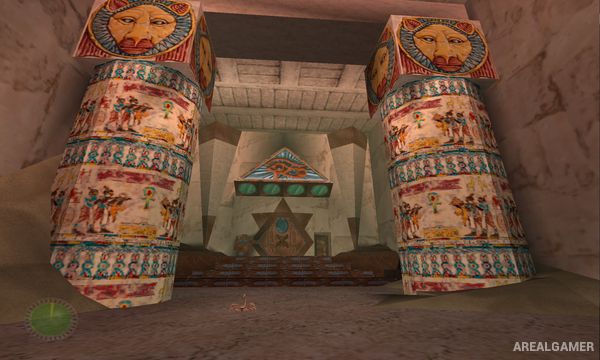
The journey takes Indy through ruins, temples, deserts, mountains, and other archaeological locations. Exploration is mixed with platforming, puzzle solving, combat, and the discovery of artifacts hidden away from the main path.
How the Gameplay Works
Players guide Indiana through 3D environments while running, jumping, climbing, swimming, and using his whip to cross gaps or interact with objects. Puzzles often involve switches, movable objects, ancient mechanisms, and careful exploration of large ruins.
Combat includes Indy’s whip, fists, firearms, and other weapons collected during the adventure. Health items, ammunition, treasures, and secret areas reward exploration, while major stages introduce new enemies and increasingly elaborate environmental challenges.
Main Gameplay Features
Third-person action adventure
Archaeological exploration
Running, jumping, climbing, and swimming
Signature whip mechanics
Environmental puzzle solving
Firearms and melee combat
Large tombs and ancient ruins
Hidden treasures
Multiple international locations
Story featuring Indiana Jones
Screenshots:
Minimum System Requirements:
OS: Windows XP/7/8/10
CPU: 1.4 GHz
RAM: 1 GB
Video Card: 3D graphics card compatible with DirectX 9.0c and 256 MB VRAM
Space Required: 2 GB
DirectX: 9.0c
How to Install:
Extract the game using Winrar or 7zip.
Open “Indiana Jones and the Infernal Machine” folder, double click on “Setup” and proceed install.
After installation complete, go to the “Installed Game” location.
Double click on “Jones3D” icon to play the game. Enjoy!
Click the Below Button to Proceed to Download Page
File Password: arealgamer