
Internet Cafe Simulator 1


Internet Cafe Simulator 1 – Free Download – PC Game
Game Info:
Size: 1.56 GB
Genre: Simulation
Release Date: 25 Oct, 2019
Developer: Cheesecake Dev
Publisher: Cheesecake Dev
About This Game:
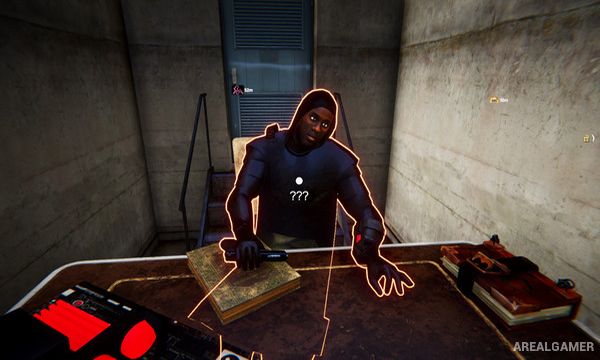
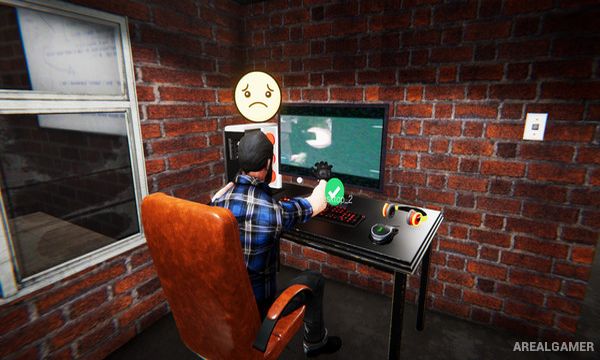
Internet Cafe Simulator is a first-person business game about building and operating a computer café. Players begin with limited equipment and gradually turn a basic shop into a more profitable gaming space by purchasing computers, furniture, software, decorations, and other improvements.
Running the café involves more than buying powerful PCs. Rent, bills, customer satisfaction, cleanliness, equipment quality, food options, and the physical layout of the business all influence whether customers want to spend time there.
How the Gameplay Works
Players purchase computers and accessories, carry them into the café, arrange workstations, install software, and open the shop to customers. Visitors use the available machines and generate income depending on the quality and popularity of the services being offered.
Profits can be reinvested into stronger gaming hardware, additional tables, arcade-style entertainment, food equipment, and expansion. Players also need to clean the café, pay expenses, watch for problems, and make decisions about how quickly to grow the business.
Main Gameplay Features
First-person internet café management
Purchase computer hardware
Build gaming PC stations
Install software and games
Arrange furniture
Serve paying customers
Business income and expenses
Rent and bill payments
Cafe cleaning
Hardware upgrades
Food and entertainment options
Store expansion
Customer satisfaction
Decorative customization
Open-ended business progression
Screenshots:

Minimum System Requirements:
OS: Windows 7/8/10
CPU: 2 GHz Dual Core CPU
RAM: 2 GB
Video Card: Intel HD Graphics 4000 or better
Space Required: 8 GB
DirectX: 9.0c
How to Install:
Extract the game using Winrar or 7zip.
Open “Internet Cafe Simulator 1” folder, double click on “Setup” and proceed install.
After installation complete, open “CODEX” folder.
Copy all files and paste it where you “Installed the Game”.
Double click on “windows_content” >> “Internet Cafe Simulator” icon to play the game. Enjoy!
Click the Below Button to Proceed to Download Page
File Password: arealgamer
لا تشتغل على جهازي
I3 4160
Ram 8
Intel hd graphics 4400 (1.8gb )