
Internet Cafe Simulator 2

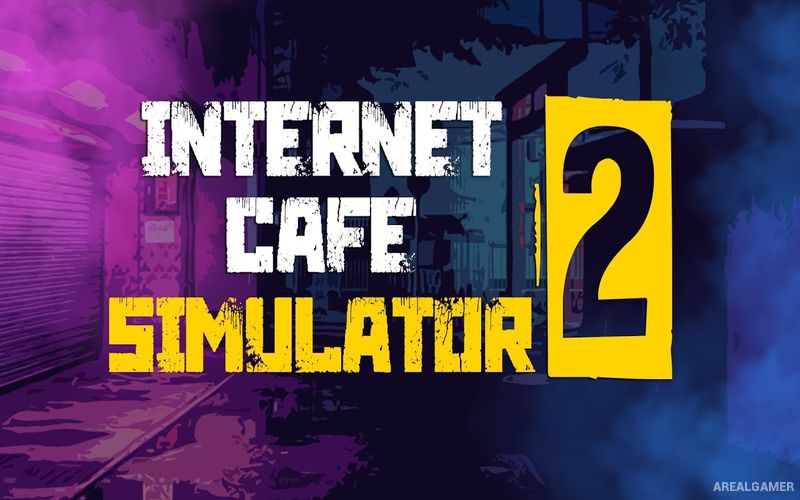
Internet Cafe Simulator 2 – Free Download – PC Game
Game Info:
Size: 2.27 GB
Genre: Simulation
Release Date: 7 Jan, 2022
Developer: Cheesecake Dev
Publisher: Cheesecake Dev
About This Game:
Internet Cafe Simulator 2 expands the business-management concept with a larger set of systems, more equipment, additional threats, and greater freedom in how the café develops. Players once again begin with a modest location and attempt to create a successful gaming business while dealing with the less predictable side of running a shop.
Improved computers attract customers, but security, electricity, staff, food, cleanliness, and the surrounding neighborhood can also affect daily operations. The sequel introduces more ways to specialize the café and develop the character alongside the business.
How the Gameplay Works
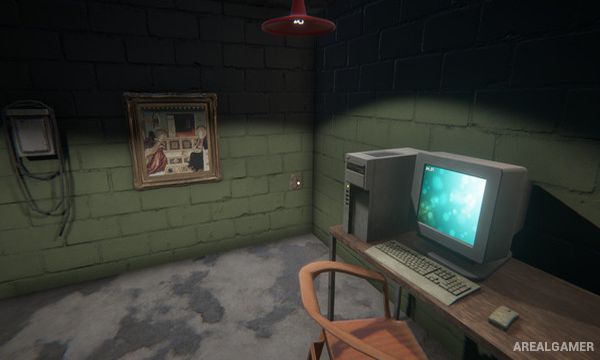
Players buy PCs, monitors, desks, chairs, software, and other equipment before arranging everything inside the café. Customers arrive and pay to use the machines, allowing income to be reinvested into better hardware and a larger operation.
Unexpected events such as power problems, theft, and trouble around the business can interrupt normal operations. Players can hire employees, improve security, prepare food, expand available services, and unlock additional skills that make running the café easier or more profitable.
Main Gameplay Features
First-person café management
Build and upgrade gaming computers
Customer simulation
Hardware purchasing
Cafe decoration
Employee hiring
Food preparation
Security systems
Theft and other business problems
Electricity management
Character skill progression
Business expansion
Software installation
Income and expense management
More detailed management than the original
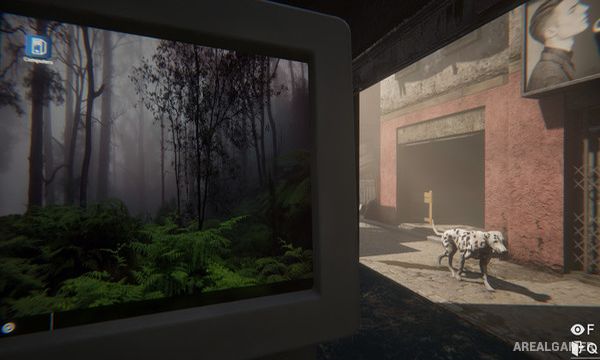
Screenshots:

Minimum System Requirements:
OS: Windows 7/8/10
CPU: Intel Core i5 7400T @2.4GHz (Quad core CPU)
RAM: 2 GB
Video Card: Nvidia GTX 960 2GB
Space Required: 4 GB
DirectX: 11
How to Install:
Extract the game using Winrar or 7zip.
Open “Internet Cafe Simulator 2″ folder, double click on “Setup” and proceed install.
After installation complete, open “CODEX” folder.
Copy all files and paste it where you “Installed the Game”.
Double click on “Internet Cafe Simulator 2” icon to play the game. Enjoy!
Click the Below Button to Proceed to Download Page
File Password: arealgamer