
Suzuki Alstare Extreme Racing

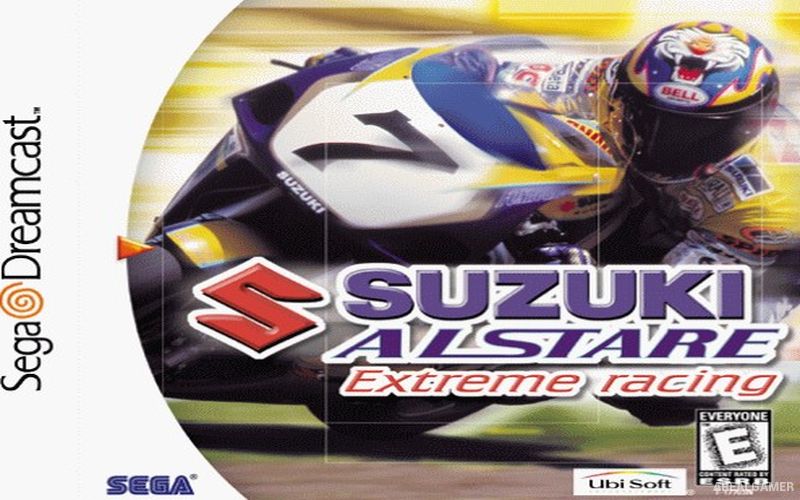
Suzuki Alstare Extreme Racing – Redline Racer – Free Download – PC Game
Game Info:
Size: 208 MB
Genre: Racing, Sports
Release Date: February 25, 2000
Developer: Criterion Games
Publisher: Ubisoft, Imagineer
About This Game:
Suzuki Alstare Extreme Racing is an arcade motorcycle racing game built around Suzuki bikes and the Alstare racing name. Players compete across a variety of environments while gradually gaining access to faster motorcycles and more demanding events, keeping the focus on speed and accessible racing rather than complicated simulation.
Tracks travel through noticeably different settings and contain sweeping corners, elevation changes, and high-speed sections. The licensed Suzuki presentation gives the motorcycle lineup a recognizable identity while progression encourages players to continue winning races to reach stronger machines and additional courses.
How the Gameplay Works
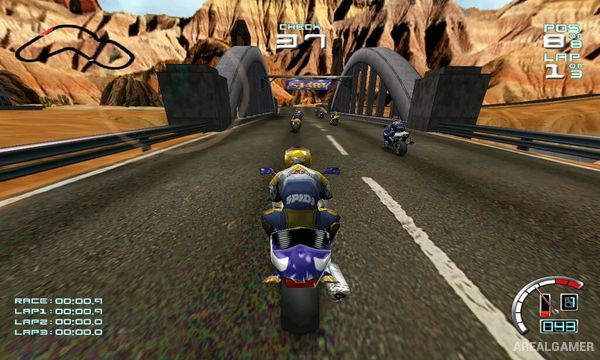
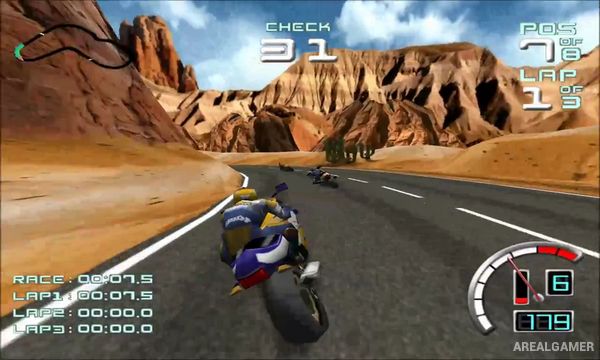
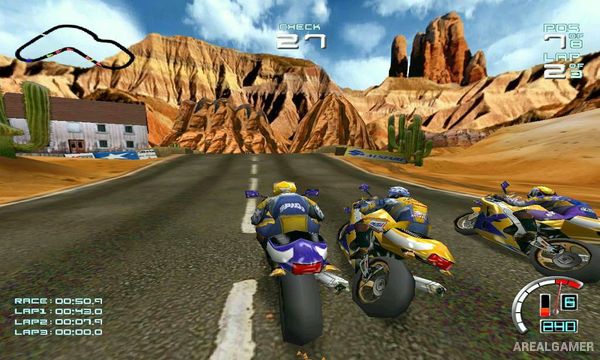
Players race from a behind-the-bike perspective and compete against multiple opponents over several laps. Steering, acceleration, braking, and maintaining a clean racing line are the main requirements, with crashes or poor cornering allowing rival riders to quickly pass.
Winning races opens additional progression and allows stronger motorcycles to become available. Different tracks require players to adapt between tight corners and faster sections, while time-based and competitive racing options provide alternatives for practicing individual courses.
Main Gameplay Features
Arcade motorcycle racing
Licensed Suzuki motorcycles
Alstare racing presentation
Multiple unlockable bikes
Varied racing environments
Multi-lap competitions
Behind-the-bike camera
High-speed cornering
Progressive race unlocking
Time-based racing
Single-player competition
Multiplayer support
Screenshots:
Minimum System Requirements:
OS: Any Windows
CPU: Pentium, 90 MHz
RAM: 128 MB
Video Card: 32 MB
Space Required: 500 MB
DirectX: 8.1
How to Install:
Extract the game using Winrar or 7zip.
Open “Suzuki Alstare Extreme Racing” folder, double click on “Setup” and proceed install.
After installation complete, go to the “Installed Game” location.
Now double click on “saerpc” icon to play the game. Enjoy!
Click the Below Button to Proceed to Download Page
File Password: arealgamer
the file is extracted now.
But when i double click setup a loading sign appears upon the cursor, but doesnt start the installation.
please Help.
try to run in compatibility mode.
My son really likes this game
yes i have also played the game alot in my childhood.