
Power Rangers: Super Legends


Power Rangers: Super Legends – Free Download – PC Game
Game Info:
Size: 269 MB
Genre: Action, Adventure
Release Date: October 23, 2007
Developer: A2M
Publisher: Disney Interactive Studios
About This Game:
Power Rangers: Super Legends is an action game created as a celebration of the franchise’s history, bringing together Rangers and villains from several different series. The story revolves around Lord Zedd’s attempt to interfere with the timeline, forcing Rangers from different eras to work together.
Levels revisit locations and characters associated with multiple Power Rangers generations. Combat, platforming, collectibles, and Ranger transformations are combined into a straightforward adventure designed around recognizable heroes and colorful martial-arts action.
How the Gameplay Works
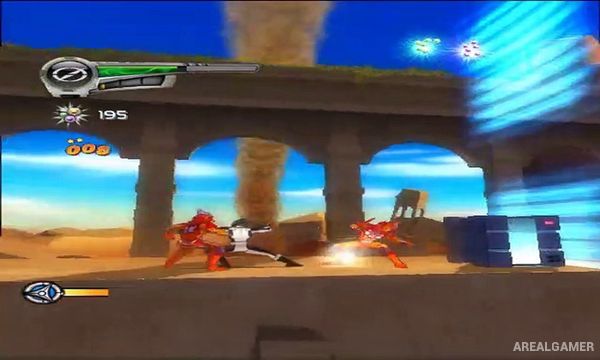
Players move through side-view and platforming-focused stages while fighting enemy groups with punches, kicks, weapons, and character-specific attacks. Combos become more effective as players learn how to link normal strikes with stronger moves.
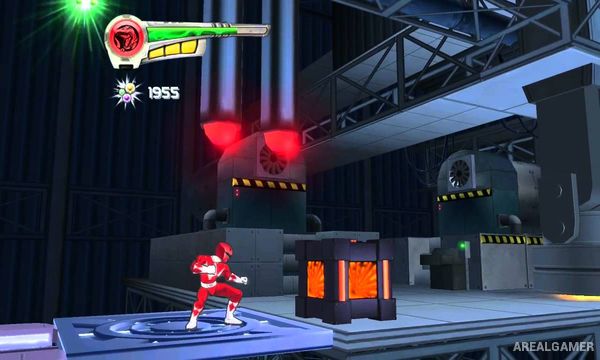
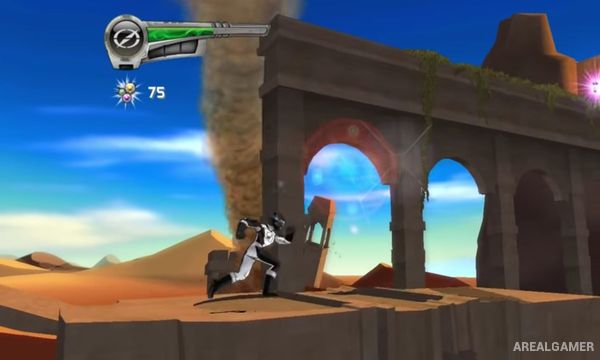
Levels also contain jumping sections, switches, environmental obstacles, collectibles, and occasional larger confrontations. Different Rangers become available as the story travels across the franchise timeline, providing new appearances and fighting styles.
Main Gameplay Features
Power Rangers anniversary adventure
Multiple Ranger generations
Lord Zedd storyline
Side-scrolling action
Martial-arts combat
Character-specific weapons
Combo attacks
Platforming sections
Environmental obstacles
Collectibles
Multiple playable Rangers
Timeline-travel story
Large enemy encounters
Boss battles
Single-player progression
Screenshots:
Minimum System Requirements:
OS: Windows XP/Vista/7
CPU: 1.8 GHz
RAM: 512 MB
Video Card: 64 MB graphics card compatible with DirectX 9
Space Required: 500 MB
DirectX: 9.0c
How to Install:
Extract the game using Winrar or 7zip.
Open “Power Rangers: Super Legends” folder, double click on “Setup” and proceed install.
After installation complete, go to the “Installed Game” location.
Double click on “GameLauncher” icon to play the game. Enjoy!
Click the Below Button to Proceed to Download Page
File Password: arealgamer