
iRacing Arcade

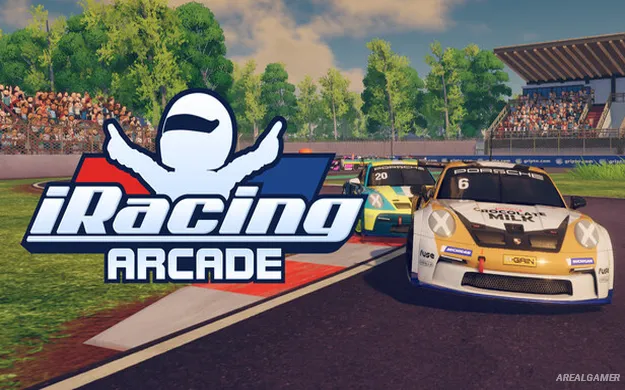
iRacing Arcade – Free Download – PC Game
Game Info:
Size: 2.1 GB
Genre: Arcade, Racing, Sports
Release Date: 3 Mar, 2026
Developer: Original Fire Games, iRacing
Publisher: iRacing
About This Game:
iRacing Arcade combines approachable third-person racing with motorsport team management and officially licensed cars, circuits, and racing series. Players begin at a smaller level of competition and gradually build an organization capable of participating in increasingly prestigious events around the world.
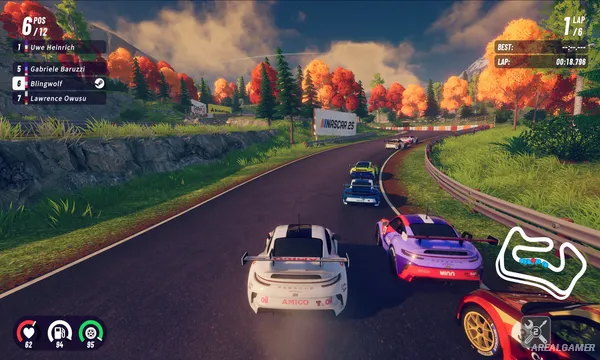
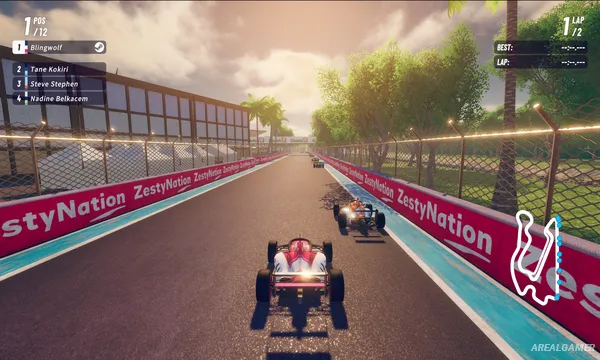
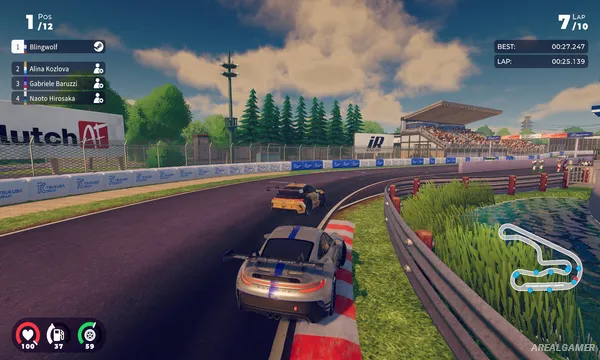
The visual style is more playful than the main iRacing simulation, but real motorsport licenses remain an important part of the experience. Cars and tracks include recognizable racing machinery and locations recreated in a colorful arcade presentation.
How the Gameplay Works
Players directly race using handling designed to be easy to understand while still rewarding better racing lines, braking, and cornering. Events provide resources that can be invested back into the racing organization.
Money and rewards can be used for buildings, research, new vehicles, recruited drivers, and cosmetic customization. Online races support up to eleven opponents, while rotating global time trials encourage players to repeatedly chase faster laps on selected circuits.
Main Gameplay Features
Third-person arcade racing
Officially licensed cars
Official racing circuits
Multiple motorsport categories
Team management
Recruit additional drivers
Build team facilities
Research upgrades
Purchase new cars
Weekly racing events
Global time trials
Online multiplayer
Up to 11 online opponents
Global leaderboards
Stylized visual presentation
Screenshots:
Minimum System Requirements:
OS: Windows 10, 64-bit
CPU: 4 hardware CPU threads – Intel Core i5-7500 or higher
RAM: 8 GB
Video Card: Nvidia GTX 1070 Ti / AMD Radeon RX 5700
Space Required: 4 GB
DirectX: 12
How to Install:
Extract the game using Winrar or 7zip.
Open “iRacing Arcade” folder, double click on “Setup” and proceed install.
After installation complete, open “RUNE” folder.
Copy all files and paste it where you “Installed the Game”.
Double click on “Game” icon to play the game. Enjoy!
Click the Below Button to Proceed to Download Page
File Password: arealgamer