
Little Nightmares 2

Little Nightmares 2 – With All DLC’s – Free Download – PC Game
Game Info:
Size: 6.57 GB
Genre: Horror, Adventure, Puzzle
Release Date: 11 Feb, 2021
Developer: Tarsier Studios
Publisher: BANDAI NAMCO Entertainment
About This Game:
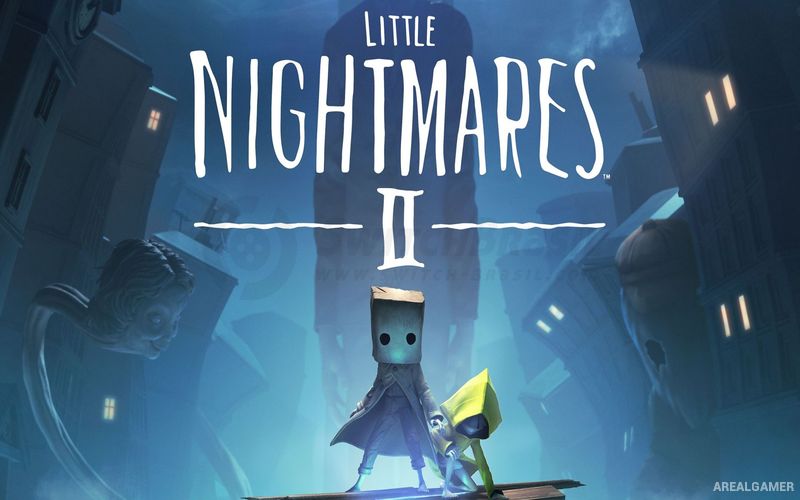
Little Nightmares II is a dark puzzle-platforming adventure that follows a young boy named Mono through a disturbing world distorted by a mysterious transmission. He is joined by Six, the protagonist of the first game, as the pair travel through forests, schools, hospitals, city streets, and other unsettling locations.
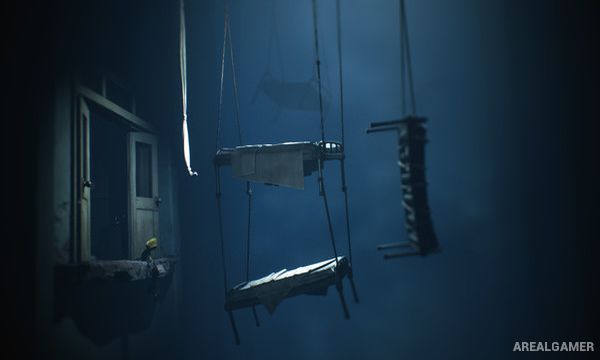
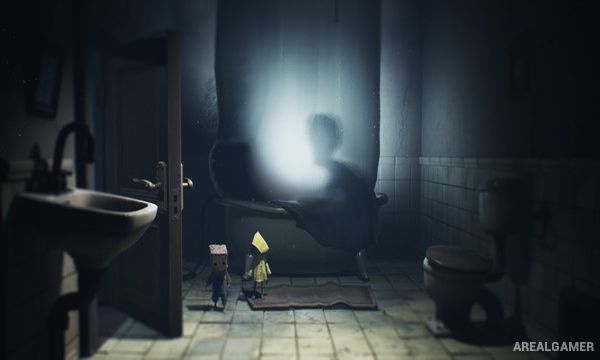
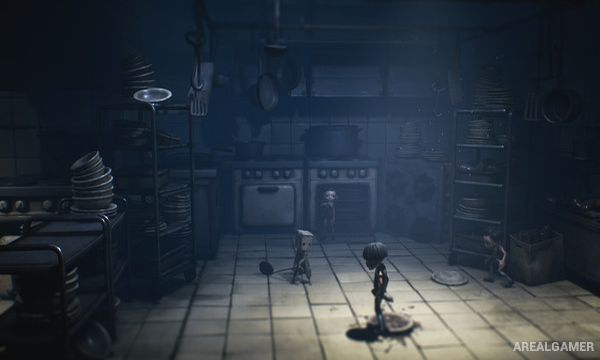
The game relies heavily on atmosphere, scale, environmental storytelling, and threatening characters rather than conventional action. Ordinary objects and buildings appear enormous from a child’s perspective, while grotesque enemies create tense pursuit and hiding sequences throughout the journey.
How the Gameplay Works
Players guide Mono through side-view 3D environments using running, jumping, climbing, hiding, and object interaction. Many puzzles require moving furniture, operating switches, finding keys, or working with Six to reach areas that would otherwise be inaccessible.
Combat appears in limited situations where Mono can use certain objects against smaller enemies, but most major threats must be avoided. Chase sequences demand precise movement and quick reactions, while environmental clues gradually reveal more about the strange world surrounding Mono and Six.
Main Gameplay Features
Dark puzzle-platforming adventure
Playable character Mono
Six as AI companion
Environmental puzzle solving
Platforming and climbing
Stealth and hiding
Limited melee combat
Large chase sequences
Disturbing enemy designs
Atmospheric environments
Environmental storytelling
Single-player campaign
Screenshots:
Minimum System Requirements:
OS: Windows 10
CPU: Intel Core i5-2300 | AMD FX-4350
RAM: 4 GB
Video Card: Nvidia GeForce GTX 570, 1 GB | AMD Radeon HD 7850, 2 GB
Space Required: 20 GB
DirectX: 11
How to Install:
Extract the game using Winrar or 7zip.
Open “Little Nightmares 2″ folder, double click on “Setup” and proceed install.
After installation complete, go to the “Installed Game” location.
Double click on “Game” icon to play the game. Enjoy!
Click the Below Button to Proceed to Download Page
File Password: arealgamer
Errors:
Expression error ‘Runtime Error (at 500:57):
Out of string range.’
Runtime Error (at 211:63):
Out Of Stack Range.
Runtime Error (at 211:69):
Out Of Stack Range
Invalid Opcode
install microsoft visual c++ all versions and update your graphics drivers.