
Mutropolis

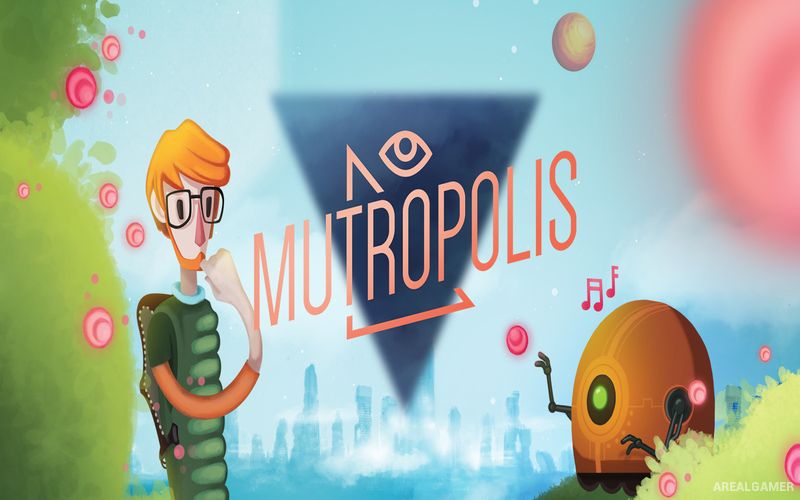
Mutropolis – Free Download – PC Game
Game Info:
Size: 1.41 GB
Genre: Adventure
Release Date: February 18, 2021
Developer: Pirita Studio
Publisher: Application Systems Heidelberg
About This Game:
Mutropolis is a hand-drawn science-fiction point-and-click adventure set in the year 5000, long after humanity abandoned Earth and established a new civilization on Mars. Archaeologist Henry Dijon travels back to the forgotten homeworld with his research team to study artifacts from a human culture almost nobody remembers correctly.
The expedition becomes much stranger when Henry’s professor is kidnapped and clues begin pointing toward the legendary lost city of Mutropolis. Ancient Egyptian gods, misunderstood twenty-first-century objects, and futuristic archaeology become connected through an increasingly unusual mystery.
How the Gameplay Works
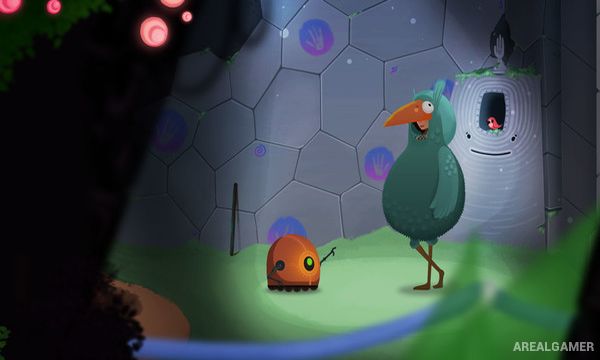
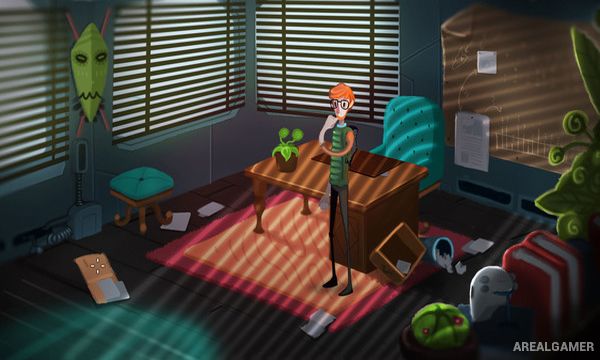
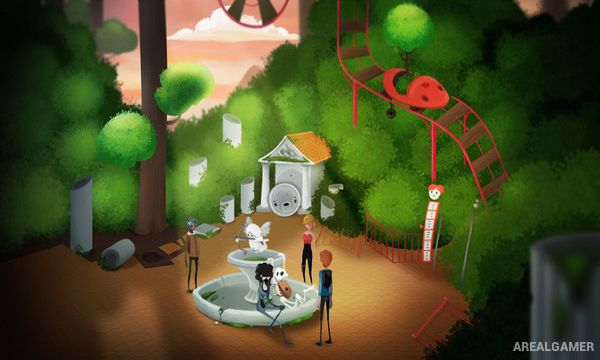
Players explore hand-drawn scenes, question characters, examine archaeological objects, collect inventory items, and solve traditional point-and-click puzzles. Many jokes come from Henry and his colleagues misunderstanding artifacts that are completely familiar to modern players.
Clues gradually lead between different locations and introduce increasingly supernatural elements. Inventory combinations, environmental interactions, and conversations are required to locate Professor Totel and understand why ancient forces have become involved with humanity again.
Main Gameplay Features
Science-fiction detective adventure
Year 5000 setting
Return to abandoned Earth
Playable archaeologist Henry Dijon
Point-and-click exploration
Inventory puzzles
Archaeological mysteries
Hand-drawn environments
More than fifty illustrated scenes
Humorous dialogue
Lost human technology
Ancient Egyptian mythology
Fully voiced English dialogue
Story-rich single-player adventure
Screenshots:
Minimum System Requirements:
OS: Windows 7/8/10
CPU: 2 GHz Dual Core CPU
RAM: 2 GB
Video Card: ATI Radeon HD 3400 Series, Geforce 9400 Series with at least 512 MB VRAM
Space Required: 4 GB
DirectX: 9.0c
How to Install:
Extract the game using Winrar or 7zip.
Open “Mutropolis” folder, double click on “Setup” and proceed install.
After installation complete, go to the “Installed Game” location.
Double click on “Game” icon to play the game. Enjoy!
Click the Below Button to Proceed to Download Page
File Password: arealgamer