
Project Eden


Project Eden – Free Download – PC Game
Game Info:
Size: 391.1 MB
Genre: Action, Shooter
Release Date: October 8, 2001
Developer: Core Design
Publisher: Square Enix
About This Game:
Project Eden is a science-fiction action adventure set in a futuristic city that has expanded upward for generations, leaving the oldest districts buried far beneath the surface. Four members of the Urban Protection Agency descend into those forgotten levels to investigate the disappearance of workers at a technological facility.
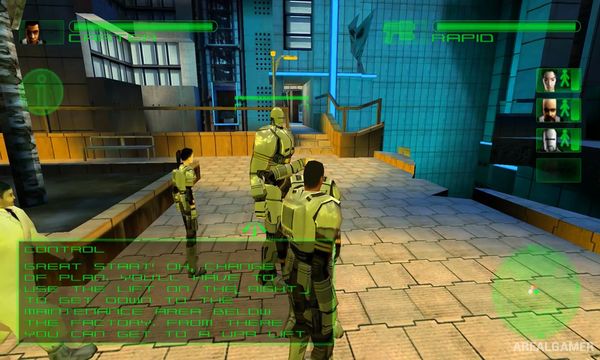
The squad contains Carter, Andre, Minoko, and Amber, each with a different specialty. Switching between them is essential because puzzles and hazards often require hacking, engineering, physical strength, or Amber’s unusual robotic abilities.
How the Gameplay Works
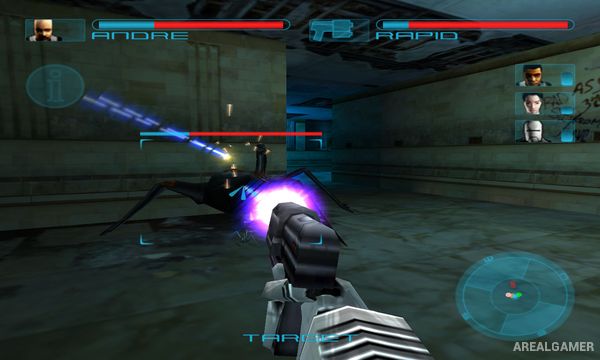
Players directly control one squad member from a third-person perspective while issuing basic commands or switching to another character. Firearms are used against hostile creatures and machines, but environmental puzzles make up a large part of each mission.
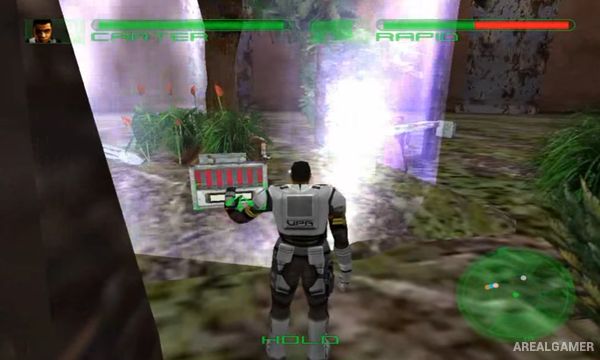
Characters can operate different systems according to their specialty. Splitting the team across several rooms is often necessary to activate machinery, unlock doors, restore power, or create a route for the remaining members.
Main Gameplay Features
Four-character squad
Instant character switching
Futuristic underground city
Third-person shooting
Environmental puzzles
Character-specific abilities
Engineering
Computer hacking
Heavy physical interaction
Robot character Amber
Squad commands
Split-team puzzle solving
Science-fiction mystery
Single-player campaign
Cooperative multiplayer support
Screenshots:
Minimum System Requirements:
OS: Windows XP/Vista/7
CPU: 1.8 GHz
RAM: 512 MB
Video Card: 3D graphics card compatible with DirectX 9
Space Required: 500 MB
DirectX: 9.0c
How to Install:
Extract the game using Winrar or 7zip.
Open “Project Eden” folder, double click on “Setup” and proceed install.
After installation complete, go to the “Installed Game” location.
Double click on “Game” icon to play the game. Enjoy!
Click the Below Button to Proceed to Download Page
File Password: arealgamer