
Resident Evil 2 (Original)

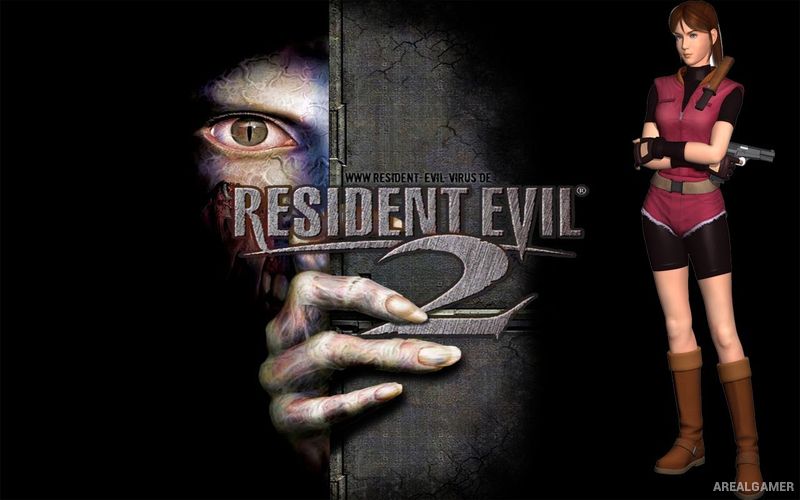
Resident Evil 2 1998 – Free Download – PC Game
Game Info:
Size: 149 MB
Genre: Survival, Horror
Release Date: January 21, 1998
Developer: Capcom
Publisher: Capcom
About This Game:
Resident Evil 2 is a classic survival horror game set during the catastrophic zombie outbreak in Raccoon City. Rookie police officer Leon S. Kennedy and college student Claire Redfield arrive in the city separately and soon discover that streets, buildings, and the police station have been overwhelmed by infected residents and other biological creatures.
Leon and Claire have their own scenarios, supporting characters, weapons, and story events. Limited supplies and dangerous enemies turn exploration into a constant decision between fighting, escaping, or preserving ammunition for whatever may be waiting in the next unexplored area.
How the Gameplay Works
Players explore locations using fixed camera angles while searching for keys, ammunition, healing herbs, weapons, and puzzle items. Inventory space is limited, so unnecessary equipment can be stored inside item boxes and retrieved later when needed.
Puzzles open new sections of the police station and surrounding locations while enemies remain a persistent threat. Completing one character’s scenario allows the connected second scenario to show events from another perspective, with certain actions affecting parts of the companion storyline.
Main Gameplay Features
Classic survival horror gameplay
Leon S. Kennedy and Claire Redfield
Raccoon City outbreak setting
Fixed camera exploration
Limited ammunition and healing supplies
Inventory management
Environmental puzzles
Multiple weapons
Zombie and mutated enemies
Two connected character scenarios
Alternate story routes
Single-player campaign
Screenshots:
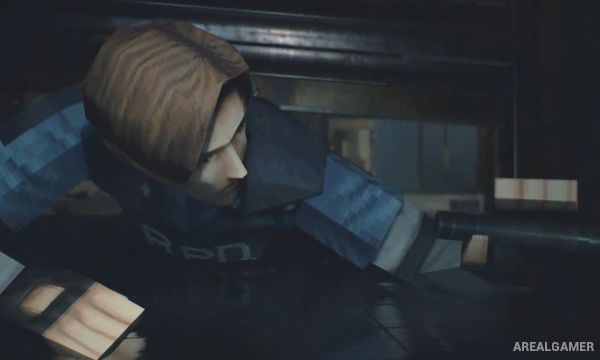
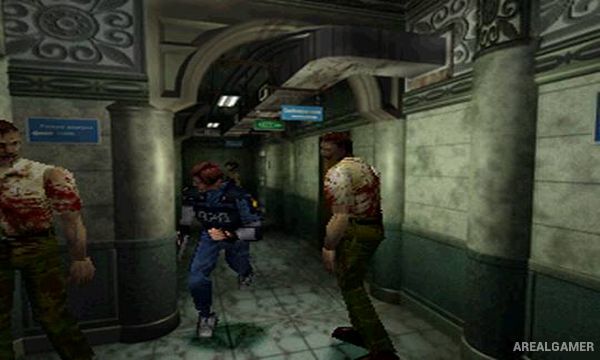
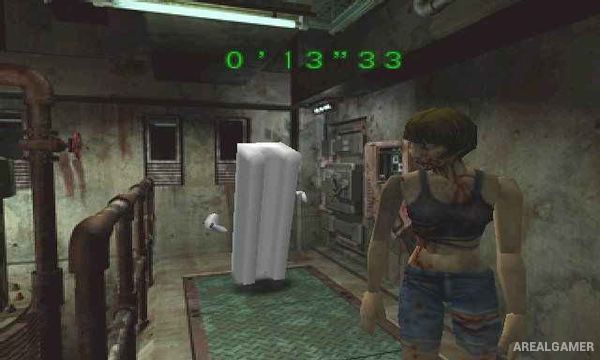
Minimum System Requirements:
OS: Windows 98/ME/2000/XP
CPU: Pentium 3 @ 350 MHz Processor
RAM: 128 MB
Video Card: 32 MB
Space Required: 200 MB
DirectX: 8.0
How to Install:
Extract the game using Winrar or 7zip.
Open “Resident Evil 2” folder, double click on “Extract Setup” and extract it.
Open folder, double click on “Setup” and wait for installation.
Copy all files and paste it where you “Installed the Game”.
After installation complete, go to the “Installed Game” location.
Now double click on “CLAIREP” icon to play the game. Enjoy!
Click the Below Button to Proceed to Download Page
File Password: arealgamer