
Roguebook

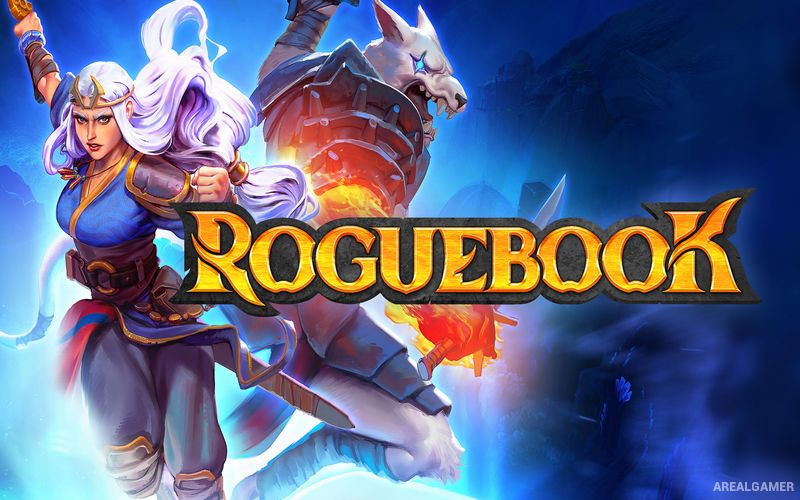
Roguebook – With All DLC’s – Free Download – PC Game
Game Info:
Size: 1.57 GB
Genre: Adventure, Strategy
Release Date: June 17, 2021
Developer: Abrakam Entertainment SA
Publisher: Nacon
About This Game:
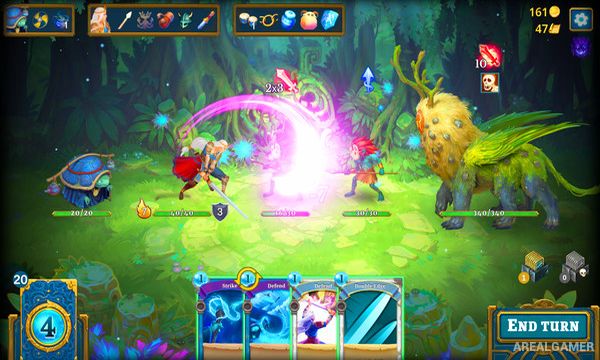
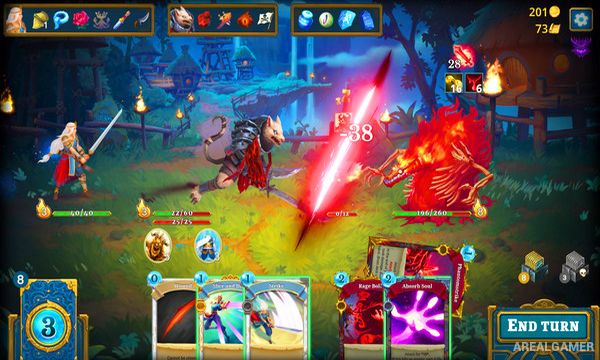
Roguebook is a roguelike deckbuilder set inside a magical book connected to the universe of Faeria. Players choose two heroes and explore pages that gradually reveal themselves while building decks, collecting treasures, and fighting creatures trapped inside the book.
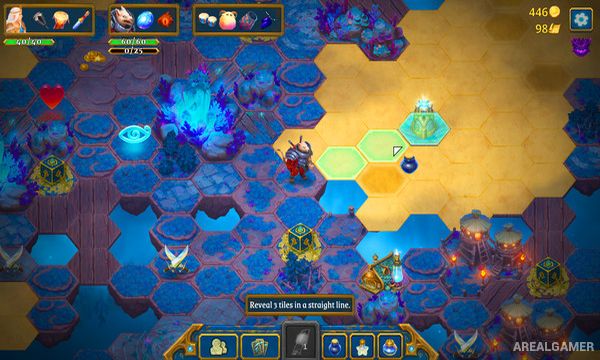
Unlike deckbuilders where a run follows a simple line of rooms, Roguebook allows players to reveal and explore a larger hex-based map. Ink opens hidden tiles, creating strategic decisions about whether to spend limited exploration resources searching for additional battles, shops, treasure, or shortcuts.
How the Gameplay Works
Two heroes fight together using a shared deck containing cards associated with both characters. Position matters because one hero occupies the front and the other the rear, with certain cards changing their positions or gaining bonuses depending on formation.
New cards, gems, relics, and talents modify the deck during a run. Adding more cards can also unlock additional passive abilities, encouraging larger decks rather than always removing everything except a small combination. Bosses require different strategies depending on the heroes and upgrades discovered.
Main Gameplay Features
Roguelike deckbuilding
Two-hero parties
Shared card deck
Front and rear positioning
Hex-based exploration
Reveal map tiles with ink
Multiple playable heroes
Collectible cards
Card-enhancing gems
Powerful relics
Deck-size talent bonuses
Random encounters
Large boss battles
Procedural runs
Faeria fantasy universe
Screenshots:
Minimum System Requirements:
OS: Windows 7/8/10
CPU: Intel Core 2 Duo E6750 | AMD Phenom II X2 550
RAM: 4 GB
Video Card: Nvidia GeForce GTX 650, 1GB | AMD Radeon HD 7770, 1GB
Space Required: 3 GB
DirectX: 11
How to Install:
Extract the game using Winrar or 7zip.
Open “Roguebook” folder, double click on “Setup” and proceed install.
After installation complete, go to the “Installed Game” location.
Double click on “Game” icon to play the game. Enjoy!
Click the Below Button to Proceed to Download Page
File Password: arealgamer
Please upload gta 5