
Atlantis Evolution


Atlantis Evolution – Free Download – PC Game
Game Info:
Size: 1.87 GB
Genre: Adventure, Puzzle
Release Date: October 15, 2004
Developer: Atlantis Interactive Entertainment
Publisher: Microids
About This Game:
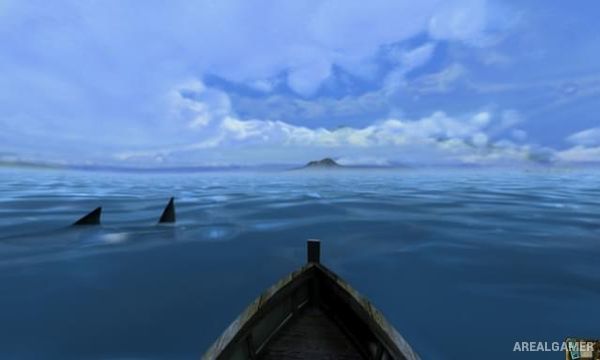
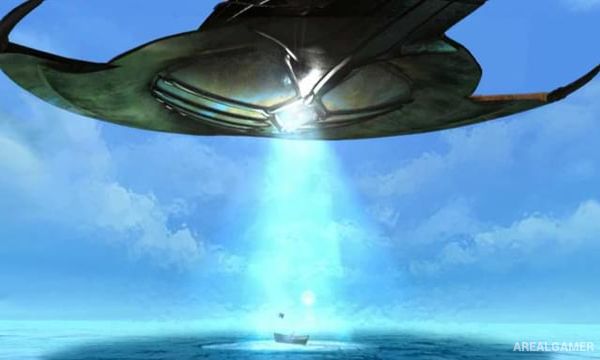
Atlantis Evolution is a science-fiction adventure set near the beginning of the twentieth century. Journalist and adventurer Curtis Hewitt is returning from Patagonia when a violent storm pulls him into a mysterious vortex and transports him to the legendary civilization of Atlantis.
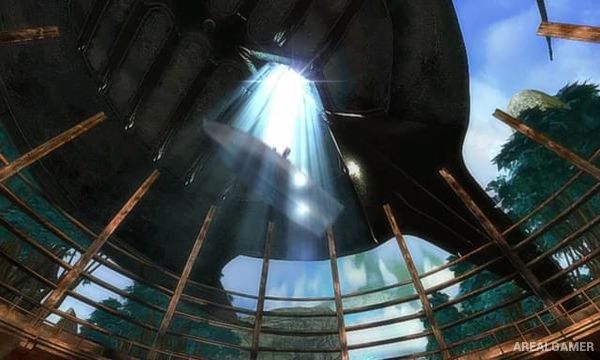
Atlantis combines advanced technology with ancient beliefs and is controlled by powerful beings worshipped as gods. Curtis becomes involved with inhabitants who want to resist their rulers, sending him through several distinctive regions as he searches for a way to survive and understand the civilization around him.
How the Gameplay Works
Players explore three-dimensional environments, examine objects, speak with characters, collect useful items, and solve puzzles. Challenges can involve machinery, symbols, environmental clues, inventory objects, and unusual technologies found throughout Atlantis.
Progress is primarily driven by investigation rather than combat. Each region introduces its own visual style and puzzle situations, while story scenes gradually explain the society of Atlantis and Curtis’s role in the growing rebellion against its rulers.
Main Gameplay Features
Science-fiction adventure
Lost civilization of Atlantis
Playable Curtis Hewitt
Early twentieth-century setting
3D environmental exploration
Inventory-based puzzles
Ancient and futuristic technology
Multiple distinctive regions
Character conversations
Environmental clues
Story-driven progression
Rebellion against powerful rulers
Atmospheric soundtrack
Single-player puzzle adventure
Screenshots:
Minimum System Requirements:
OS: Windows 7/8/10/11
CPU: 1.8 GHz
RAM: 512 MB
Video Card: 3D graphics card compatible with DirectX 9
Space Required: 2 GB
DirectX: 9.0c
How to Install:
Extract the game using Winrar or 7zip.
Open “Atlantis Evolution” folder, double click on “Setup” and proceed install.
After installation complete, go to the “Installed Game” location.
Double click on “Game” icon to play the game. Enjoy!
Click the Below Button to Proceed to Download Page
File Password: arealgamer