
RUN: The world in-between

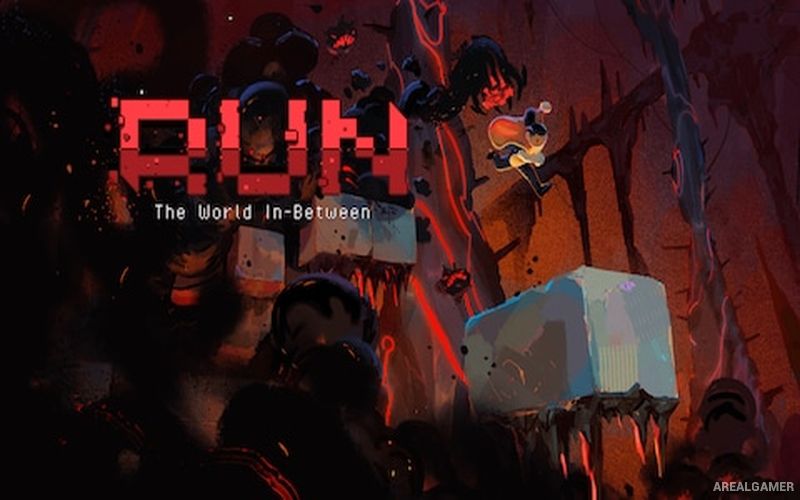
RUN: The world in-between – Free Download – PC Game
Game Info:
Size: 104 MB
Genre: Action, Adventure, Platform
Release Date: April 14, 2022
Developer: Team Run
Publisher: Team Run, PID Games
About This Game:
RUN: The world in-between is a high-speed precision platformer built around repeated attempts through dangerous procedurally generated routes. The protagonist is trapped within a constantly changing space known as the World In-Between and must keep moving toward the light while deadly obstacles block the way.
Its design places reflexes and precise movement ahead of exploration or combat. Runs can end quickly after a mistake, but immediate retries encourage players to learn the movement system, improve their reactions, and gradually reach farther into the challenge.
How the Gameplay Works
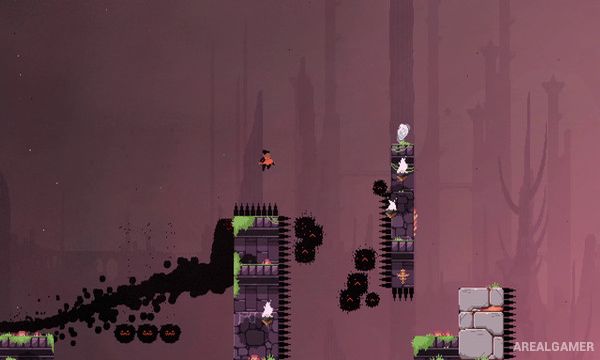
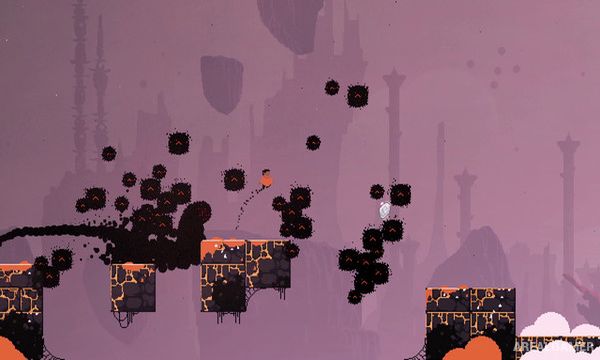
Players run and jump through rapidly changing 2D platforming sections filled with traps and moving hazards. Movement must be timed precisely because the procedurally assembled route prevents players from relying entirely on memorizing one fixed level.
Gems collected during runs can unlock memories and additional content, while scoring systems encourage repeated attempts for better performances. Dedicated accessibility options and a speedrunner-focused mode provide different ways to adjust the experience.
Main Gameplay Features
Fast precision platforming
Die-and-retry structure
Procedurally generated routes
Running and jumping
Moving environmental hazards
Reaction-based challenges
Collectible gems
Unlockable memories
Score chasing
High replay value
Accessibility options
Dedicated speedrunner mode
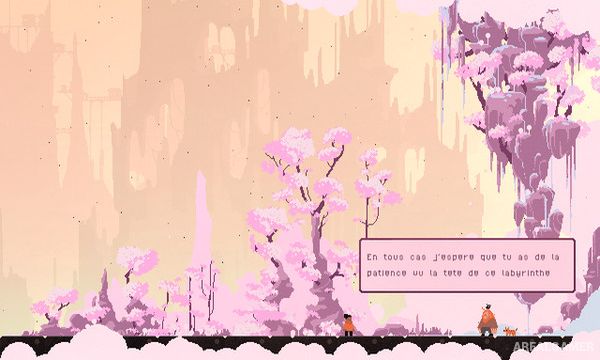
Screenshots:
Minimum System Requirements:
OS: Windows 7/8/10, 64-bits
CPU: 1.5 GHz CPU
RAM: 2 GB
Video Card: OpenGL 3.0 (DirectX® 10) compliant graphics card and driver
Space Required: 300 MB
DirectX: 10
How to Install:
Extract the game using Winrar or 7zip.
Open “RUN: The world in-between” folder, double click on “Setup” and proceed install.
After installation complete, go to the “Installed Game” location.
Double click on “Game” icon to play the game. Enjoy!
Click the Below Button to Proceed to Download Page
File Password: arealgamer