
SBK-09: SWC


SBK-09: SWC – Free Download – PC Game
Game Info:
Size: 1 GB
Genre: Racing, Sports
Release Date: May 29, 2009
Developer: Milestone
Publisher: Black Bean Games
About This Game:
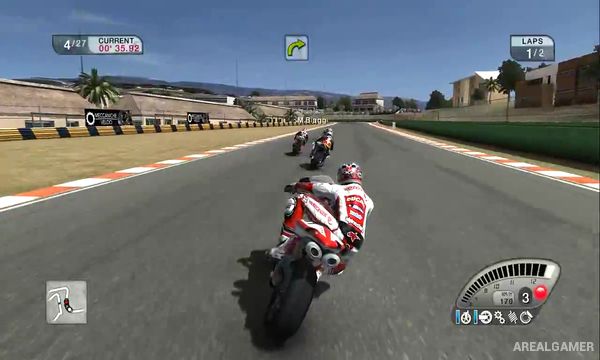
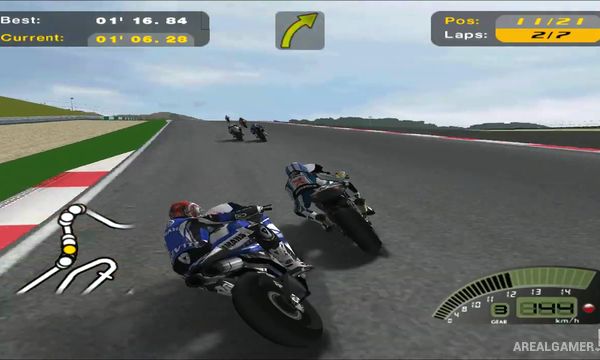
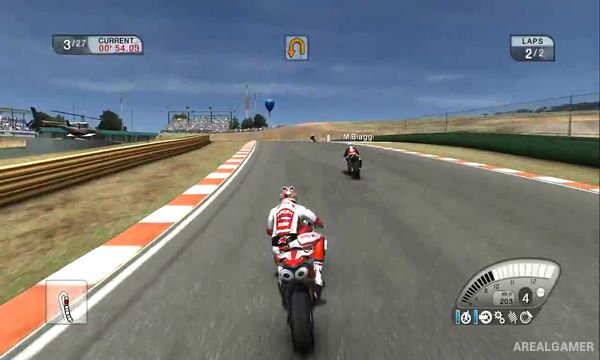
SBK-09: Superbike World Championship is a motorcycle racing game based on the 2009 Superbike World Championship. It features official riders, teams, motorcycles, and circuits from the championship, giving players the opportunity to compete through a licensed superbike racing season.
The game is designed to support both players looking for accessible motorcycle racing and those wanting more demanding bike handling. Various assists and difficulty options can change how much control the player has over braking, traction, racing lines, and other aspects of riding.
How the Gameplay Works
Riders compete around realistic racing circuits while controlling acceleration, braking, steering, and body positioning. Smooth corner entry and careful throttle use are important because motorcycles can lose grip much more easily than cars when pushed beyond their limits.
Players can participate in individual races or progress through championship events while adjusting bike setup to suit different tracks. Weather and track conditions can affect grip and visibility, while qualifying sessions allow players to fight for a better starting position before the main race.
Main Gameplay Features
Licensed 2009 Superbike World Championship
Official superbike riders
Real championship teams
Licensed racing motorcycles
Real-world racing circuits
Motorcycle-focused handling
Multiple riding assists
Bike setup adjustments
Practice and qualifying sessions
Full race events
Championship progression
Changing track and weather conditions
Screenshots:
Minimum System Requirements:
OS: Windows XP/7
CPU: Intel 2.4 GHz
RAM: 2 GB
Video Card: GeForce 6600 or ATI X700
Space Required: 3 GB
DirectX: 9.0c
How to Install:
Extract the game using Winrar or 7zip.
Open “SBK-09” folder, double click on “Setup” and proceed install.
After installation complete, go to the “Installed Game” location.
Now double click on “Game” icon to play the game. Enjoy!
Click the Below Button to Proceed to Download Page
File Password: arealgamer