
Song of Horror

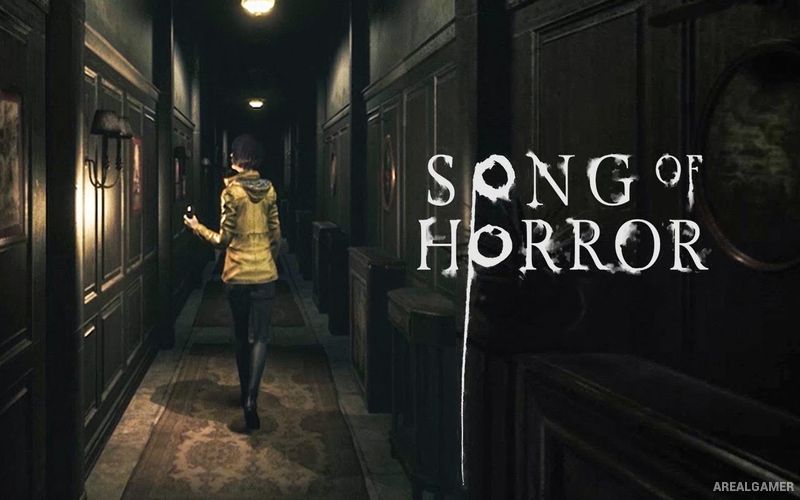
Song of Horror – Free Download – PC Game
Game Info:
Size: 16.8 GB
Genre: Adventure, Horror
Release Date: October 31, 2019
Developer: Protocol Games
Publisher: Raiser Games
About This Game:
Song of Horror is a third-person survival horror adventure built around the disappearance of writer Sebastian P. Husher and a supernatural entity known as the Presence. The investigation spreads across several locations as different people connected to the case become involved in uncovering the source of a mysterious song.
The Presence is controlled by an unpredictable AI system rather than following one completely fixed sequence of scares. Characters can die permanently during the traditional game modes, forcing another member of the available cast to continue the investigation.
How the Gameplay Works
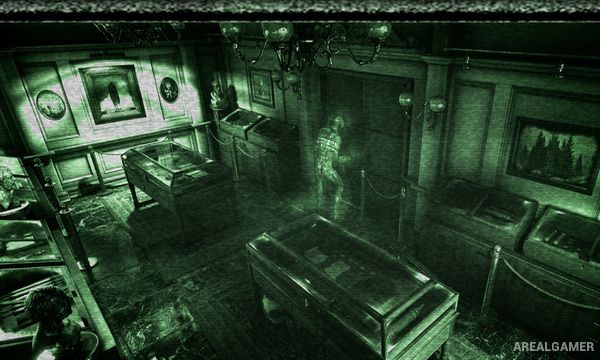
Players explore fixed-camera environments, collect objects, read documents, solve puzzles, and search rooms for information. Listening at doors can help determine whether something dangerous is waiting on the other side before entering.
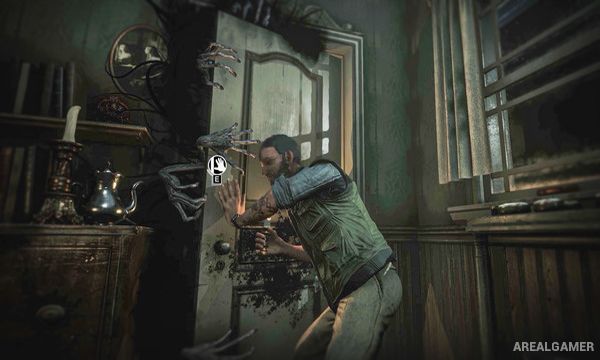
The Presence cannot be defeated with weapons. Instead, encounters require hiding, staying quiet, completing defensive actions, or surviving until the threat passes. Losing a character can permanently remove them from the story while another investigator continues from the progress already made.
Main Gameplay Features
Third-person survival horror
Fixed-camera presentation
Unpredictable supernatural Presence
Multiple playable characters
Permanent character death
Environmental exploration
Inventory-based puzzles
Document and clue collection
Listen before opening doors
Hiding and survival sequences
No conventional combat against the Presence
Multi-episode storyline
Screenshots:
Minimum System Requirements:
OS: Windows 7/8/10, 64-bits
CPU: Intel or AMD 64bit, 2.6 GHz
RAM: 4 GB
Video Card: NVIDIA GeForce 660 GTX, Radeon HD 7950 or similar
Space Required: 25 GB
DirectX: 11
How to Install:
Extract the game using Winrar or 7zip.
Open “Song of Horror” folder, double click on “Setup” and proceed install.
After installation complete, go to the “Installed Game” location.
Double click on “Game” icon to play the game. Enjoy!
Click the Below Button to Proceed to Download Page
File Password: arealgamer