
Star Wars Jedi Knight: Jedi Academy


Star Wars Jedi Knight: Jedi Academy – Free Download – PC Game
Game Info:
Size: 1.2 GB
Genre: Action
Release Date: 16 Sep, 2003
Developer: Raven Software
Publisher: LucasArts, Lucasfilm, Disney
About This Game:
Star Wars Jedi Knight: Jedi Academy is an action game that follows Jaden Korr, a new student arriving at Luke Skywalker’s Jedi Academy. Under the guidance of Kyle Katarn, Jaden takes missions across the galaxy while investigating a mysterious group connected to the dark side of the Force.
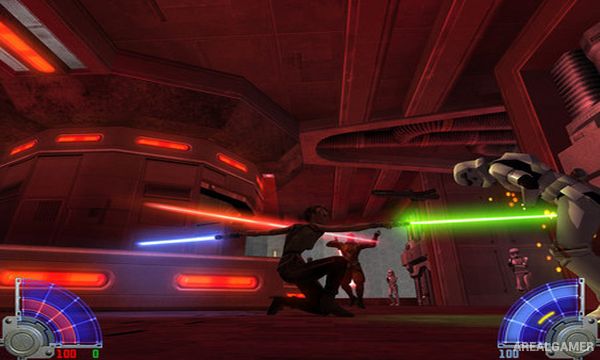
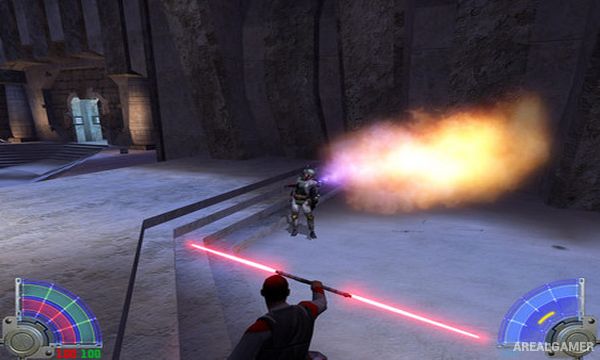
The game is especially known for its lightsaber combat and character customization. Players can create Jaden, select a lightsaber, develop Force powers, and later choose more specialized saber configurations as the campaign progresses.
How the Gameplay Works
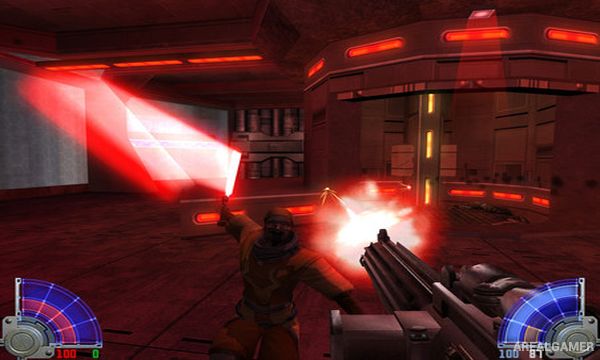
Missions combine lightsaber duels, blaster combat, Force abilities, platforming, and environmental objectives. Players can push or pull enemies, leap great distances, manipulate objects, heal, use lightning, and develop other powers depending on chosen upgrades.
Many campaign missions can be selected in different orders between major story chapters. Multiplayer expands the saber combat with duels, team modes, Force powers, and multiple weapon options across maps designed for competitive play.
Main Gameplay Features
Lightsaber-focused action
Customizable Jedi character
Multiple lightsaber styles
Upgradeable Force powers
Mission selection system
Blasters and other Star Wars weapons
Story featuring Luke Skywalker and Kyle Katarn
Competitive multiplayer modes
Lightsaber dueling
Screenshots:
Minimum System Requirements:
OS: Windows XP/Vista/7/8/10
CPU: 1.8 GHz
RAM: 512 MB
Video Card: 3D graphics card compatible with DirectX 9
Space Required: 2 GB
DirectX: 9.0c
How to Install:
Extract the game using Winrar or 7zip.
Open “Star Wars Jedi Knight: Jedi Academy” folder, double click on “Setup” and proceed install.
After installation complete, go to the “Installed Game” location.
Open “GameData” folder, double click on “jasp” icon to play the game. Enjoy!
Click the Below Button to Proceed to Download Page
File Password: arealgamer