
Terrorist Takedown 2: US Navy Seals


Terrorist Takedown 2: US Navy Seals – Free Download – PC Game
Game Info:
Size: 453 MB
Genre: Action, Shooter
Release Date: December 4, 2007
Developer: CI Games
Publisher: CI Games
About This Game:
Terrorist Takedown 2: US Navy SEALs is a tactical-themed first-person shooter that follows a special operations unit during a hostage crisis in the Middle East. Players join a SEAL team sent into hostile territory where armed resistance stands between the squad and its objectives.
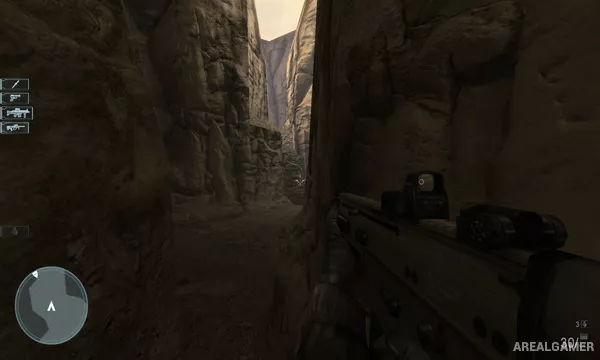
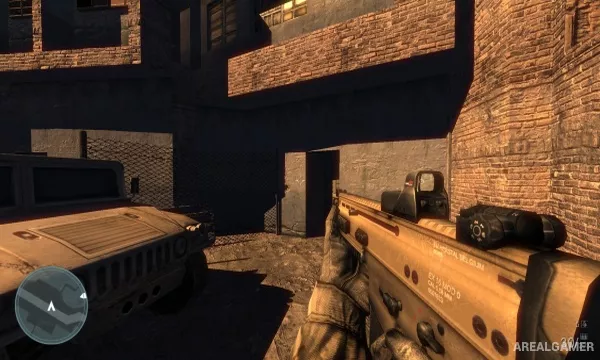
Compared with the earlier entries, the game uses a more modern presentation while retaining the series’ direct approach to military shooting. Urban areas, compounds, interiors, and open combat zones provide the settings for the campaign.
How the Gameplay Works
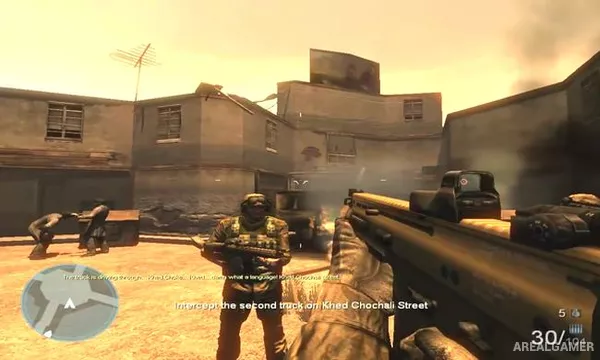
Players move and aim using conventional FPS controls while fighting alongside AI squad members. Assault rifles, pistols, grenades, and other weapons are used to eliminate enemy fighters and secure routes through each mission.
Objectives are presented in a linear sequence as the team advances through hostile positions and works toward resolving the hostage situation. In addition to the campaign, multiplayer supports competitive combat between players.
Main Gameplay Features
Modern military first-person shooting
US Navy SEAL campaign
AI squad members
Multiple firearms and grenades
Middle Eastern combat environments
Single-player mission progression
LAN and online multiplayer
Screenshots:
Minimum System Requirements:
OS: Windows XP/2000/Vista
CPU: Pentium 4 @ 1.7 GHz Processor
RAM: 512 MB
Video Card: Ati Radeon 9000 or GeForce4 Ti with 64 MB RAM
Space Required: 3 GB
DirectX: 9.0c
How to Install:
Extract the game using Winrar or 7zip.
Open “Terrorist Takedown 2 US Navy Seals” folder, double click on “Setup” and proceed install.
After installation complete, go to the “Installed Game” location. double click on “setup” and wait fir installation.
When installation gets 100% complete, Double click on “Game” icon to play the game. Enjoy!
Click the Below Button to Proceed to Download Page
File Password: arealgamer