
Test Drive Unlimited 2

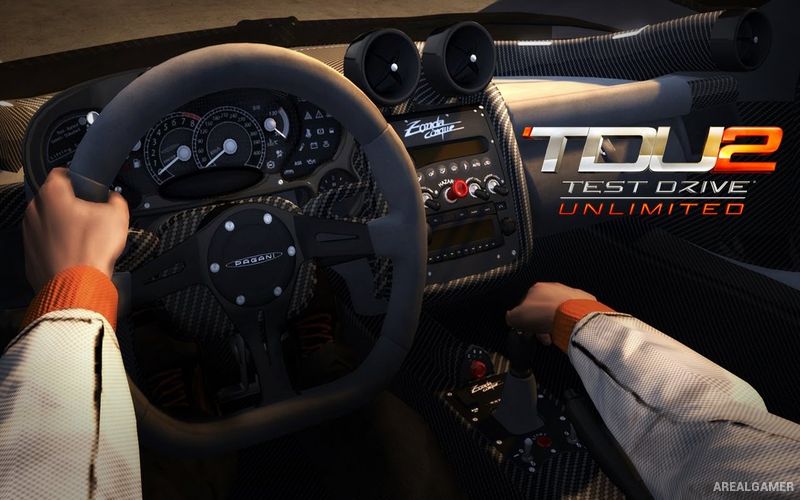
Test Drive Unlimited 2 – Free Download – PC Game
Game Info:
Size: 5.88 GB
Genre: Racing, Open World
Release Date: 8 February 2011
Developer: Eden Games
Publisher: Atari, Inc.
About This Game:
Test Drive Unlimited 2 expands the open-road concept of the original game with two major islands, Ibiza and a returning version of Oahu. Players build a racing career while purchasing cars, motorcycles, houses, clothing, and other luxury items across a world designed as much for cruising and collecting as traditional competition.
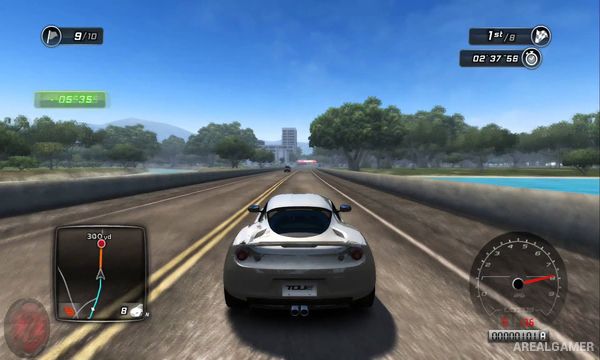
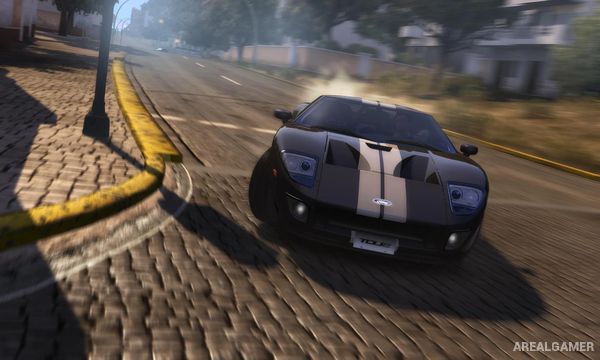
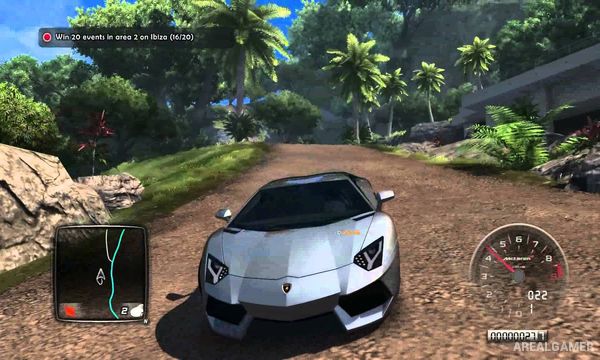
The sequel adds off-road driving, changing weather, a day-and-night cycle, additional social features, and a broader progression system. Asphalt supercars share the garage with vehicles better suited to dirt roads, encouraging players to explore beyond the main highways.
How the Gameplay Works
Players drive freely between dealerships, championships, challenges, tuning shops, properties, and other locations. Racing progression is divided across different vehicle categories, with licenses and competitions gradually opening more powerful cars and difficult events.
Money earned through racing can purchase new vehicles and homes, while exploration rewards players for discovering roads and hidden locations. Multiplayer functionality allows other drivers to appear throughout the world, creating opportunities for organized competition or casual cruising.
Main Gameplay Features
Open-world Ibiza and Oahu
Road and off-road racing
Licensed cars
Motorcycles
Dynamic weather
Day and night cycle
Vehicle dealerships
Homes and garages
Driving licenses
Championship progression
Car customization
Character clothing
Exploration rewards
Online social features
Open-world multiplayer driving
Screenshots:
Minimum System Requirements:
OS: Windows XP/Vista/7
CPU: Intel Core 2 Duo 2.2GHz or AMD Athlon X2 4400+
RAM: 2 GB
Video Card: Nvidia GeForce 8800 / ATI Radeon HD 3870
Space Required: 14 GB
DirectX: 9.0c
How to Install:
Extract the game using Winrar or 7zip.
Open “Test Drive Unlimited 2″ folder, double click on “Setup” and proceed install.
After installation complete, go to the “Installed Game” location.
Double click on “TestDrive2” icon to play the game. Enjoy!
Click the Below Button to Proceed to Download Page
File Password: arealgamer