
The Coma: Recut


The Coma: Recut – Free Download – PC Game
Game Info:
Size: 279 MB
Genre: Action, Adventure, Horror
Release Date: September 22, 2017
Developer: Devespresso Games
Publisher: Headup
About This Game:
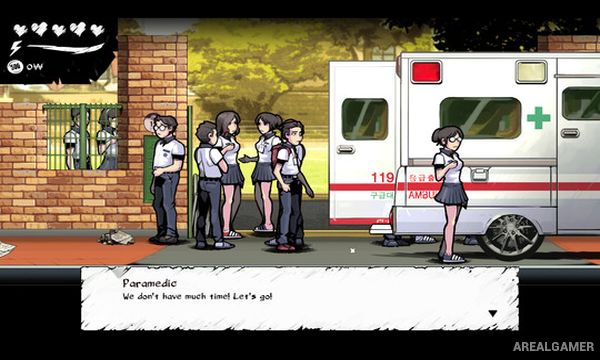
The Coma: Recut is a Korean survival horror adventure about high-school student Youngho, who falls asleep during an important exam and awakens inside a nightmarish version of Sehwa High. The familiar school has become dark and distorted, and a murderous version of one of his teachers now stalks the corridors.
Youngho must investigate classrooms, offices, underground passages, and other parts of the school while trying to understand why he has been trapped in this alternate reality. Notes and encounters gradually reveal secrets involving students, teachers, and the supernatural world surrounding Sehwa.
How the Gameplay Works
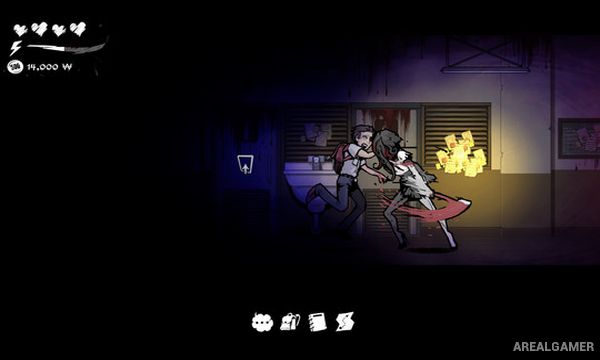
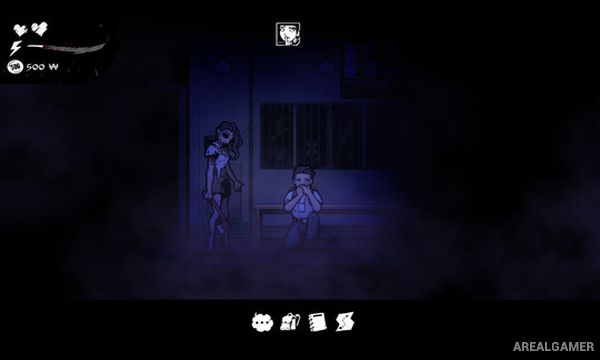
Players explore from a side-view perspective and search rooms for clues, items, maps, and useful supplies. Youngho has no reliable way to defeat his main pursuer, so survival usually depends on running, hiding, turning off lights, and avoiding noisy behavior.
Running consumes stamina, which can leave Youngho vulnerable if exhausted at the wrong moment. Hiding places provide temporary safety while puzzles and locked routes require players to continue exploring despite the danger.
Main Gameplay Features
Korean survival horror
Sehwa High School setting
Playable student Youngho
Side-scrolling exploration
Relentless supernatural pursuer
Running and hiding
Stamina management
Darkness and stealth
Inventory items
Environmental puzzles
School map exploration
Notes and story clues
Multiple endings
Hand-drawn visual style
No traditional combat focus
Screenshots:
Minimum System Requirements:
OS: Windows 7/8/10
CPU: Core2Duo or above
RAM: 2 GB
Video Card: Any with hardware 3D acceleration
Space Required: 1 GB
DirectX: 9.0c
How to Install:
Extract the game using Winrar or 7zip.
Open “The Coma: Recut” folder, double click on “Setup” and proceed install.
After installation complete, go to the “Installed Game” location.
Double click on “Game” icon to play the game. Enjoy!
Click the Below Button to Proceed to Download Page
File Password: arealgamer