
The Elder Scrolls IV: Oblivion GOTY

The Elder Scrolls IV: Oblivion GOTY – Game of the Year – Deluxe Edition – Free Download – PC Game
Game Info:
Size: 5.23 GB
Genre: RPG, Open World
Release Date: 11 Sep, 2007
Developer: Bethesda Game Studios
Publisher: Bethesda Softworks
About This Game:
The Elder Scrolls IV: Oblivion GOTY is an open-world fantasy RPG set in Cyrodiil during a crisis involving portals to the demonic realm of Oblivion. After the Emperor is assassinated, the player becomes involved in protecting his surviving heir and closing the gates threatening the province.
The Game of the Year edition includes the Knights of the Nine and Shivering Isles expansions, adding major quest lines, new equipment, and the strange realm ruled by the Daedric Prince Sheogorath.
How the Gameplay Works
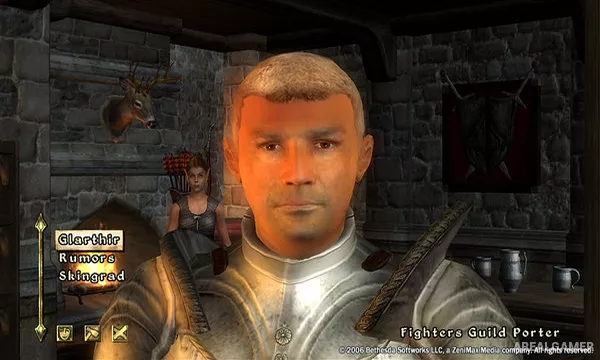
Players create a character with a chosen race, birthsign, class, attributes, and skills, then explore the world in first or third person. Combat includes melee weapons, bows, magic, blocking, sneaking, alchemy, enchanting, and summoned creatures.
Guilds provide long quest lines for fighters, mages, thieves, and assassins, while towns, caves, ruins, forts, and Oblivion Gates contain side quests and loot. Skills improve through use, and fast travel connects previously discovered locations.
Main Gameplay Features
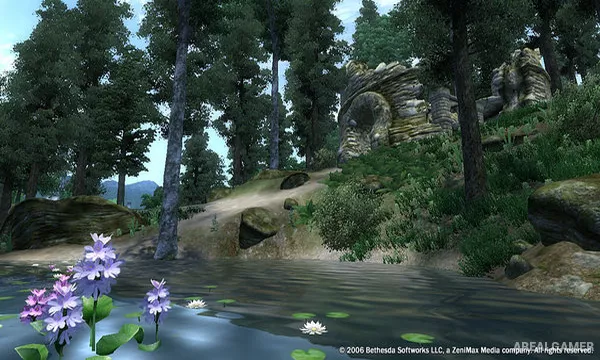
Large open-world Cyrodiil province
Knights of the Nine and Shivering Isles expansions
Custom race, class, attributes, and skills
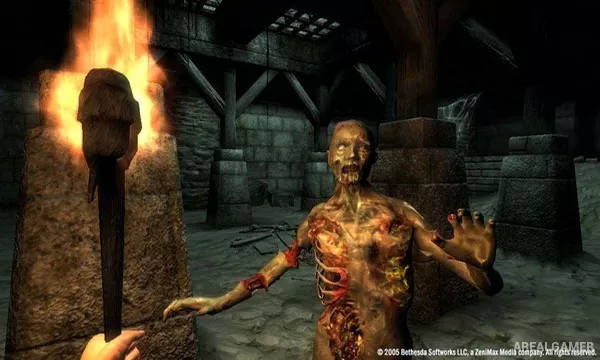
Melee, archery, stealth, and magic combat
Fighters, Mages, Thieves, and Dark Brotherhood quest lines
Oblivion Gate dungeon exploration
Alchemy, enchanting, and equipment progression
Large number of towns, ruins, caves, and side quests
Screenshots:
Minimum System Requirements:
OS: Windows XP/Vista/7/8/10
CPU: 1.8 GHz
RAM: 1 GB
Video Card: 128 MB graphics card compatible with DirectX 9
Space Required: 8 GB
DirectX: 9.0c
How to Install:
Extract the game using Winrar or 7zip.
Open “The Elder Scrolls IV Oblivion GOTY” folder, double click on “Setup” and proceed install.
After installation complete, go to the “Installed Game” location.
Double click on “Game” icon to play the game. Enjoy!
Click the Below Button to Proceed to Download Page
File Password: arealgamer