
The First Templar – Special Edition

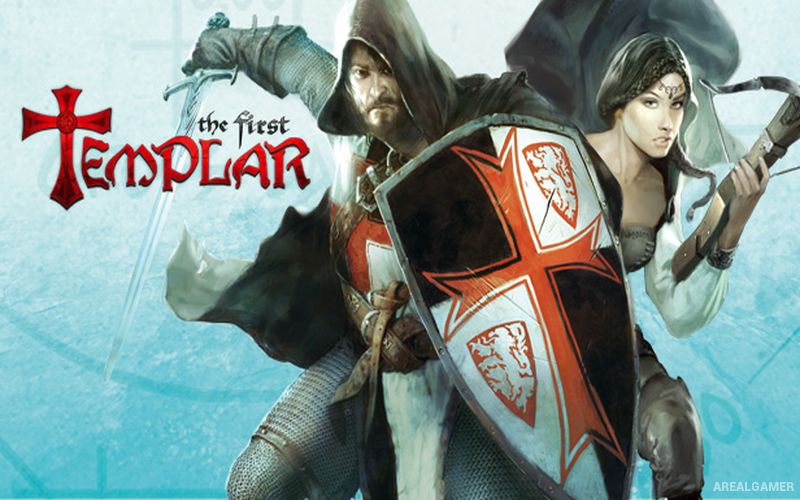
The First Templar – Special Edition – Free Download – PC Game
Game Info:
Size: 4.24 GB
Genre: Action, Adventure
Release Date: May 12, 2011
Developer: Haemimont Games
Publisher: Kalypso Media Digital
About This Game:
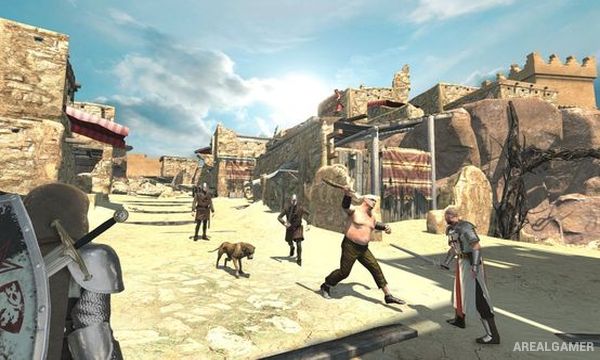
The First Templar – Special Edition is a third-person action adventure set during the medieval period and follows two unlikely companions drawn into a conspiracy involving the Knights Templar, the Holy Grail, and powerful enemies working from the shadows. Players travel through castles, villages, ruins, and other historical-inspired locations while uncovering the larger mystery.
The story centers on cooperation between the two main characters, each of whom brings different strengths to combat and exploration. The Special Edition includes the core campaign along with additional content that expands the adventure.
How the Gameplay Works
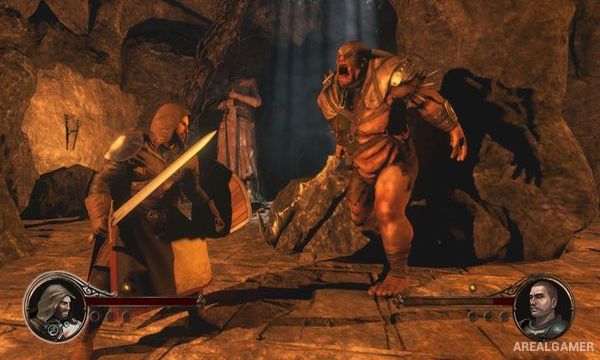
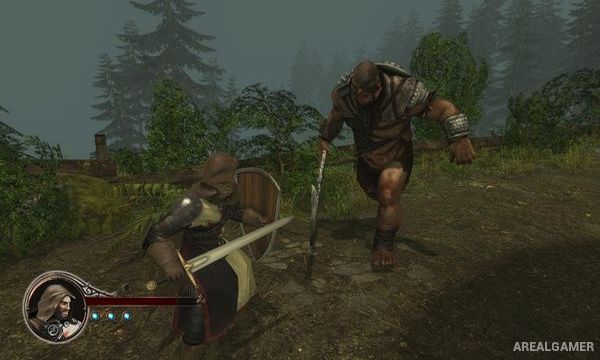
Players fight enemies using swords, shields, dodges, counters, and character-specific abilities. In single-player, control can be switched between the two protagonists while the second character is controlled by AI.
Environmental puzzles and exploration appear between combat encounters, while experience and progression unlock additional abilities. Cooperative play allows a second player to take direct control of the partner character throughout the campaign.
Main Gameplay Features
Third-person medieval action
Knights Templar storyline
Two playable protagonists
Sword and shield combat
Dodging and counterattacks
Character-specific abilities
Switch characters in single-player
AI-controlled companion
Environmental puzzles
Historical-inspired locations
Character progression
Two-player cooperative play
Screenshots:
Minimum System Requirements:
OS: Windows /7/8/10
CPU: 2 GHz
RAM: 2 GB
Video Card: 256 MB graphics card compatible with DirectX 9
Space Required: 5 GB
DirectX: 9.0c
How to Install:
Extract the game using Winrar or 7zip.
Open “The First Templar – Special Edition” folder, double click on “Setup” and proceed install.
After installation complete, go to the “Installed Game” location.
Double click on “Game” icon to play the game. Enjoy!
Click the Below Button to Proceed to Download Page
File Password: arealgamer