
There Is No Game: Wrong Dimension


There Is No Game: Wrong Dimension – Free Download – PC Game
Game Info:
Size: 879 MB
Genre: Adventure
Release Date: 6 Aug, 2020
Developer: Draw Me A Pixel
Publisher: Draw Me A Pixel
About This Game:
There Is No Game: Wrong Dimension is a comedic point-and-click adventure built around constantly breaking the conventions of traditional games. The player is repeatedly told that no game exists, yet interacting with the interface reveals puzzles, characters, genres, and entire fictional worlds hidden behind that claim.
Much of the humor comes from manipulating menus, interface elements, dialogue, and game systems in ways they were clearly not intended to be used. Different chapters parody familiar video game genres while maintaining an ongoing story.
How the Gameplay Works
Players click, drag, collect, and combine objects while looking for unconventional solutions to puzzles. Important items may be hidden inside interface elements, text, icons, or other parts of the presentation that would normally be ignored.
As the story progresses, puzzles shift between different game styles, including adventure and role-playing parodies. Success usually depends on thinking outside normal genre rules and experimenting with whatever can be manipulated on screen.
Main Gameplay Features
Comedic point-and-click adventure
Fourth-wall-breaking puzzles
Manipulatable user interface
Multiple parody game genres
Inventory-based interactions
Unconventional puzzle solutions
Fully voiced characters
Frequent visual and gameplay surprises
Story-driven progression
Screenshots:
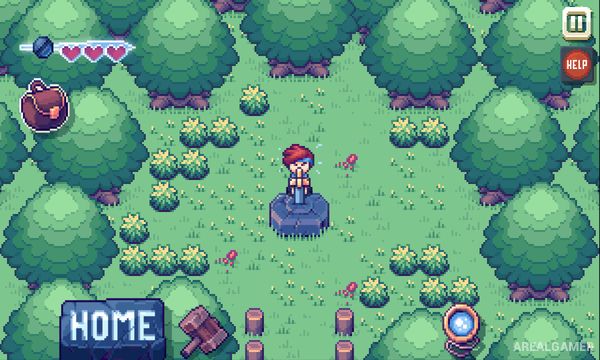
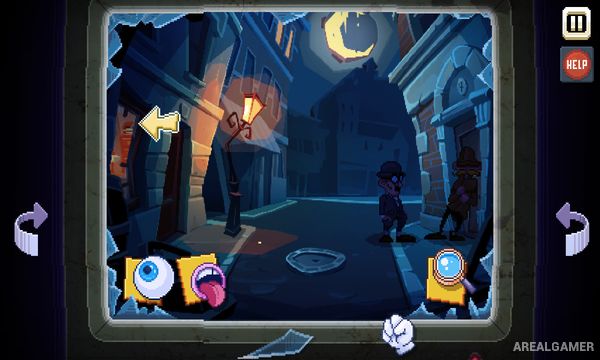
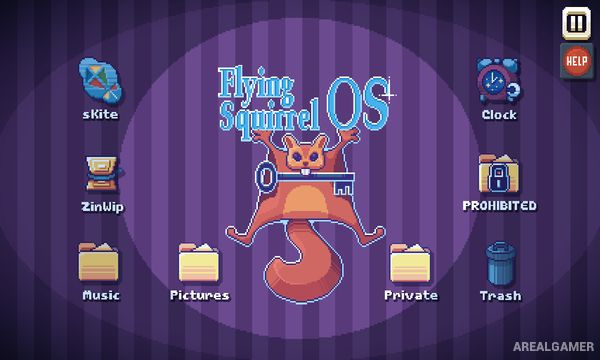
Minimum System Requirements:
OS: Windows SP1+/10
CPU: x86, x64 architecture with SSE2 instruction set support
RAM: 4 GB
Video Card: Intel HD 4000
Space Required: 950 MB
DirectX: 10
How to Install:
Extract the game using Winrar or 7zip.
Open “There Is No Game: Wrong Dimension” folder, double click on “Setup” and proceed install.
After installation complete, go to the “Installed Game” location.
Double click on “Game” icon to play the game. Enjoy!
Click the Below Button to Proceed to Download Page
File Password: arealgamer