
Thronebreaker: The Witcher Tales

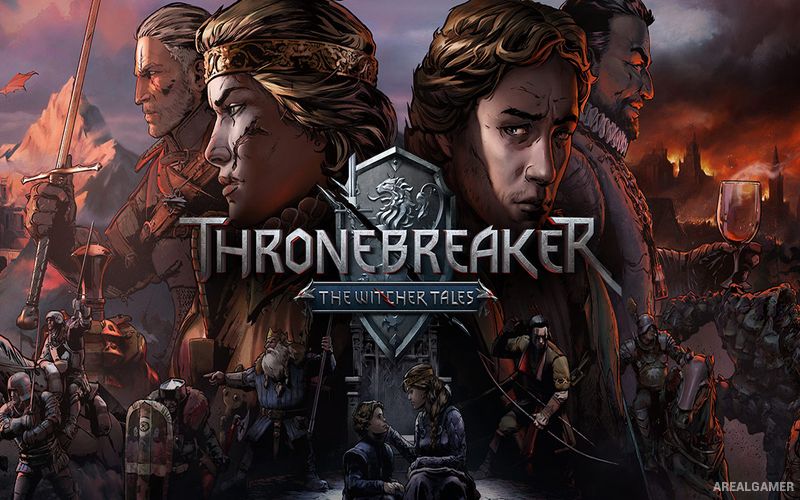
Thronebreaker: The Witcher Tales – Free Download – PC Game
Game Info:
Size: 6.57 GB
Genre: RPG, Strategy
Release Date: October 23, 2018
Developer: CD PROJEKT RED
Publisher: CD PROJEKT RED
About This Game:
Thronebreaker: The Witcher Tales is a story-driven RPG set in the world of The Witcher and follows Queen Meve of Lyria and Rivia during the Nilfgaardian invasion of the Northern Kingdoms. Forced away from her throne, Meve begins assembling an army while attempting to reclaim her lands and confront those responsible for betraying her.
The campaign combines political decisions, exploration, character relationships, and card battles based on Gwent. Choices can affect companions and entire communities, and difficult decisions regularly force Meve to choose between political necessity and personal principles.
How the Gameplay Works
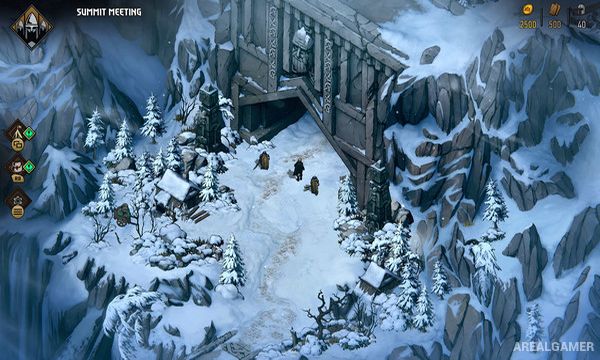
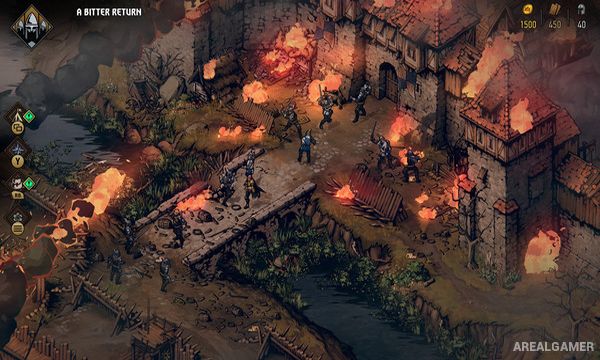
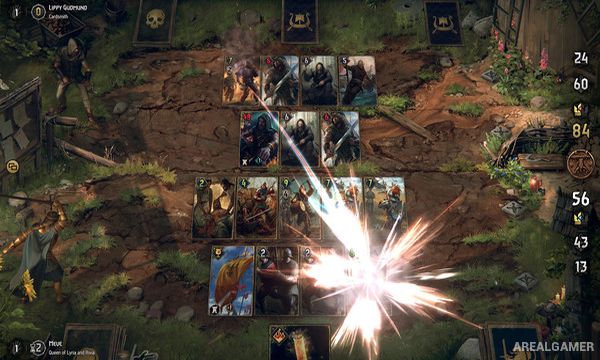
Players explore isometric maps, collect resources, speak with characters, discover optional events, and make narrative choices. When conflict begins, battles use cards representing soldiers, characters, abilities, and battlefield effects.
New cards can be recruited or crafted while the army camp provides upgrades and management options. Some encounters use special puzzle rules rather than normal battles, requiring players to understand card interactions and solve a specific tactical situation.
Main Gameplay Features
Story set in The Witcher universe
Playable Queen Meve
Gwent-based card combat
Isometric world exploration
Narrative choices
Army recruitment
Camp upgrades
Character relationships
Resource gathering
Puzzle battles
Branching consequences
Large single-player campaign
Screenshots:
Minimum System Requirements:
OS: Windows 7/8/10, 64-bits
CPU: Intel Celeron G1820 | AMD A4-7300
RAM: 4 GB
Video Card: NVIDIA GeForce GT 730 | Radeon R7 240
Space Required: 15 GB
DirectX: 11
How to Install:
Extract the game using Winrar or 7zip.
Open “Thronebreaker: The Witcher Tales” folder, double click on “Setup” and proceed install.
After installation complete, go to the “Installed Game” location.
Double click on “Game” icon to play the game. Enjoy!
Click the Below Button to Proceed to Download Page
File Password: arealgamer