
Train Valley 2

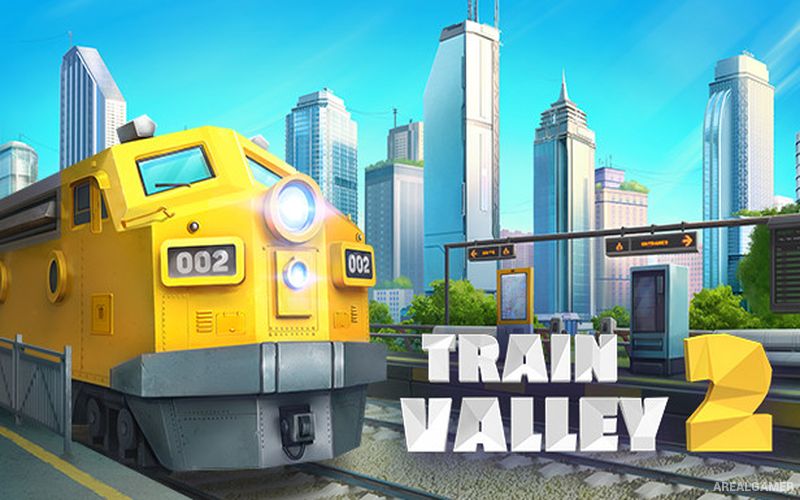
Train Valley 2 – Free Download – PC Game
Game Info:
Size: 290 MB
Genre: Puzzle, Strategy
Release Date: 15 Apr, 2019
Developer: Alexey Davydov, Sergey Dvoynikov, Timofey Shargorodskiy
Publisher: Flazm, META Publishing
About This Game:
Train Valley 2 expands the railway puzzle formula by combining track construction with production chains and economic objectives. Players develop transport networks connecting towns and industries, then use trains to move raw materials and manufactured goods to the locations where they are needed.
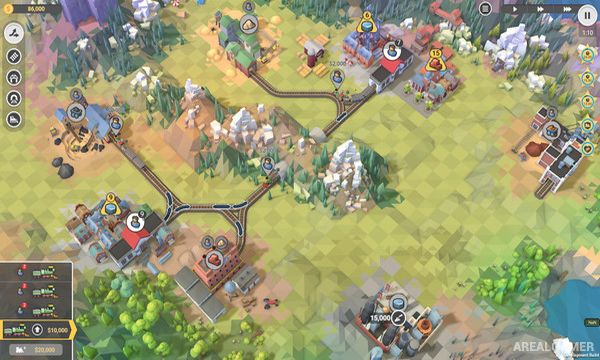
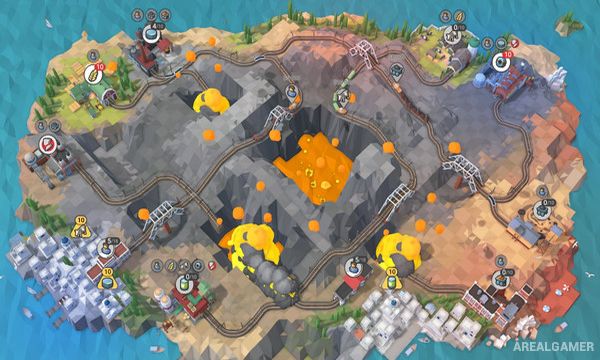
Instead of concentrating only on directing passenger trains, each stage functions like a compact logistical puzzle. Mines, farms, factories, and cities depend on one another, requiring players to build efficient routes capable of keeping several production chains operating simultaneously.
How the Gameplay Works
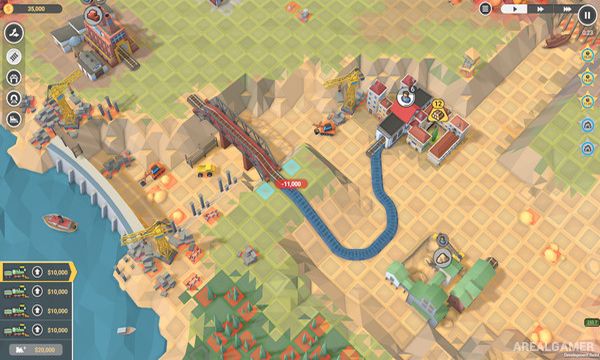
Players place tracks and purchase trains before assigning them to transport resources between industrial buildings. Raw materials can be delivered to factories that convert them into new products, which may then need to be transported again before the level objective is completed.
Money limits construction and train purchases, making unnecessary routes expensive. Stages award better ratings for completing optional goals involving time, finances, or efficiency, encouraging players to redesign networks and find improved solutions.
Main Gameplay Features
Railway and logistics puzzles
Track construction
Industrial production chains
Resource transportation
Multiple train management
Factories and raw materials
City delivery objectives
Money management
Compact level-based maps
Optional challenge goals
Increasing logistical complexity
Level editor and community content
Screenshots:
Minimum System Requirements:
OS: Windows Vista SP1+
CPU: Intel Core 2 Duo E4500 @ 2.2GHz or AMD Athlon 64 X2 5600+ @ 2.8 GHz
RAM: 2 GB
Video Card: ATi Radeon HD 2400 or NVIDIA GeForce 7600
Space Required: 1 GB
DirectX: 9.0c
How to Install:
Extract the game using Winrar or 7zip.
Open “Train Valley 2″ folder, double click on “Setup” and proceed install.
After installation complete, go to the “Installed Game” location.
Double click on “Game” icon to play the game. Enjoy!
Click the Below Button to Proceed to Download Page
File Password: arealgamer