
Wuppo: Definitive Edition


Wuppo: Definitive Edition – Free Download – PC Game
Game Info:
Size: 1.3 GB
Genre: Adventure, RPG
Release Date: September 29, 2019
Developer: Knuist & Perzik
Publisher: SOEDESCO
About This Game:
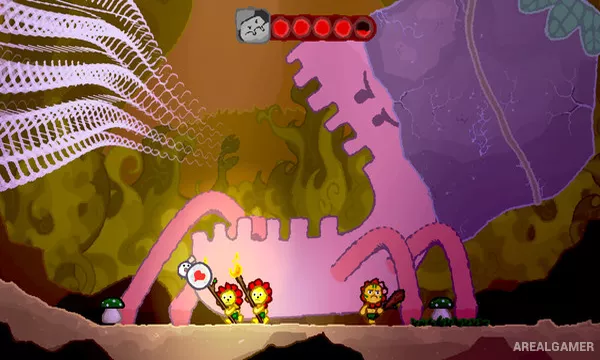
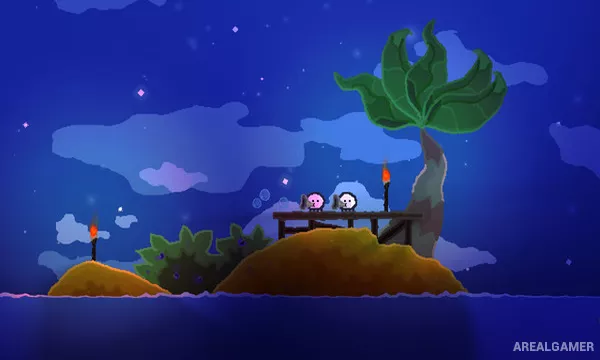
Wuppo: Definitive Edition is a quirky hand-drawn action adventure about a small Wum who is expelled from its home and forced to discover a much larger world. What begins as a personal journey gradually develops into a story involving strange civilizations, historical mysteries, and a large cast of eccentric characters.
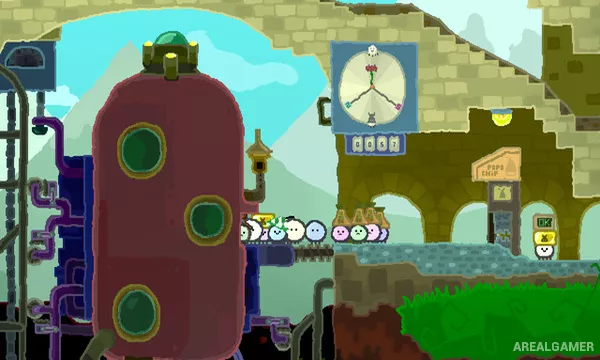
The game blends platforming, exploration, puzzles, conversations, and boss battles rather than staying within a single genre. Its locations are packed with optional details, side activities, and humorous interactions that make wandering away from the direct objective worthwhile.
How the Gameplay Works
Players move through interconnected areas, talk to residents, use items, operate machinery, and fight enemies with ranged weapons. Many encounters require more than constant shooting, with bosses using distinctive patterns that must be understood before they can be defeated reliably.
Progress also involves learning about the world’s different species by finding filmstrips and taking them to projectors. Optional quests and unusual puzzles frequently reward curiosity, while the Definitive Edition includes additional improvements and expanded content.
Main Gameplay Features
Hand-drawn action adventure
Platforming and exploration
Ranged combat
Large puzzle-focused boss fights
Character conversations and side quests
Collectible historical filmstrips
Interconnected world
Optional secrets and activities
Screenshots:
Minimum System Requirements:
OS: Windows XP/Vista/7/8/10
CPU: 1.8 GHz
RAM: 4 GB
Video Card: 512 MB graphics card compatible with DirectX 9
Space Required: 500 MB
DirectX: 9.0c
How to Install:
Extract the game using Winrar or 7zip.
Open “Wuppo: Definitive Edition” folder, double click on “Setup” and proceed install.
After installation complete, go to the “Installed Game” location.
Double click on “Game” icon to play the game. Enjoy!
Click the Below Button to Proceed to Download Page
File Password: arealgamer