
18 Wheels of Steel: American Long Haul


18 Wheels of Steel: American Long Haul – Free Download – PC Game
Game Info:
Size: 278 MB
Genre: Simulation
Release Date: December 3, 2007
Developer: SCS Software
Publisher: Cosmi ValuSoft
About This Game:
18 Wheels of Steel: American Long Haul expands the trucking-business formula with freight routes stretching across the United States, Canada, and Mexico. Players begin as working truckers but can gradually build a larger transportation operation by purchasing equipment and putting additional drivers on the road.
The game mixes long journeys with company decisions, asking players to choose profitable cargo while keeping trucks moving efficiently. Different landscapes, road networks, urban areas, and international routes provide variety during the long-distance deliveries.
How the Gameplay Works
Players search for freight contracts, connect the correct trailer, and drive to the destination while dealing with traffic, fuel, fatigue, law enforcement, and cargo damage. Better-paying jobs can improve the business more quickly but may require longer routes or more difficult loads.
Profits can be used to purchase trucks and trailers and to hire drivers for the growing fleet. Once other drivers are working for the company, management becomes increasingly important because the player is responsible for more than the performance of a single truck.
Main Gameplay Features
American long-distance truck simulation
Routes through the United States
Canadian destinations
Mexican destinations
Freight contract system
Choose trucks and trailers
Hire drivers
Build a trucking fleet
Business management
Fuel and road expenses
Cargo damage
Traffic and law enforcement
Long-haul delivery routes
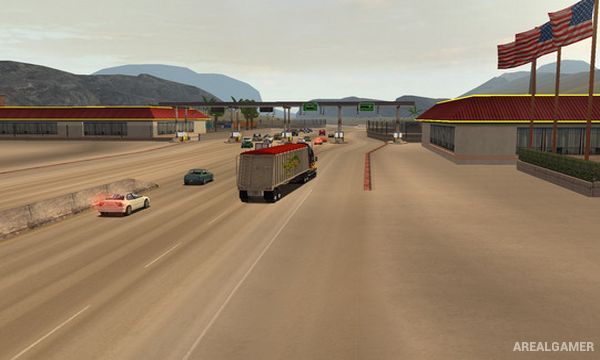
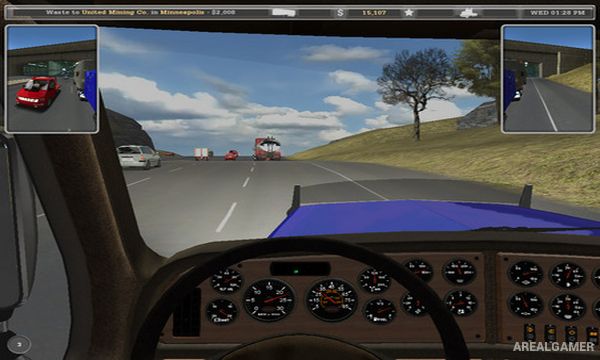
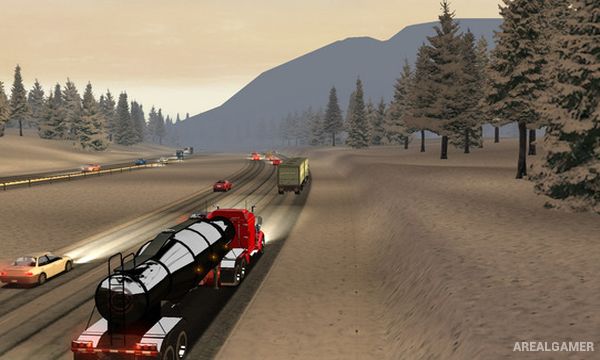
Screenshots:
Minimum System Requirements:
OS: Windows 7/8/10
CPU: 2.0 GHz
RAM: 1 GB
Video Card: 3D graphics card compatible with DirectX 9
Space Required: 500 MB
DirectX: 9.0c
How to Install:
Extract the game using Winrar or 7zip.
Open “18 Wheels of Steel: American Long Haul” folder, double click on “Setup” and proceed install.
After installation complete, go to the “Installed Game” location.
Double click on “Game” icon to play the game. Enjoy!
Click the Below Button to Proceed to Download Page
File Password: arealgamer