
Assassin’s Creed Valhalla


Assassin’s Creed Valhalla – Free Download – PC Game
Game Info:
Size: 56.74 GB
Genre: Action, RPG, Open World
Release Date: November 10, 2020
Developer: Ubisoft Montreal
Publisher: Ubisoft
About This Game:
Assassin’s Creed Valhalla is an open-world action RPG that follows Viking warrior Eivor from Norway to ninth-century England. After establishing a new settlement, Eivor forms alliances across the kingdoms while becoming involved with the Hidden Ones and a growing conflict tied to the Order of the Ancients.
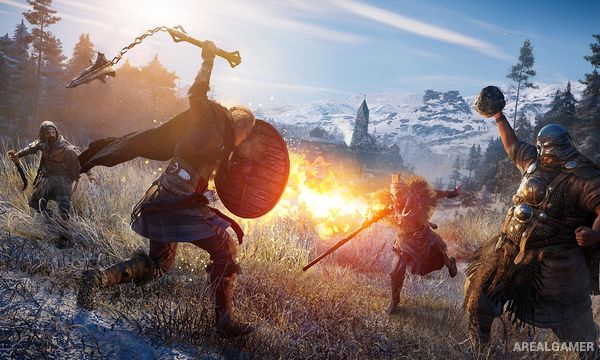
The game mixes Viking raids, exploration, settlement growth, political alliance arcs, hunting, world events, and large-scale combat. England is divided into regions with recommended power levels and independent story arcs that contribute to the wider campaign.
How the Gameplay Works
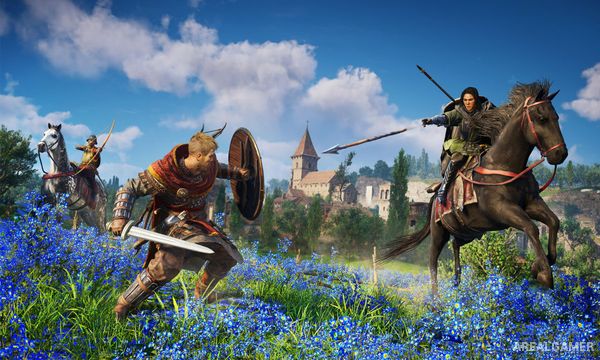
Eivor fights with axes, swords, spears, shields, bows, and other weapons, with dual-wielding allowing unusual combinations. Abilities are learned from Books of Knowledge, while a large skill network improves combat, stealth, ranged attacks, and statistics.
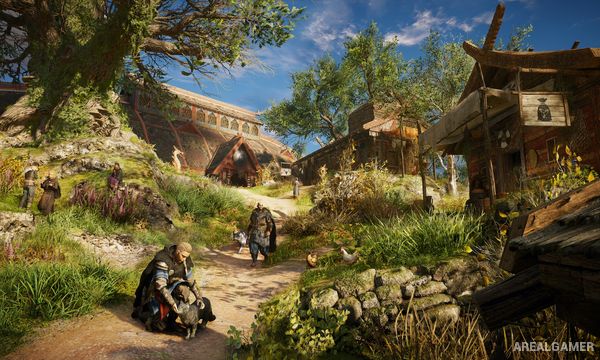
Raids allow Eivor’s crew to attack monasteries and fortified locations for supplies used to upgrade Ravensthorpe. Longships provide river travel, while assassination, social stealth, Order hunting, gear collection, and optional mythology-related content add other progression paths.
Main Gameplay Features
Open-world Viking adventure in Norway and England
Dual-wield melee combat
Raids with a Viking crew
Ravensthorpe settlement upgrades
Regional alliance story arcs
Skill network and Books of Knowledge
Hidden Ones assassination gameplay
Order of the Ancients target hunting
Screenshots:
Minimum System Requirements:
OS: Windows 10 (64-bit only)
CPU: Ryzen 3 1200 – 3.1 Ghz / i5-4460 – 3.2 Ghz
RAM: 8 GB (Dual-channel mode)
Video Card: AMD R9 380 – 4GB / GeForce GTX 960 4GB
Space Required: 70 GB
DirectX: 12
How to Install:
Extract the game using Winrar or 7zip.
Open “Assassin’s Creed Valhalla” folder, double click on “Setup” and proceed install.
After installation complete, open “EMPRESS” folder.
Copy all files and paste it where you “Installed the Game”.
Now double click on “ACValhalla” icon to play the game. Enjoy!
Click the Below Button to Proceed to Download Page
File Password: arealgamer