
Virtual Rides 3

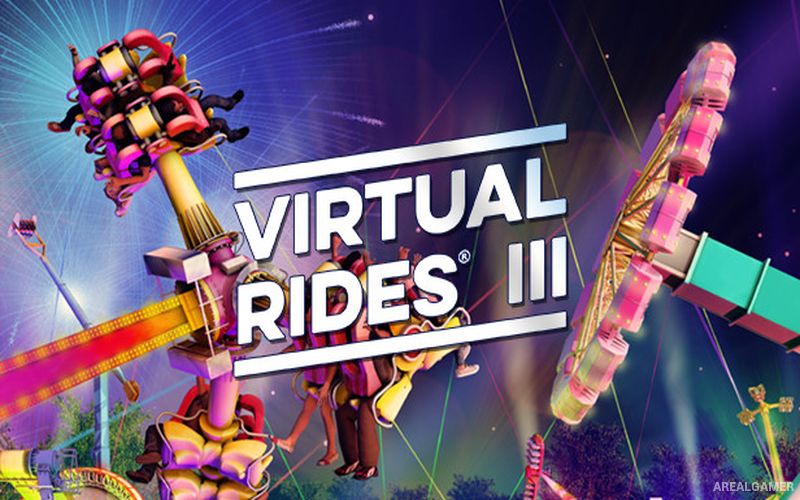
Virtual Rides 3 – Free Download – PC Game
Game Info:
Size: 1.98 GB
Genre: Simulation
Release Date: 16 Mar, 2017
Developer: Pixelsplit Simulations
Publisher: Pixelsplit Simulations
About This Game:
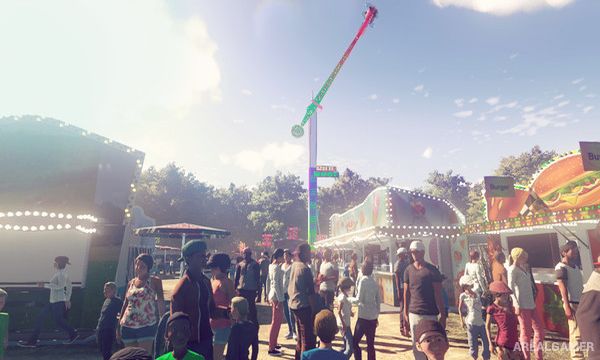
Virtual Rides 3 is a fairground ride simulation that places players in control of detailed amusement rides rather than simply letting them ride as a passenger. Different attractions can be operated, customized, illuminated, decorated, and presented as part of a functioning fairground environment.
The game focuses heavily on the machinery and presentation behind travelling carnival attractions. Lighting patterns, music, ride speed, gondola movement, decorations, and other settings can be adjusted to create a personalized version of each attraction.
How the Gameplay Works
Players use ride control panels to start and stop machinery and control how each attraction moves. Because different rides have their own mechanisms, operating a spinning flat ride feels different from handling another attraction with a different movement pattern.
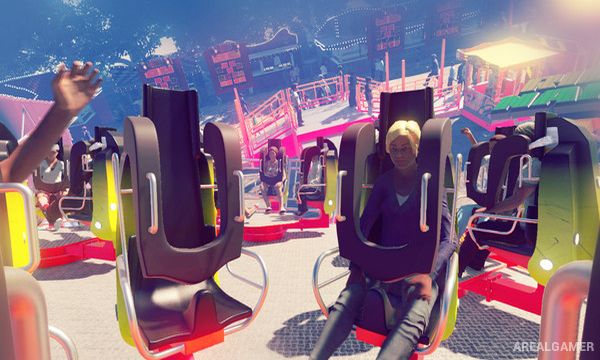
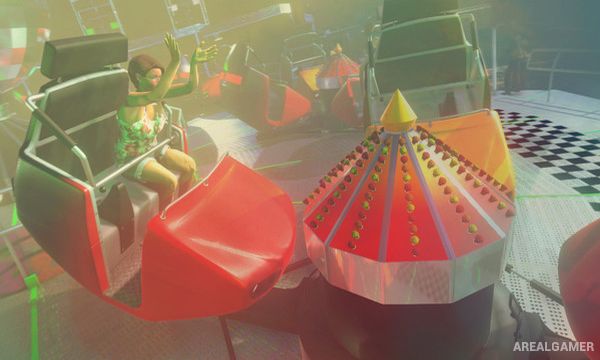
Customization tools allow the appearance and atmosphere of rides to be changed through lighting, colors, effects, music, and decorative elements. Players can also experience attractions from different camera positions, including perspectives close to or aboard the machinery.
Main Gameplay Features
Detailed fairground ride simulation
Interactive ride control panels
Multiple amusement attractions
Adjustable ride movement and speed
Lighting customization
Music and sound controls
Decorative customization
Multiple camera viewpoints
Passenger ride perspectives
Screenshots:
Minimum System Requirements:
OS: Windows 7/8/10, 64-bits
CPU:AMD FX-6350 / Core i5 6600K
RAM: 8 GB
Video Card: AMD Radeon™ HD 7850 7850 2 GB / nVidia GeForce® GTX 660 2 GB (VR): nVidia GeForce® GTX 970
Space Required: 10 GB
DirectX: 11
How to Install:
Extract the game using Winrar or 7zip.
Open “Virtual Rides 3″ folder, double click on “Setup” and proceed install.
After installation complete, open “PLAZA” folder.
Copy all files and paste it where you “Installed the Game”.
Double click on “VR3” icon to play the game. Enjoy!
Click the Below Button to Proceed to Download Page
File Password: arealgamer