
Battle: Los Angeles

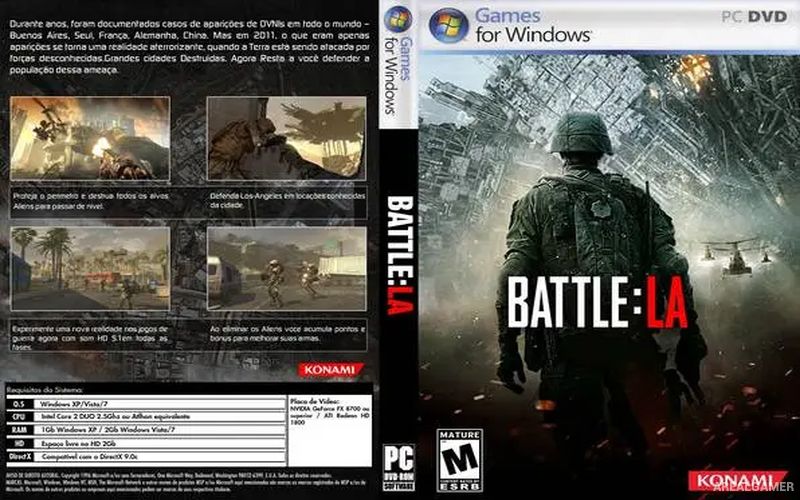
Battle: Los Angeles – Free Download – PC Game
Game Info:
Size: 1.41 GB
Genre: Action, Shooter
Release Date: March 11, 2011
Developer: Saber Interactive
Publisher: Saber Interactive
About This Game:
Battle: Los Angeles is a first-person shooter based on the science-fiction film in which alien forces launch a devastating invasion of Earth. Players take the role of a U.S. Marine fighting through the streets of Los Angeles as military units attempt to protect civilians and push back against heavily armed extraterrestrial attackers.
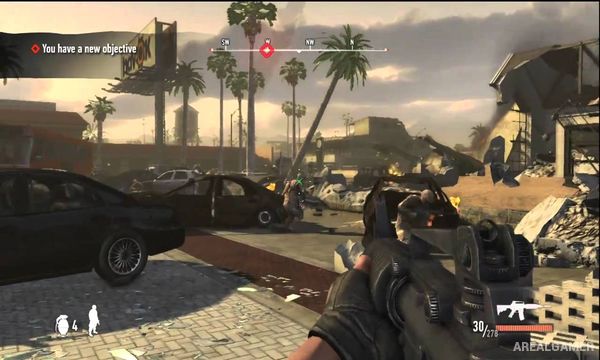
The game follows a short, action-focused structure built around scenes inspired by the movie. Urban locations are damaged by the invasion, with ruined streets, military positions, and burning buildings creating the backdrop for repeated firefights.
How the Gameplay Works
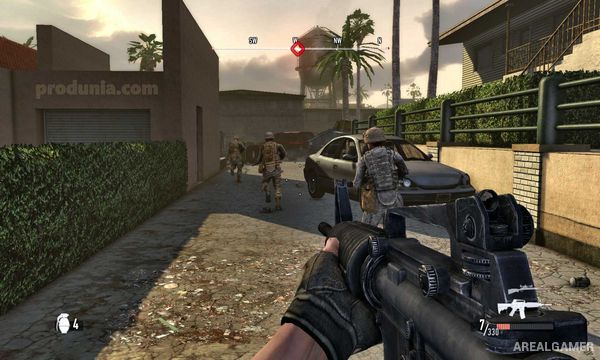
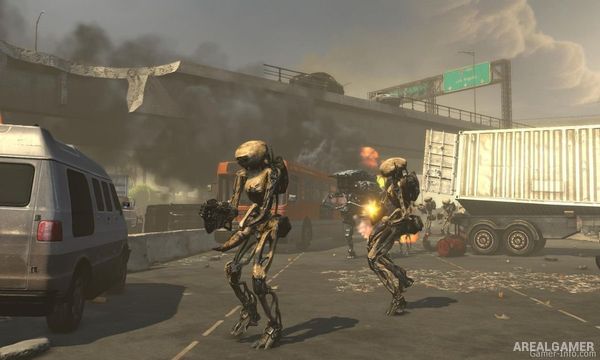
Players move through linear levels using assault rifles, sniper weapons, rocket launchers, grenades, and other military equipment. Alien infantry and mechanical targets appear throughout the campaign, requiring players to use cover and keep moving between safe positions.
Objectives generally involve reaching designated areas, defending positions, destroying important targets, and supporting allied Marines. The campaign keeps its focus on straightforward shooting rather than exploration or complex character development.
Main Gameplay Features
First-person science-fiction shooter
Based on Battle: Los Angeles
U.S. Marine protagonist
Alien invasion storyline
Urban Los Angeles environments
Assault rifles and sniper weapons
Explosives and rocket launchers
Alien infantry enemies
Objective-based missions
Allied military soldiers
Linear campaign progression
Short action-focused experience
Screenshots:
Minimum System Requirements:
OS: Windows XP/Vista/7
CPU: Intel Core 2 Duo @ 2.0 GHz / AMD Athlon 64 X2 4000+
RAM: 2 GB
Video Card: 256 MB, nVidia GeForce 8600 / ATI Radeon X1800
Space Required: 2 GB
DirectX: 9.0c
How to Install:
Extract the game using Winrar or 7zip.
Open “Battle: Los Angeles” folder, double click on “Setup” and proceed install.
After installation complete, open “SKIDROW” folder.
Copy all files and paste it where you “Installed the Game”.
Open “bin” folder, double click on “BattleLA” icon to play the game. Enjoy!
Click the Below Button to Proceed to Download Page
File Password: arealgamer
It’s asking activation key