
Blood Bowl 2: Legendary Edition


Blood Bowl 2: Legendary Edition – With All DLC’s – Free Download – PC Game
Game Info:
Size: 4.58 GB
Genre: Strategy
Release Date: 22 Sep, 2015
Developer: Cyanide Studios
Publisher: Nacon
About This Game:
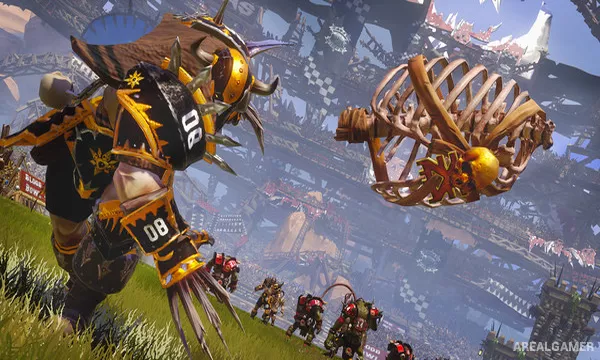
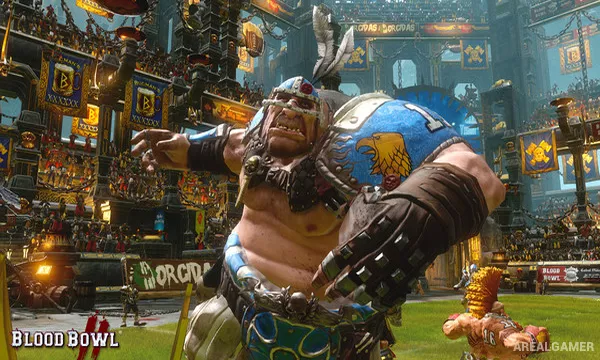
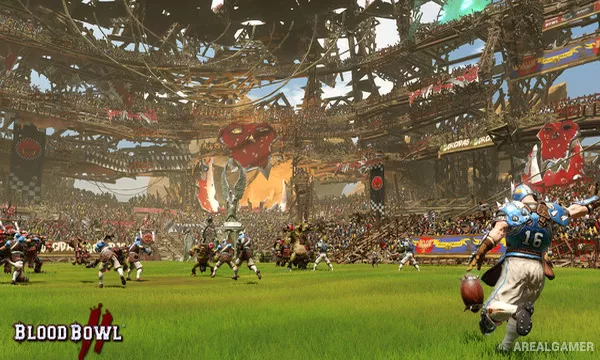
Blood Bowl 2: Legendary Edition is a turn-based fantasy sports strategy game based on Games Workshop’s combination of American football and the Warhammer universe. Teams of humans, orcs, dwarfs, elves, undead, monsters, and other races compete to carry the ball into the opposing end zone while freely punching, injuring, and occasionally killing one another along the way.
The Legendary Edition greatly expands the available team selection and provides additional modes and options beyond the original release. Each race follows a different tactical style, making team choice important long before a match begins.
How the Gameplay Works
Players move individual athletes across a grid during alternating turns. Actions such as blocking, passing, dodging, catching, sprinting, and picking up the ball are resolved using statistics and dice rolls, meaning even a strong plan can fail unexpectedly.
Players earn experience and develop new abilities over a league season, but injuries and deaths can permanently remove valuable team members. Multiplayer leagues allow persistent teams to grow over many matches against human opponents.
Main Gameplay Features
Turn-based fantasy football
Large selection of Warhammer races
Grid-based tactical movement
Dice-driven blocking and skill checks
Persistent team development
Player injuries and permanent deaths
Campaign and league play
Online multiplayer competitions
Team customization
Screenshots:
Minimum System Requirements:
OS: Windows 7/8/10
CPU: AMD/INTEL DUAL-CORE 2.5 GHZ
RAM: 3 GB
Video Card: 768 MB 100% DIRECTX 10 AND SHADERS 4.0 COMPATIBLE ATI RADEON HD 5670/NVIDIA GEFORCE GTX 260 OR HIGHER
Space Required: 8 GB
DirectX: 10
How to Install:
Extract the game using Winrar or 7zip.
Open “Blood Bowl 2 Legendary Edition” folder, double click on “Setup” and proceed install.
After installation complete, open “CODEX” folder.
Copy all files and paste it where you “Installed the Game”.
Double click on “Game” icon to play the game. Enjoy!
Click the Below Button to Proceed to Download Page
File Password: arealgamer