
Call of Cthulhu: Dark Corners of the Earth

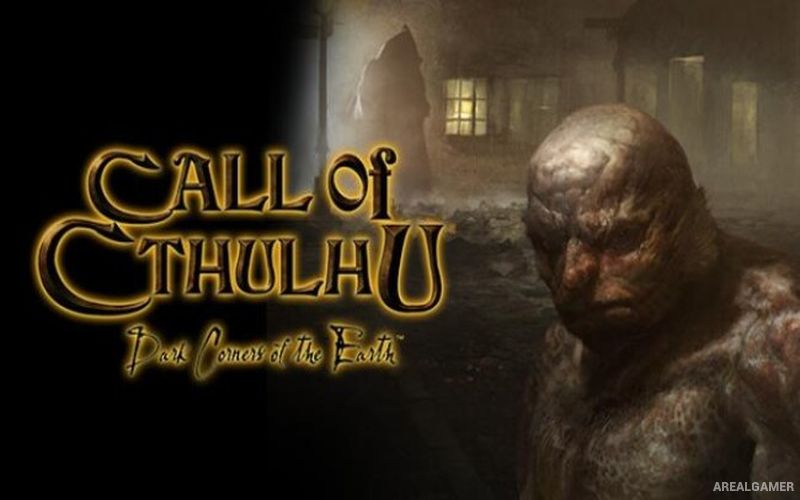
Call of Cthulhu: Dark Corners of the Earth – Free Download – PC Game
Game Info:
Size: 1.24 GB
Genre: Action, Horror
Release Date: April 26, 2006
Developer: Headfirst Productions
Publisher: Bethesda Softworks LLC
About This Game:
Call of Cthulhu: Dark Corners of the Earth is a first-person horror adventure heavily inspired by H. P. Lovecraft’s The Shadow Over Innsmouth. Private investigator Jack Walters travels to the isolated coastal town of Innsmouth to investigate a missing person and quickly discovers that the residents are hiding a horrifying connection to ancient supernatural forces.
The game emphasizes vulnerability and psychological horror rather than constant shooting. Jack can suffer physical injuries and declining sanity, while disturbing sights may cause visual distortions, loss of control, or other effects.
How the Gameplay Works
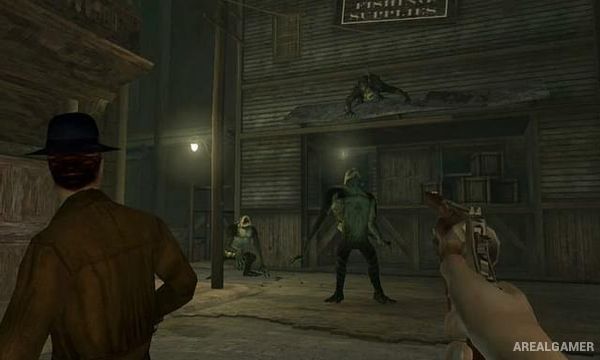
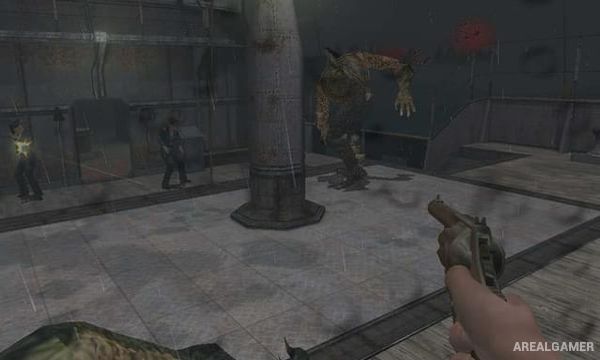
Early sections focus heavily on exploration, stealth, investigation, and avoiding hostile townspeople. Firearms become available later, but ammunition remains valuable and enemies can be dangerous in direct confrontations.
There is no conventional on-screen HUD during normal play. Health is represented through specific injuries that require treatment, while sanity can deteriorate when Jack looks at terrifying creatures or dangerous heights. Puzzles and chase sequences accompany the shooting and stealth.
Main Gameplay Features
First-person Lovecraftian horror
Playable Jack Walters
Innsmouth setting
Stealth and investigation
Limited firearms
No traditional HUD
Detailed injury system
Sanity effects
Visual hallucinations
Chase sequences
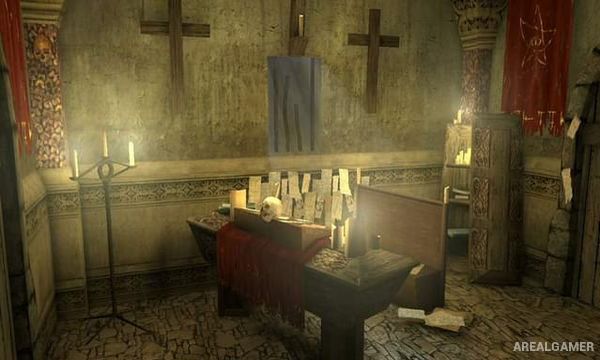
Environmental puzzles
Cthulhu Mythos creatures
Atmospheric exploration
Story inspired by Lovecraft
Single-player campaign
Screenshots:
Minimum System Requirements:
OS: Windows XP/Vista/7/8/10
CPU: 1.8 GHz
RAM: 512 MB
Video Card: 3D graphics card compatible with DirectX 9
Space Required: 2 GB
DirectX: 9.0c
How to Install:
Extract the game using Winrar or 7zip.
Open “Call of Cthulhu: Dark Corners of the Earth” folder, double click on “Setup” and proceed install.
After installation complete, go to the “Installed Game” location.
Double click on “Game” icon to play the game. Enjoy!
Click the Below Button to Proceed to Download Page
File Password: arealgamer