
Cannon Fodder 2


Cannon Fodder 2 – Free Download – PC Game
Game Info:
Size: 14.7 MB
Genre: Action, Arcade
Release Date: November 1, 1994
Developer: Sensible Software
Publisher: Codemasters
About This Game:
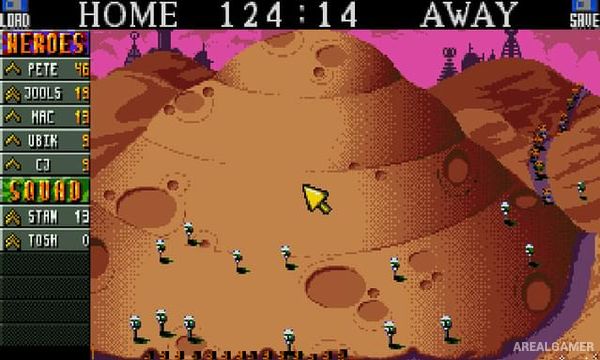
Cannon Fodder 2 continues the squad-based action strategy of the original while sending its tiny soldiers through an even stranger selection of battlefields. A science-fiction time-travel premise allows missions to move beyond modern warfare into medieval, gangster, alien, and futuristic environments.
Despite the unusual settings, the basic objective remains keeping a limited pool of soldiers alive while completing dangerous missions. Surviving troops gain ranks and continue into later operations, making experienced members increasingly valuable.
How the Gameplay Works
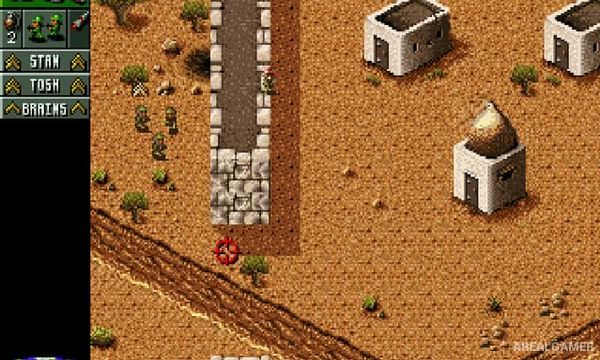
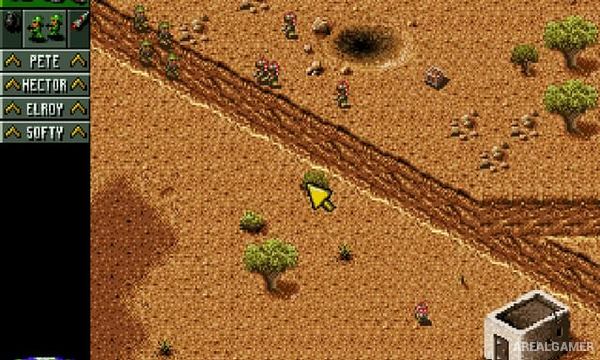
Players direct a small squad with mouse controls, clicking destinations to move and aiming gunfire at enemies. Missiles and grenades destroy vehicles, structures, and heavily defended targets.
Squads can be split into smaller groups when several objectives need attention at once. Missions involve eliminating enemies, rescuing hostages, destroying structures, or reaching specific locations while preserving as many soldiers as possible.
Main Gameplay Features
Squad-based action strategy
Mouse-controlled soldiers
Persistent named troops
Soldier rank progression
Machine-gun combat
Grenades and rockets
Multiple squad groups
Vehicle interaction
Time-travel storyline
Medieval and futuristic missions
Hostage rescue
Destruction objectives
Large mission collection
Dark military humor
Single-player campaign
Screenshots:
Minimum System Requirements:
OS: Windows XP/Vista/7/8/10
CPU: 1.8 GHz
RAM: 512 MB
Video Card: 3D graphics card compatible with DirectX 9
Space Required: 200 MB
DirectX: 9.0c
How to Install:
Extract the game using Winrar or 7zip.
Open “Cannon Fodder 2” folder, double click on “Setup” and proceed install.
After installation complete, go to the “Installed Game” location.
Double click on “Game” icon to play the game. Enjoy!
Click the Below Button to Proceed to Download Page
File Password: arealgamer