
Command & Conquer: Generals – Zero Hour

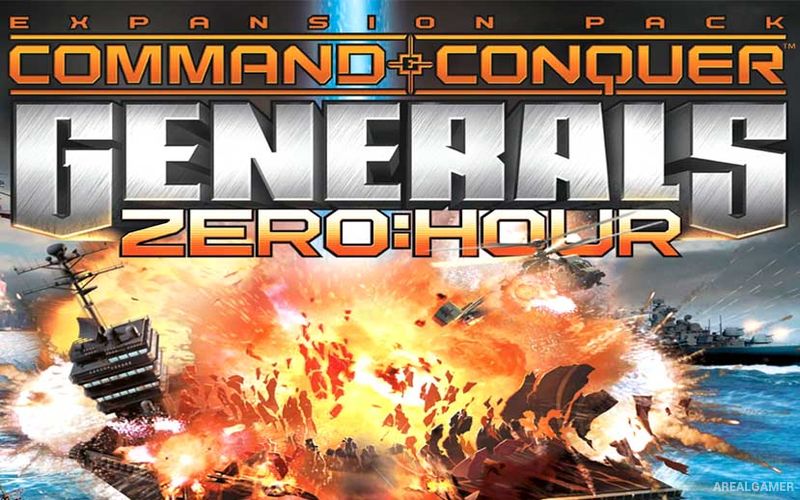
Command & Conquer: Generals – Zero Hour – Free Download – PC Game
Game Info:
Size: 1.87 GB
Genre: Strategy
Release Date: September 22, 2003
Developer: EA Los Angeles
Publisher: EA Games
About This Game:
Command & Conquer: Generals – Zero Hour expands the modern military strategy of Generals with new campaigns, additional units, faction upgrades, and specialized commanders. The United States, China, and the Global Liberation Army remain the main factions, but each can now be represented by generals specializing in particular forms of warfare.
A general might focus on tanks, aircraft, nuclear weapons, stealth attacks, chemical warfare, infantry, or other specialties. These variations significantly change which units and technologies are available, making two armies from the same parent faction capable of playing very differently.
How the Gameplay Works
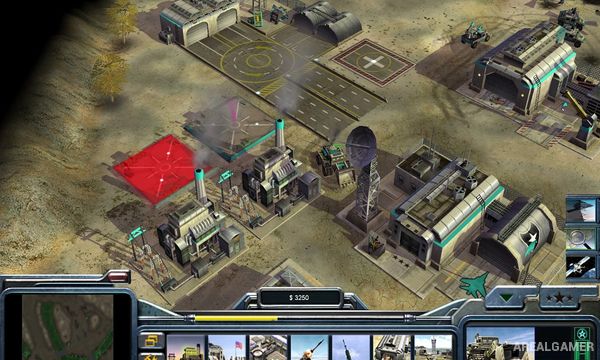
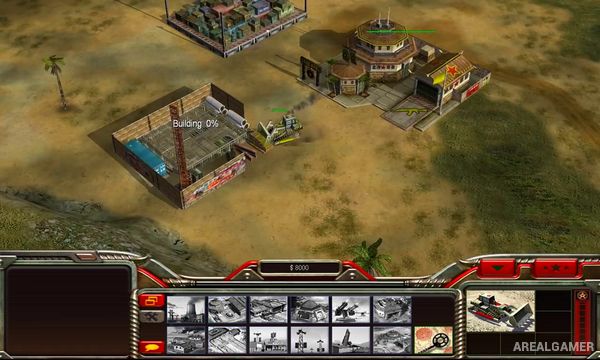
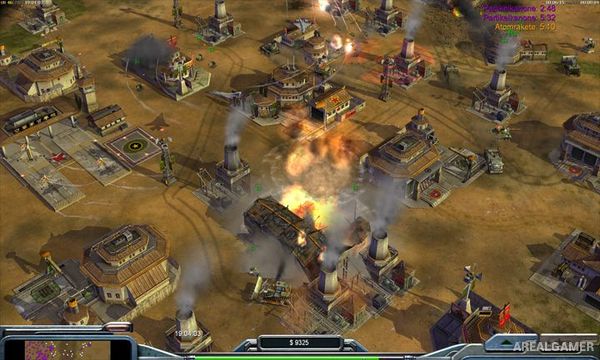
Players gather supplies, construct bases, produce infantry and vehicles, capture strategic positions, and unlock increasingly powerful abilities through combat experience. USA relies heavily on advanced technology and aircraft, China combines large armies with powerful armor, while GLA uses mobility, tunnels, salvage, and unconventional weapons.
General’s Challenge lets players select a specialized commander and fight through a sequence of rival generals, each using a particular strategy. New campaign missions continue the global conflict, while skirmish and multiplayer allow all regular factions and specialized generals to compete directly.
Main Gameplay Features
Expansion for Command & Conquer: Generals
USA, China, and GLA factions
Nine specialized generals
General’s Challenge mode
New campaign missions
Additional military units
Faction-specific upgrades
Supply resource gathering
Base construction
Experience-based general powers
Air, armor, and infantry strategies
Nuclear and chemical weapons
Stealth-focused armies
Tunnel networks
Skirmish mode
Multiplayer battles
Screenshots:
Minimum System Requirements:
OS: Windows XP/2000/Vista/7
CPU: 1.8 GHz
RAM: 512 MB
Video Card: 3D graphics card compatible with DirectX 9
Space Required: 3 GB
DirectX: 9.0c
How to Install:
Extract the game using Winrar or 7zip.
Open “Command and Conquer Generals + Zero Hour” folder, double click on “Setup” and proceed install.
After installation complete, go to the “Installed Game” location.
Double click on “generals” icon to play the game. Enjoy!
Click the Below Button to Proceed to Download Page
File Password: arealgamer