
Curious Expedition 2

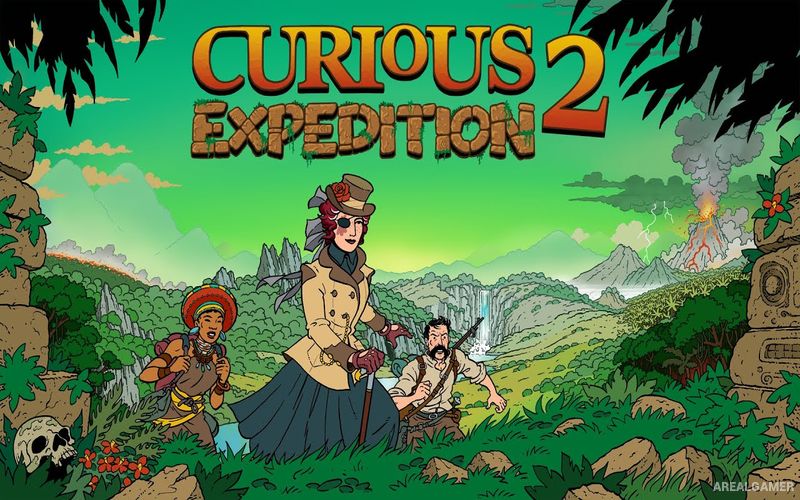
Curious Expedition 2 – With All DLC’s – Free Download – PC Game
Game Info:
Size: 2.13 GB
Genre: Adventure, RPG
Release Date: 28 Jan, 2021
Developer: Maschinen-Mensch
Publisher: Thunderful Publishing
About This Game:
Curious Expedition 2 is a turn-based exploration roguelike set in an alternate version of the late nineteenth century. Players lead expeditions to mysterious islands that appear and disappear across the world’s oceans, searching for treasures, scientific discoveries, and answers to the strange phenomena surrounding them.
Every expedition combines exploration, survival decisions, character management, and unpredictable events. The party can include explorers, specialists, unusual companions, and animals, each bringing different abilities and personality traits to the journey.
How the Gameplay Works
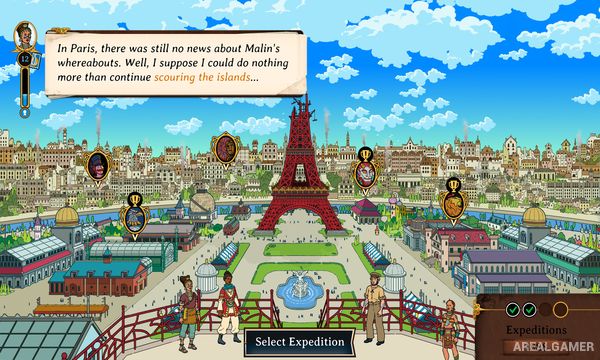
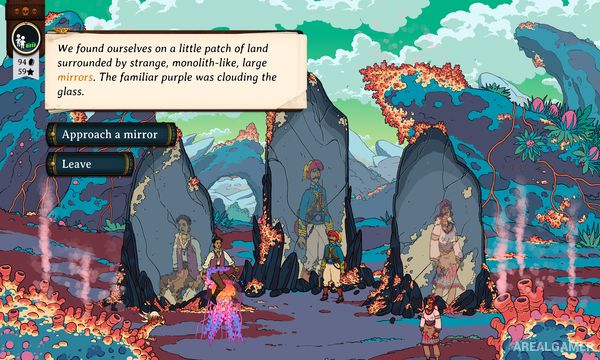
Players move across procedurally arranged island maps while managing limited supplies and sanity. Visiting villages, shrines, caves, temples, and other locations can provide rewards but may also create injuries, curses, conflicts, or difficult choices.
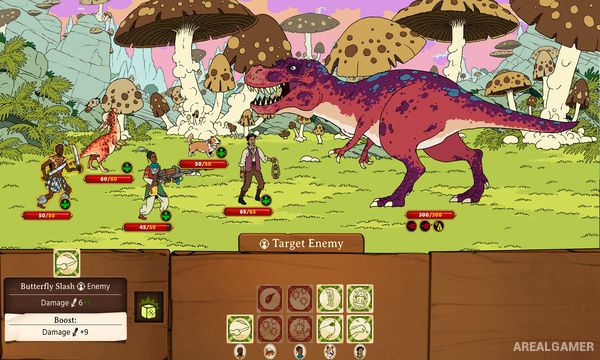
Combat takes place through turn-based dice rolls, with character equipment and abilities changing the available faces and combinations. Returning safely with valuable discoveries earns fame and resources that can improve future expeditions, while death or poor decisions may end a journey early.
Main Gameplay Features
Procedurally generated expeditions
Turn-based dice-based combat
Party recruitment and management
Sanity and resource survival systems
Random narrative events
Exploration of mysterious islands
Equipment and character upgrades
Competing explorer clubs
Permanent consequences and character loss
Treasure and artifact discovery
Included DLC’s:
Highlands of Avalon – Robots of Lux – Shores of Taishi
Screenshots:
Minimum System Requirements:
OS: Windows 7/8/10, 64-bit
CPU: 2 GHz
RAM: 4 GB
Video Card: DX10 compatible video card
Space Required: 3 GB
DirectX: 10
How to Install:
Extract the game using Winrar or 7zip.
Open “Curious Expedition 2″ folder, double click on “Setup” and proceed install.
Now run “DLC Setups” to install DLC’s.
After installation complete, go to the “Installed Game” location.
Double click on “Game” icon to play the game. Enjoy!
Click the Below Button to Proceed to Download Page
File Password: arealgamer