
Day of the Tentacle Remastered

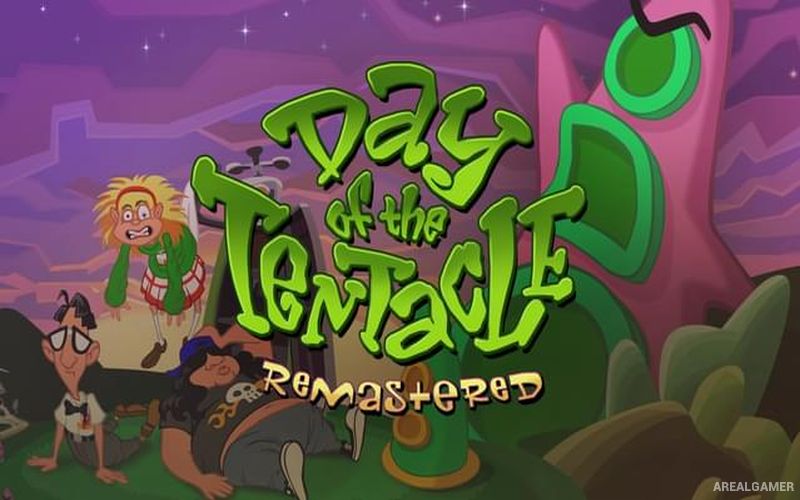
Day of the Tentacle Remastered – Free Download – PC Game
Game Info:
Size: 2.22 GB
Genre: Adventure
Release Date: March 22, 2016
Developer: Double Fine Productions
Publisher: Double Fine Productions
About This Game:
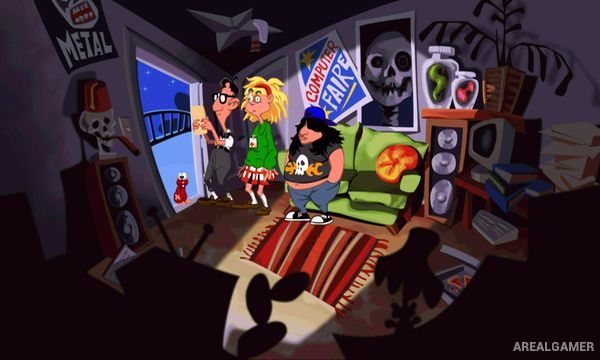
Day of the Tentacle Remastered is a comedy point-and-click adventure about three friends attempting to stop the mutated Purple Tentacle from taking over the world. Bernard, Hoagie, and Laverne become separated across different periods of history after a time-machine experiment goes wrong.
The remastered edition updates the original adventure with redrawn artwork, improved audio, and interface options while preserving its unusual puzzles and comedy. Because the three protagonists occupy the same location in different time periods, actions performed by one character can affect what another discovers centuries later.
How the Gameplay Works
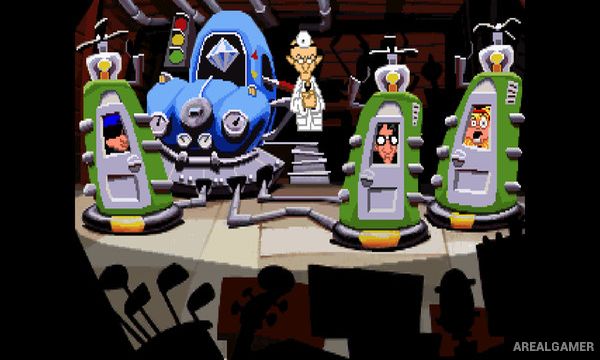
Players explore rooms, speak with characters, collect objects, and solve inventory-based puzzles. Items can be transferred between time periods through the Chron-o-John system, allowing characters to help each other despite living hundreds of years apart.
Many puzzles rely on intentionally changing the past to create a useful result in the future. Players can switch freely between Bernard, Hoagie, and Laverne as they work together to prevent Purple Tentacle’s plan.
Main Gameplay Features
Classic point-and-click adventure
Three playable protagonists
Time-travel puzzle design
Bernard, Hoagie, and Laverne
Inventory-based puzzles
Transfer items through time
Comedy-focused story
Purple Tentacle antagonist
Remastered artwork
Improved audio
Optional developer commentary
Single-player adventure
Screenshots:

Minimum System Requirements:
OS: Windows 7/8/10
CPU: Intel Core 2 Duo at 2.2 GHz, AMD Athlon 64 2.2 GHz
RAM: 2 GB
Video Card: NVIDIA GeForce GTX 260, ATI Radeon 4870 HD, Intel HD 3000, or equivalent card with at least 512 MB VRAM
Space Required: 3 GB
DirectX: 11
How to Install:
Extract the game using Winrar or 7zip.
Open “Day of the Tentacle Remastered” folder, double click on “Setup” and proceed install.
After installation complete, go to the “Installed Game” location.
Double click on “Game” icon to play the game. Enjoy!
Click the Below Button to Proceed to Download Page
File Password: arealgamer