
Dead Age 2

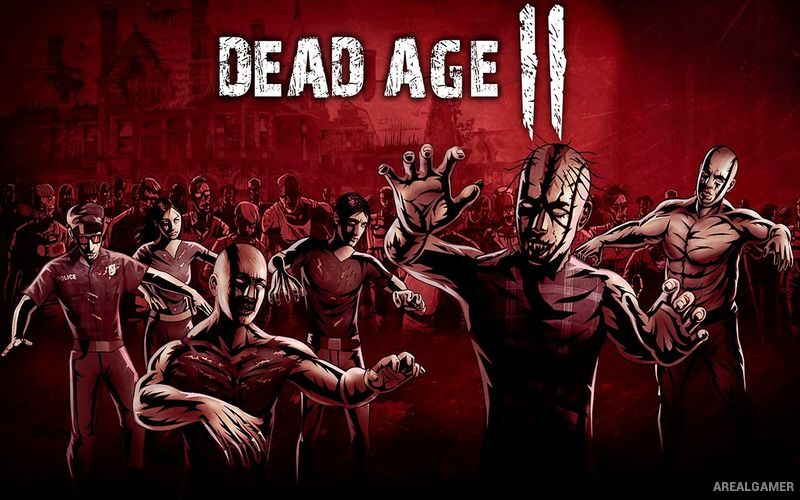
Dead Age 2 – Free Download – PC Game
Game Info:
Size: 5.59 GB
Genre: RPG, Survival
Release Date: 12 Mar, 2021
Developer: Silent Dreams
Publisher: Headup
About This Game:
Dead Age 2 is a zombie survival RPG that combines turn-based battles, camp management, exploration, quests, and decisions that can alter the direction of the story. Years after civilization collapsed, survivors have formed new communities and factions while the undead remain a constant danger outside protected settlements.
Players lead a group of survivors rather than controlling only one permanent hero. Each person can develop different combat abilities and useful skills, while relationships with competing factions influence which missions, rewards, and story opportunities become available.
How the Gameplay Works
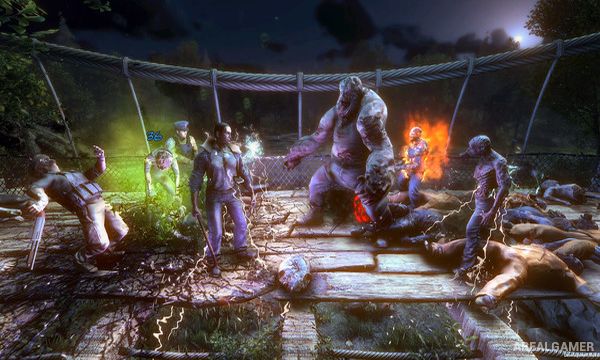
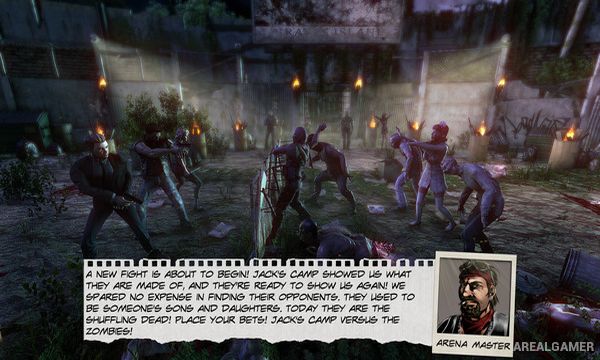
Exploration takes the group between locations where resources, quests, traders, faction representatives, and enemies can be found. Battles use fast turn-based combat in which weapons, character abilities, status effects, and the order of actions can determine whether the team survives.
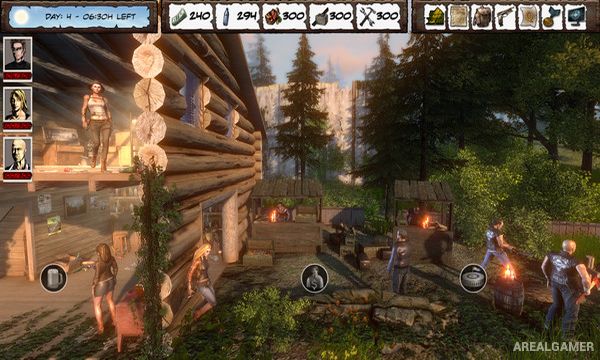
Outside combat, players manage their camp, craft useful equipment, assign work, improve survivors, and make story decisions. Supplies remain limited, encouraging careful planning before longer journeys. Faction relationships and major choices can change the storyline and lead toward different outcomes.
Main Gameplay Features
Zombie survival RPG
Fast turn-based combat
Survivor management
Camp development
Crafting system
Character skills and progression
Multiple factions
Faction reputation
Numerous quests
Roguelike-style events
Story-changing decisions
Multiple possible outcomes
Screenshots:
Minimum System Requirements:
OS: Windows 7/8/10, 64-bits
CPU: Intel Core i5-3470 or AMD Ryzen 3 1200
RAM: 8 GB
Video Card: GeForce 2 GB or Radeon 2 GB with Direct X 11 Support
Space Required: 7 GB
DirectX: 11
How to Install:
Extract the game using Winrar or 7zip.
Open “Dead Age 2″ folder, double click on “Setup” and proceed install.
After installation complete, go to the “Installed Game” location.
Double click on “Game” icon to play the game. Enjoy!
Click the Below Button to Proceed to Download Page
File Password: arealgamer