
Dead Age

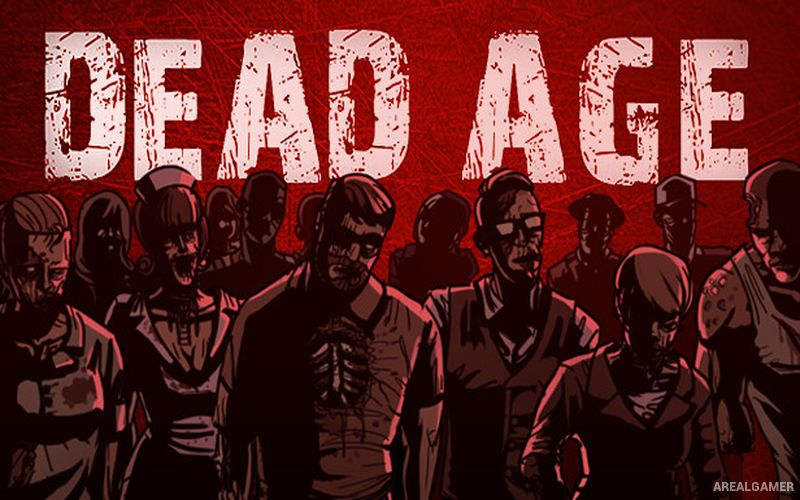
Dead Age – Free Download – PC Game
Game Info:
Size: 724 MB
Genre: RPG, Survival
Release Date: July 14, 2016
Developer: Silent Dreams
Publisher: Headup
About This Game:
Dead Age is a zombie survival RPG that combines camp management with turn-based battles and roguelite progression. After surviving the beginning of a zombie outbreak, players join a small group attempting to build a defensible camp while searching the surrounding area for food, equipment, materials, and additional survivors.
Every day creates new problems. Supplies are consumed, wounded survivors require treatment, zombies threaten the camp, and difficult events can force decisions that affect relationships or determine whether particular characters remain alive.
How the Gameplay Works
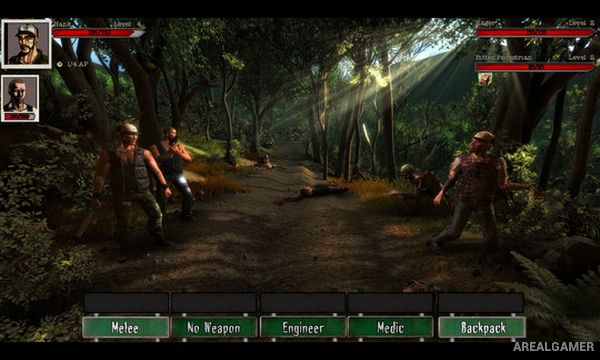
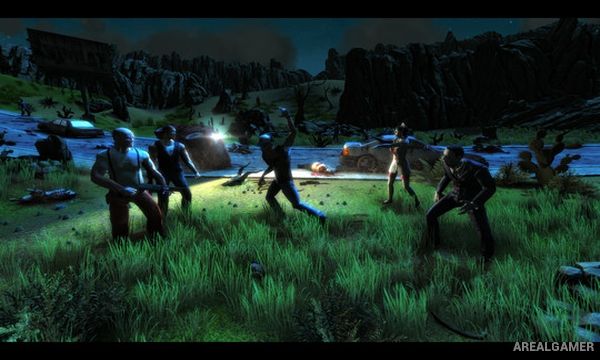
Combat uses turn-based encounters where survivors attack with melee weapons, firearms, and learned abilities. Different characters can specialize in particular roles, while equipment and skill development improve the group’s chances against increasingly dangerous enemies.
Between expeditions, survivors can be assigned work such as crafting or producing important supplies. The campaign is non-linear, and choices can influence events and relationships. Permanent death means losing a survivor can remove their abilities and equipment from the group for the remainder of the run.
Main Gameplay Features
Zombie survival RPG
Turn-based combat
Permanent character death
Camp management
Recruit additional survivors
Craft weapons and supplies
Character skills
Resource management
Daily survival decisions
Random events
Non-linear progression
Multiple possible endings
Screenshots:
Minimum System Requirements:
OS: Windows 7/8/10
CPU: Intel Core2 Duo 3.00 GHz / AMD CPU 3 GHZ
RAM: 3 GB
Video Card: Nvidia GPU GeForce GTX 660 / ATI Radeon HD 3600
Space Required: 2 GB
DirectX: 10
How to Install:
Extract the game using Winrar or 7zip.
Open “Dead Age” folder, double click on “Setup” and proceed install.
After installation complete, go to the “Installed Game” location.
Double click on “Game” icon to play the game. Enjoy!
Click the Below Button to Proceed to Download Page
File Password: arealgamer