
Dead Cells

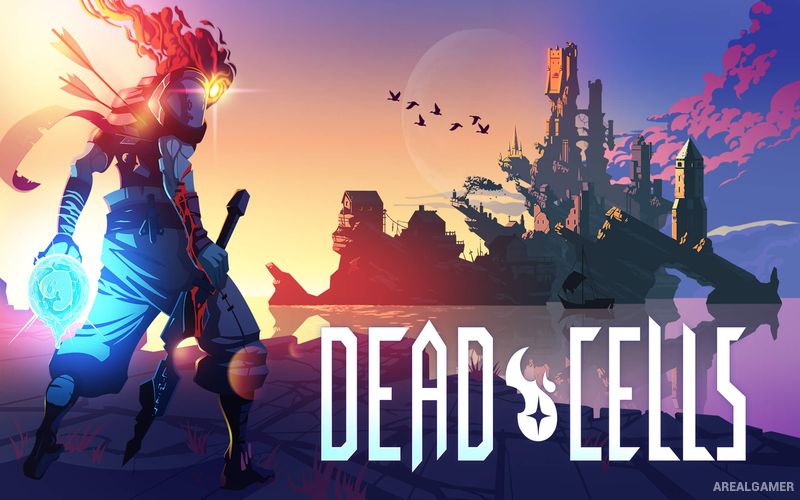
Dead Cells – With All DLC’s – Free Download – PC Game
Game Info:
Size: 1.19 GB
Genre: Action, Adventure
Release Date: August 6, 2018
Developer: Motion Twin
Publisher: Motion Twin
About This Game:
Dead Cells is a fast roguelite action platformer set across an island corrupted by a mysterious plague. Players control an unusual creature capable of possessing fallen bodies and repeatedly attempt to escape through interconnected areas filled with monsters, traps, secrets, and powerful bosses.
Every run rearranges parts of the journey and provides different combinations of weapons and abilities. Death sends the player back to the beginning, but permanent unlocks gradually increase the variety of equipment and routes available during future attempts.
How the Gameplay Works
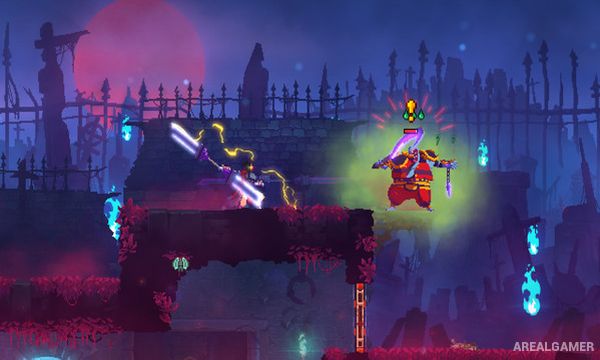
Players run, jump, dodge, climb, and fight in real time using swords, bows, shields, traps, turrets, magical weapons, and many other tools. Fast enemy attacks reward timing and movement rather than standing still and trading damage.
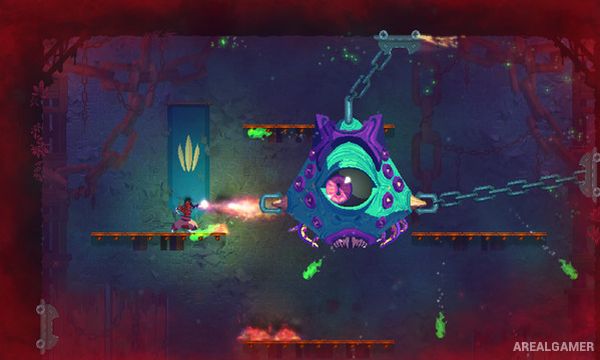
Cells collected from defeated enemies can unlock permanent weapons and upgrades if carried safely to designated areas. Runes provide new traversal abilities that open alternate routes, while increasingly difficult boss encounters test the builds created during each run.
Main Gameplay Features
Fast roguelite action platforming
Procedurally changing runs
Large weapon selection
Melee and ranged combat
Dodging and parrying
Traps and turrets
Permanent unlocks
Multiple routes
Traversal abilities
Secret areas
Boss battles
High replay value
DLC’s Included:
The Bad Seed – Rise of the Giant – The Queen and the Sea – Fatal Falls
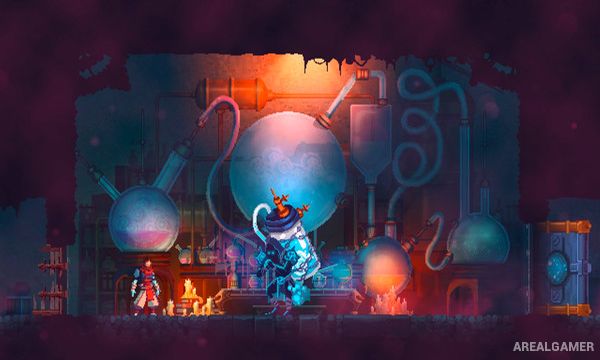
Screenshots:
Minimum System Requirements:
OS: Windows 7/8/10
CPU: Processor: Intel i5+
RAM: 2 GB
Video Card: Nvidia 450 GTS / Radeon HD 5750 or better
Space Required: 500 MB
DirectX: 9.0c
How to Install:
Extract the game using Winrar or 7zip.
Open “Dead Cells” folder, double click on “Setup” and proceed install.
Now run “DLC Setups” to install DLC’s.
After installation complete, go to the “Installed Game” location.
Double click on “Game” icon to play the game. Enjoy!
Click the Below Button to Proceed to Download Page
File Password: arealgamer