
Metal Gear Solid: Integral


Metal Gear Solid: Integral – Free Download – PC Game
Game Info:
Size: 733 MB
Genre: Stealth
Release Date: June 24, 1999
Developer: Konami
Publisher: Microsoft Corporation, Konami
About This Game:
Metal Gear Solid: Integral is an expanded version of the stealth-action classic in which Solid Snake infiltrates Shadow Moses Island to stop a rogue special-forces unit and prevent the use of a nuclear-capable Metal Gear weapon. The mission mixes military espionage, political conspiracy, personal rivalries, and cinematic storytelling.
Integral adds extra features and mission content beyond the original release, including additional VR training challenges and presentation options. The main campaign remains focused on sneaking through a heavily guarded nuclear facility while avoiding unnecessary detection.
How the Gameplay Works
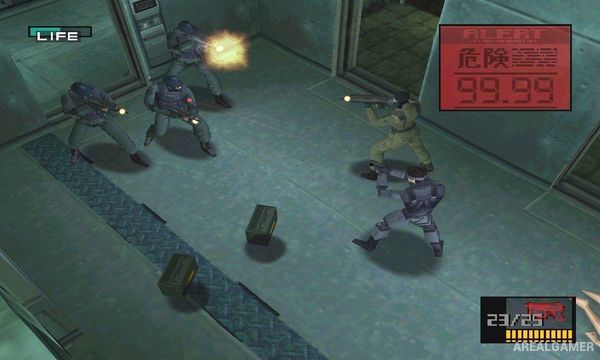
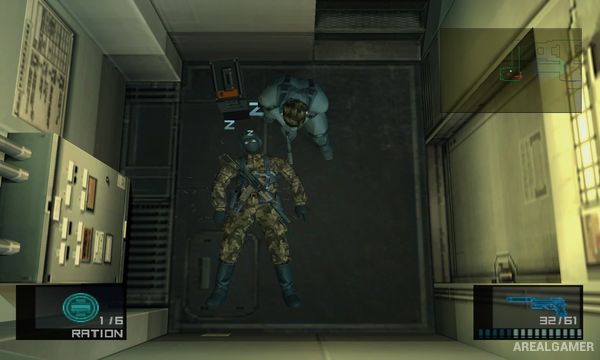
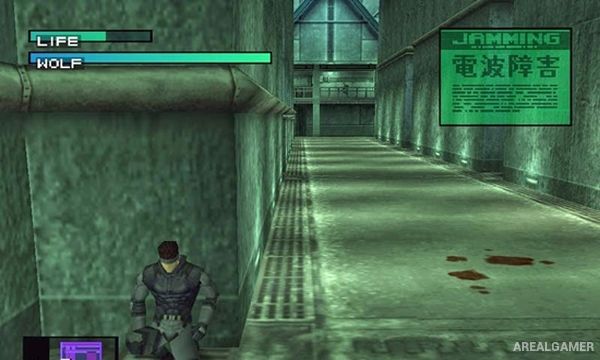
Snake crawls beneath objects, hides around corners, tracks enemy vision on radar, knocks on walls, uses silenced weapons, and distracts guards. Alerts bring reinforcements, making careful movement and awareness more useful than trying to fight every soldier directly.
Boss encounters introduce unique mechanics that require different tools or tactics. Codec conversations provide mission information and character development, while items such as cardboard boxes, thermal goggles, mines, and remote missiles create unusual stealth solutions.
Main Gameplay Features
Stealth infiltration on Shadow Moses Island
Solid Snake as the playable operative
Enemy vision and alert systems
Silenced weapons and distraction tools
Cardboard boxes, mines, goggles, and specialist equipment
Cinematic boss battles
Codec communication system
Expanded Integral VR mission content
Screenshots:
Minimum System Requirements:
OS: Windows 98/ME/2000/XP/7
CPU: Pentium 2 @ 450 MHz Processor
RAM: 64 MB
Video Card: 32 MB
Space Required: 1 GB
DirectX: 8.0
How to Install:
Extract the game using Winrar or 7zip.
Open “Metal Gear Solid: Integral” folder, double click on “Setup” and proceed install.
After installation complete, go to the “Installed Game” location.
Now double click on “MGSI” icon to play the game. Enjoy!
Click the Below Button to Proceed to Download Page
File Password: arealgamer
after choosing difucality, it asks for CD!!