
Descent 2

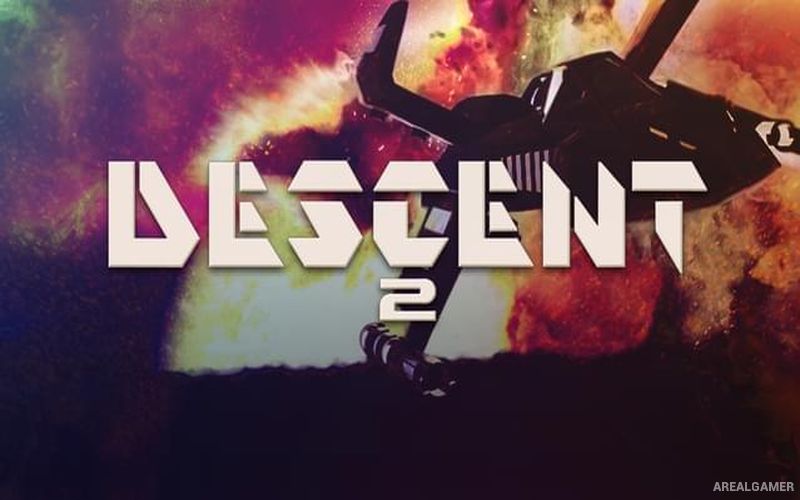
Descent 2 – Free Download – PC Game
Game Info:
Size: 536 MB
Genre: Shooter, Simulation
Release Date: March 13, 1996
Developer: Parallax Software
Publisher: Interplay
About This Game:
Descent 2 continues the six-degrees-of-freedom combat of the original game with a new collection of mines, robots, weapons, and navigation challenges. The Material Defender is sent to another series of infected mining facilities, where increasingly intelligent machines guard complex environments built in every possible direction.
The sequel expands both the campaign and the player’s equipment while maintaining the unusual freedom of movement that separates Descent from traditional first-person shooters. Larger levels and more complicated routes make navigation a major part of surviving each assignment.
How the Gameplay Works
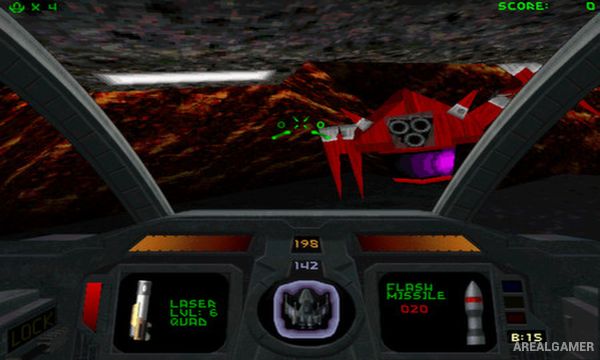
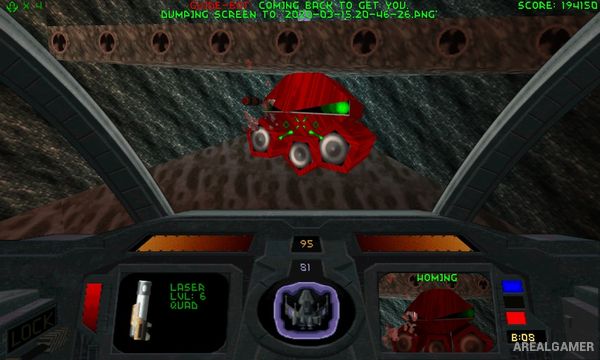
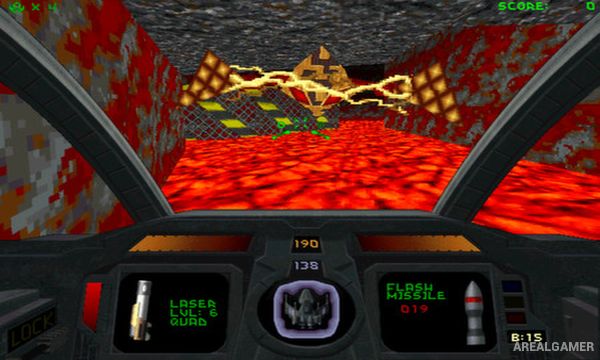
Players pilot their spacecraft through 3D mines where there is no permanent concept of up or down. Lasers, missiles, mines, and other weapons are used against robots that can approach from any direction, while keys and environmental switches open deeper parts of each facility.
A Guide-Bot can help locate objectives and important areas when navigation becomes difficult. New enemies include the Thief-Bot, which can steal equipment and force the player to chase it through the mine. The campaign contains thirty levels, while multiplayer supports competitive matches outside the story.
Main Gameplay Features
Six-degrees-of-freedom combat
30 campaign levels
Fully 3D mine layouts
Expanded weapon arsenal
Guide-Bot navigation assistant
Thief-Bot enemy
Lasers and missile weapons
Keys and environmental switches
Hostage rescue objectives
Reactor destruction
Fast escape sequences
Up to eight-player network multiplayer
Screenshots:
Minimum System Requirements:
OS: Windows 7/8/10, 64-bits
CPU: 1.8 GHz
RAM: 512 MB
Video Card: 3D graphics card compatible with DirectX 9
Space Required: 1 GB
DirectX: 9.0c
How to Install:
Extract the game using Winrar or 7zip.
Open “Descent 2″ folder, double click on “Setup” and proceed install.
After installation complete, go to the “Installed Game” location.
Double click on “Game” icon to play the game. Enjoy!
Click the Below Button to Proceed to Download Page
File Password: arealgamer