
Disney’s Aladdin


Disney’s Aladdin – Free Download – PC Game
Game Info:
Size: 1.6 MB
Genre: Platform
Release Date: November 21, 1993
Developer: Capcom
Publisher: Capcom
About This Game:
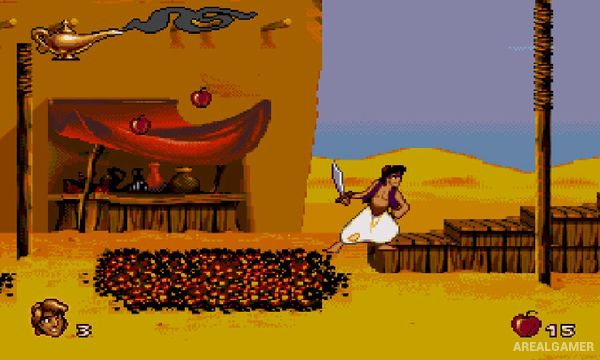
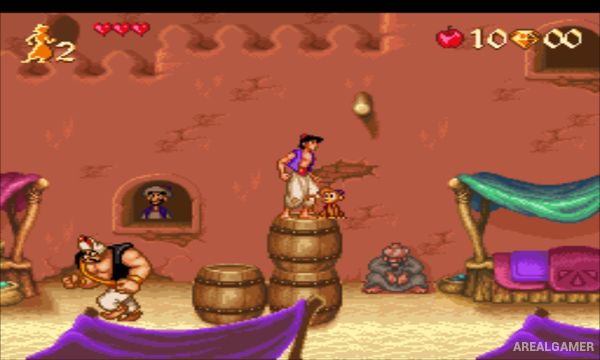
Disney’s Aladdin is a classic 2D platform game based on the animated film. Players control Aladdin through locations inspired by Agrabah and the movie’s major scenes, encountering palace guards, animals, magical hazards, and other obstacles on the way to confronting Jafar.
The game recreates the film’s energetic animation with expressive character movement and recognizable environments. Aladdin primarily fights with a sword but can also throw collected apples to attack enemies from a safer distance.
How the Gameplay Works
Players run, jump, climb, swing from objects, and attack enemies while moving through linear platforming stages. Apples act as limited ranged ammunition, while gems, health items, and extra lives can be found by exploring less obvious parts of a level.
Some stages change the normal platforming formula, including a fast escape from the Cave of Wonders and a magic-carpet sequence that requires avoiding incoming obstacles. Boss encounters appear at key points in the adventure.
Main Gameplay Features
Classic side-scrolling platforming
Sword-based melee combat
Throwable apple attacks
Levels based on locations from the film
Collectible gems and bonus items
Special escape and magic-carpet stages
Boss battles
Screenshots:

Minimum System Requirements:
OS: Windows XP/Vista/7
CPU: 1.8 GHz
RAM: 512 MB
Video Card: 3D graphics card compatible with DirectX 9
Space Required: 10 MB
DirectX: 9.0c
How to Install:
Extract the game using Winrar or 7zip.
Open “Disney’s Aladdin” folder, double click on “Setup” and proceed install.
After installation complete, go to the “Installed Game” location.
Go to “File” >> “Load Genesis/32X ROM” and select “Aladdin_U_” to play the game. Enjoy!
Click the Below Button to Proceed to Download Page
File Password: arealgamer