
Don Bradman Cricket 14

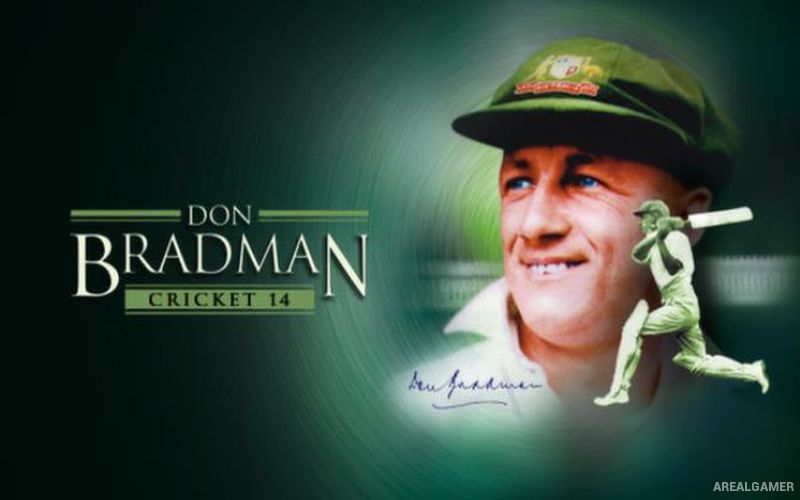
Don Bradman Cricket 14 – Free Download – PC Game
Game Info:
Size: 1.75 GB
Genre: Sports
Release Date: 26 Jun, 2014
Developer: Big Ant Studios
Publisher: Big Ant Studios
About This Game:
Don Bradman Cricket 14 is a cricket simulation designed to give players detailed control over batting, bowling, fielding, and long-term player development. Named after legendary Australian cricketer Don Bradman, the game covers multiple forms of cricket while allowing players to compete in individual matches or build a career over many seasons.
Rather than relying entirely on simple timing buttons, the control system provides more direct influence over shot selection and bowling. A large customization system also allows teams, players, competitions, and other content to be created or modified.
How the Gameplay Works
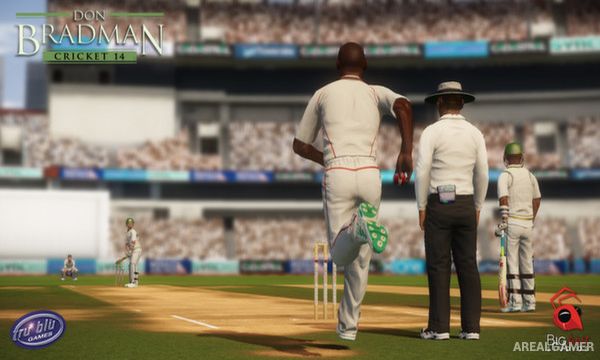
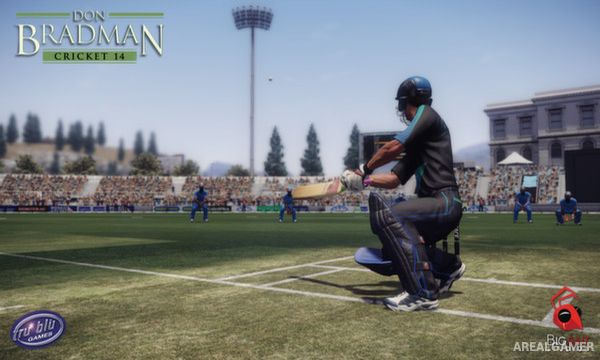
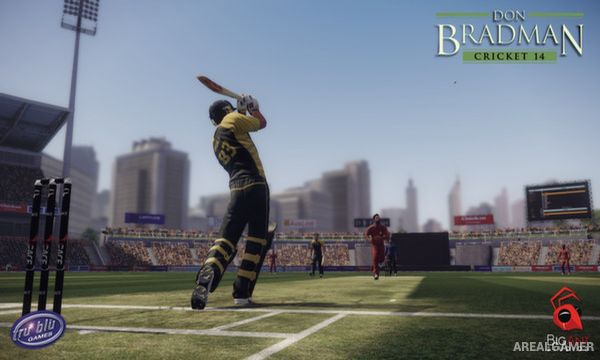
Batting requires players to choose shot direction and foot movement while reacting to the delivery. Bowlers select delivery type, line, length, and additional variations in an attempt to force mistakes or beat the batter.
Fielders can catch, throw, and attempt run-outs, while captains can adjust field placements according to the match situation. Career Mode lets players begin with a developing cricketer and improve performances over time with the goal of reaching higher levels of competition.
Main Gameplay Features
Detailed cricket simulation
Batting and bowling controls
Multiple forms of cricket
Career Mode
Create and customize players
Custom teams and competitions
Field placement options
Catching and fielding
Run-outs
Bowling variations
Single-player matches
Local and online multiplayer
Screenshots:
Minimum System Requirements:
OS: Windows XP/Vista/7/8
CPU: Pentium Dual-Core CPU E5700 @ 3.00Ghz/AMD Athlon II X2 250 Processor 3.01Ghz
RAM: 2 GB
Video Card: Radeon HD 6670 or NVIDIA Geforce GT520 with Min 1GB Memory
Space Required: 3 GB
DirectX: 9.0c
How to Install:
Extract the game using Winrar or 7zip.
Open “Don Bradman Cricket 14″ folder, double click on “Setup” and proceed install.
After installation complete, go to the “Installed Game” location.
Double click on “cricket14” icon to play the game. Enjoy!
Click the Below Button to Proceed to Download Page
File Password: arealgamer
can we play this game with keyboard and mouse
no
can we play this game in mutiplayer
no only offline