
Dream Car Builder


Dream Car Builder – Free Download – PC Game
Game Info:
Size: 1.26 GB
Genre: Simulation
Release Date: 21 Sep, 2018
Developer: RoKo0 (Roman Konyukhov)
Publisher: RoKo0 (Roman Konyukhov)
About This Game:
Dream Car Builder is a physics-based vehicle construction game that gives players the tools to design functional cars from individual structural and mechanical parts. Instead of choosing a finished vehicle, players determine the frame, suspension, wheels, steering, drivetrain, and overall shape themselves.
A design must do more than look interesting because its proportions and mechanical layout directly affect how it handles. Creations can be tested on different courses and continually rebuilt when weaknesses become obvious.
How the Gameplay Works
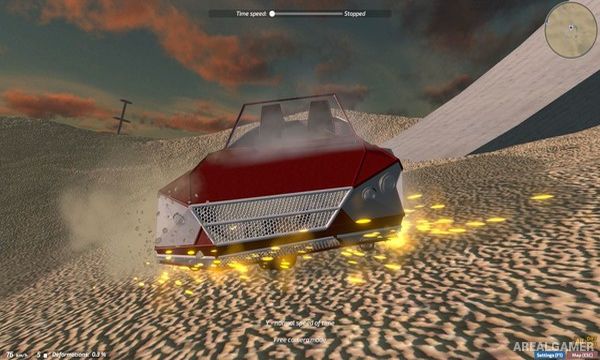
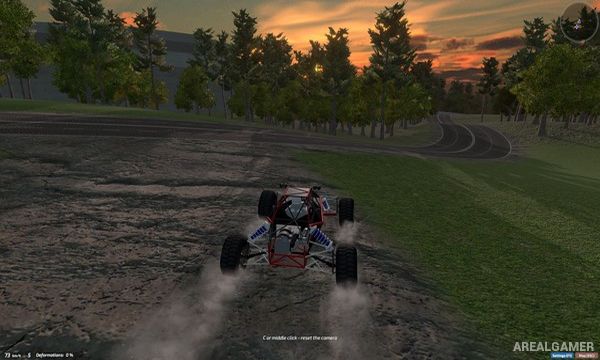
Players connect beams, joints, wheels, suspension parts, engines, and other components to create a drivable machine. Once construction is complete, the vehicle can be taken onto a track where stability, traction, weight distribution, steering, and power become immediately noticeable.
Poor designs may roll over, flex, lose control, or struggle across obstacles, encouraging repeated experimentation. Vehicles can be refined for racing, climbing, off-road driving, or simply testing unusual engineering ideas.
Main Gameplay Features
Freeform vehicle construction
Physics-based driving and suspension
Individual structural and mechanical components
Testing and iterative redesign
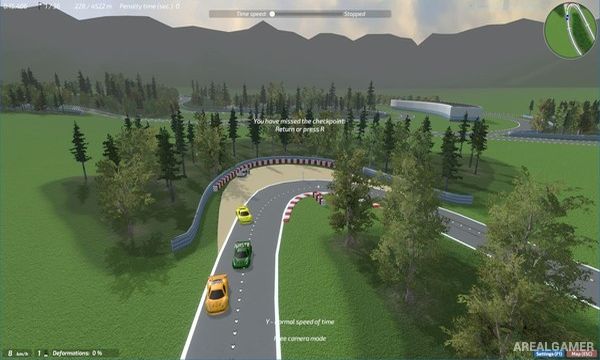
Multiple driving environments and challenges
Player-created vehicle designs
Multiplayer racing
Screenshots:
Minimum System Requirements:
OS: Windows 7/8/10, 64-bits
CPU: Intel I3
RAM: 4 GB
Video Card: Geforce 720m, 1280 x 768
Space Required: 1 GB
DirectX: 9.0c
How to Install:
Extract the game using Winrar or 7zip.
Open “Dream Car Builder” folder, double click on “Setup” and proceed install.
After installation complete, open “SKIDROW” folder.
Copy all files and paste it where you “Installed the Game”.
Go to “Win64” folder, double click on “dcr3d_x64” icon to play the game. Enjoy!
Click the Below Button to Proceed to Download Page
File Password: arealgamer