
Eldest Souls

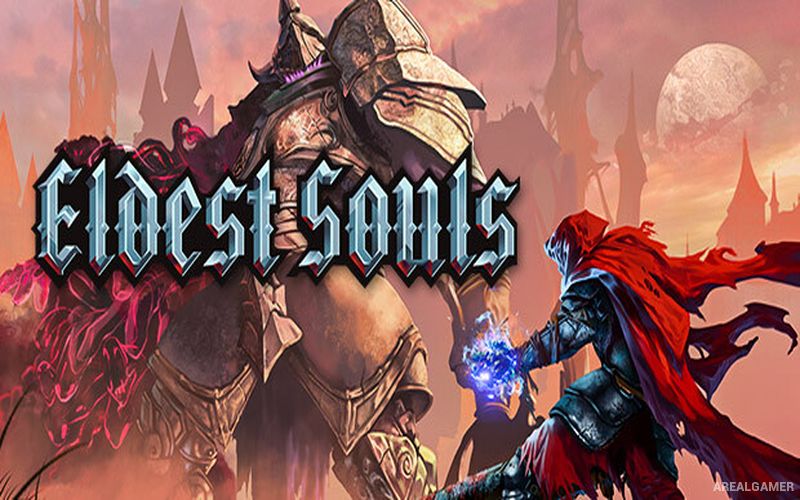
Eldest Souls – Free Download – PC Game
Game Info:
Size: 650 MB
Genre: Action
Release Date: July 29, 2021
Developer: Fallen Flag Studio
Publisher: United Label, CI Games
About This Game:
Eldest Souls is a pixel-art action game centered almost entirely on difficult boss battles. Humanity has imprisoned the Old Gods, but devastating events leave civilization close to destruction. A lone warrior carrying an enormous obsidian greatsword enters the Citadel in an attempt to defeat the imprisoned gods and end their influence.
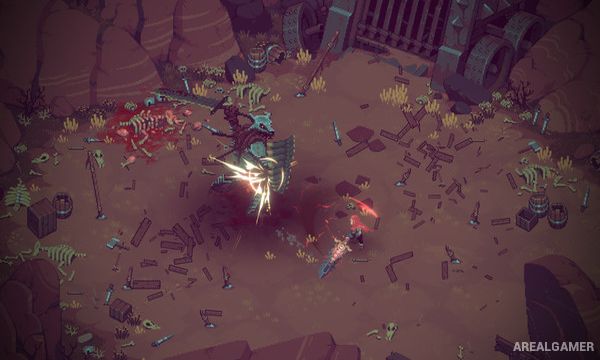
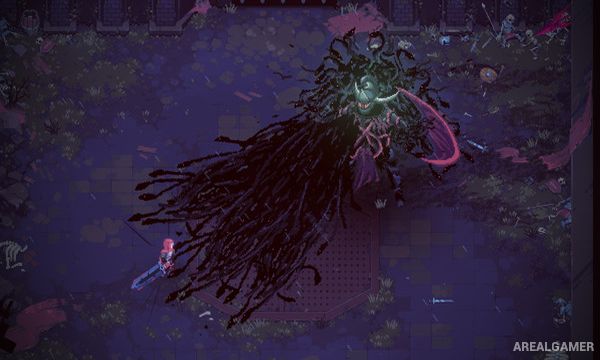
Instead of filling the world with ordinary enemy groups, the game concentrates its combat around powerful individual opponents. Each boss has unique attacks, movement patterns, phases, and weaknesses that must be learned through repeated attempts.
How the Gameplay Works
Players fight with a greatsword using attacks, charged strikes, dodges, and abilities while carefully watching each boss’s patterns. Attacking recklessly can quickly lead to defeat, making positioning and choosing safe opportunities more important than constantly dealing damage.
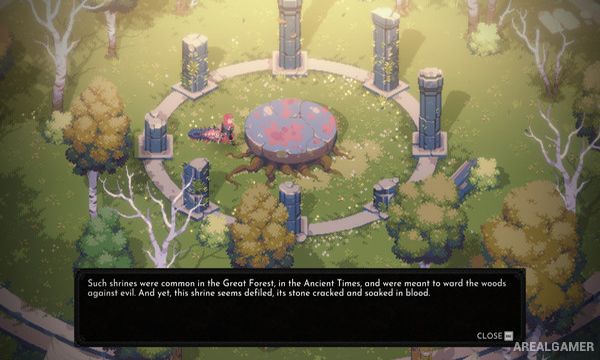
A skill system allows the warrior to develop different combat styles and modify abilities between battles. Exploration between encounters reveals additional information, characters, and optional discoveries, but the central challenge remains mastering the game’s demanding bosses.
Main Gameplay Features
Boss-rush action gameplay
Dark fantasy setting
Detailed pixel-art visuals
Greatsword combat
Dodging and charged attacks
Multiple boss phases
Pattern-based encounters
Character skill trees
Different combat builds
Challenging difficulty
Citadel exploration
Single-player campaign
Screenshots:
Minimum System Requirements:
OS: Windows 10, 64-bits
CPU: Processor: 2.8 GHz Dual Core CPU
RAM: 4 GB
Video Card: GeForce GTX 660 or equivalent with 2 GB of video RAM
Space Required: 2 GB
DirectX: 11
How to Install:
Extract the game using Winrar or 7zip.
Open “Eldest Souls” folder, double click on “Setup” and proceed install.
After installation complete, go to the “Installed Game” location.
Double click on “Game” icon to play the game. Enjoy!
Click the Below Button to Proceed to Download Page
File Password: arealgamer